
Your HTML Formatter
This HTML formatter takes a snippet or a whole page and does one of three things: it beautifies the markup with consistent indentation, it minifies it by collapsing whitespace, or it
- Free to use
- No signup
- Nothing to install
- Works in any modern browser
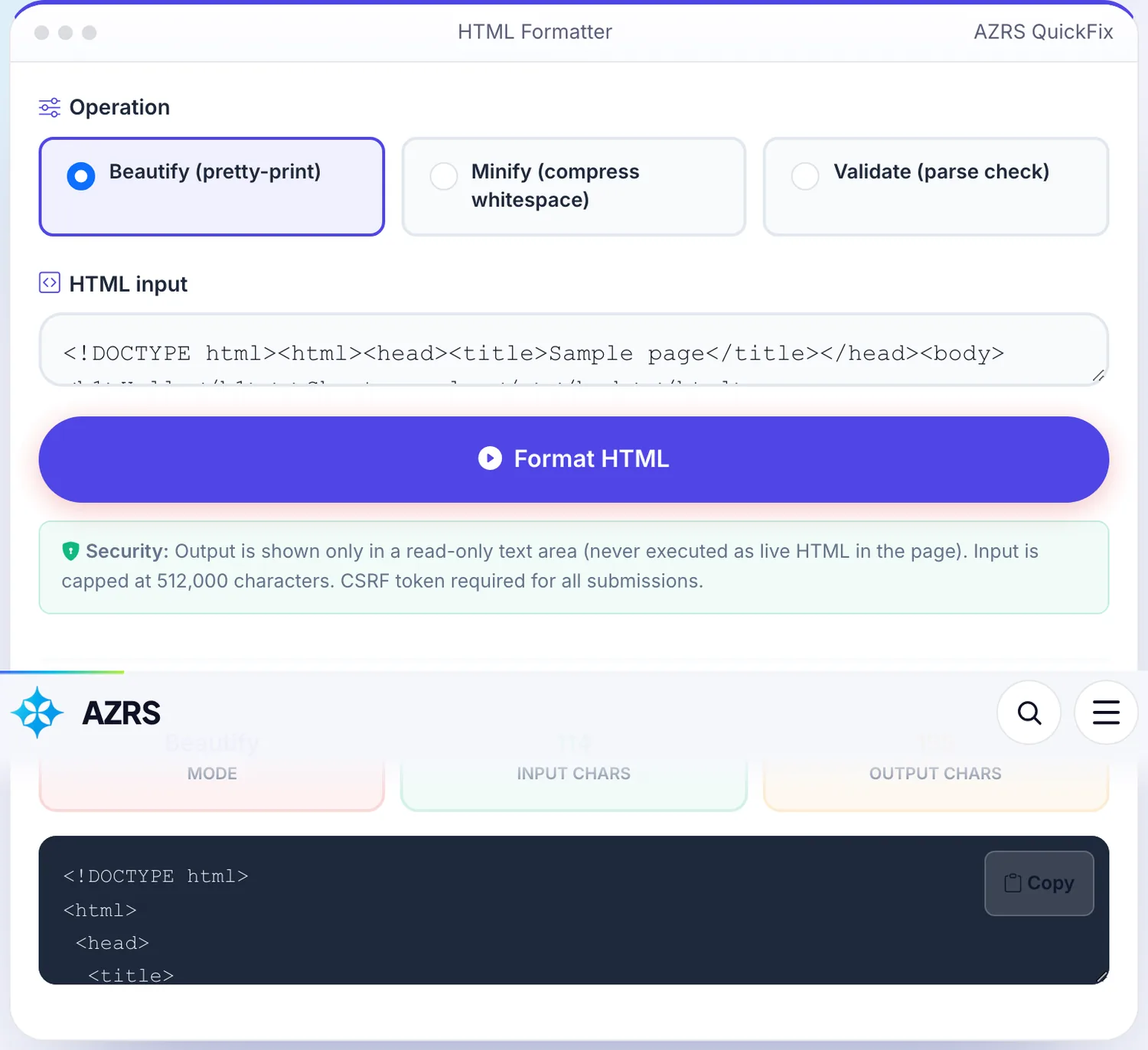
 Your input
 The action
A real example, step by step
Real data entered into the HTML Formatter, one screenshot per step. Nothing is mocked up.
Open the tool
The HTML Formatter opens ready to use, nothing to install or sign up for.
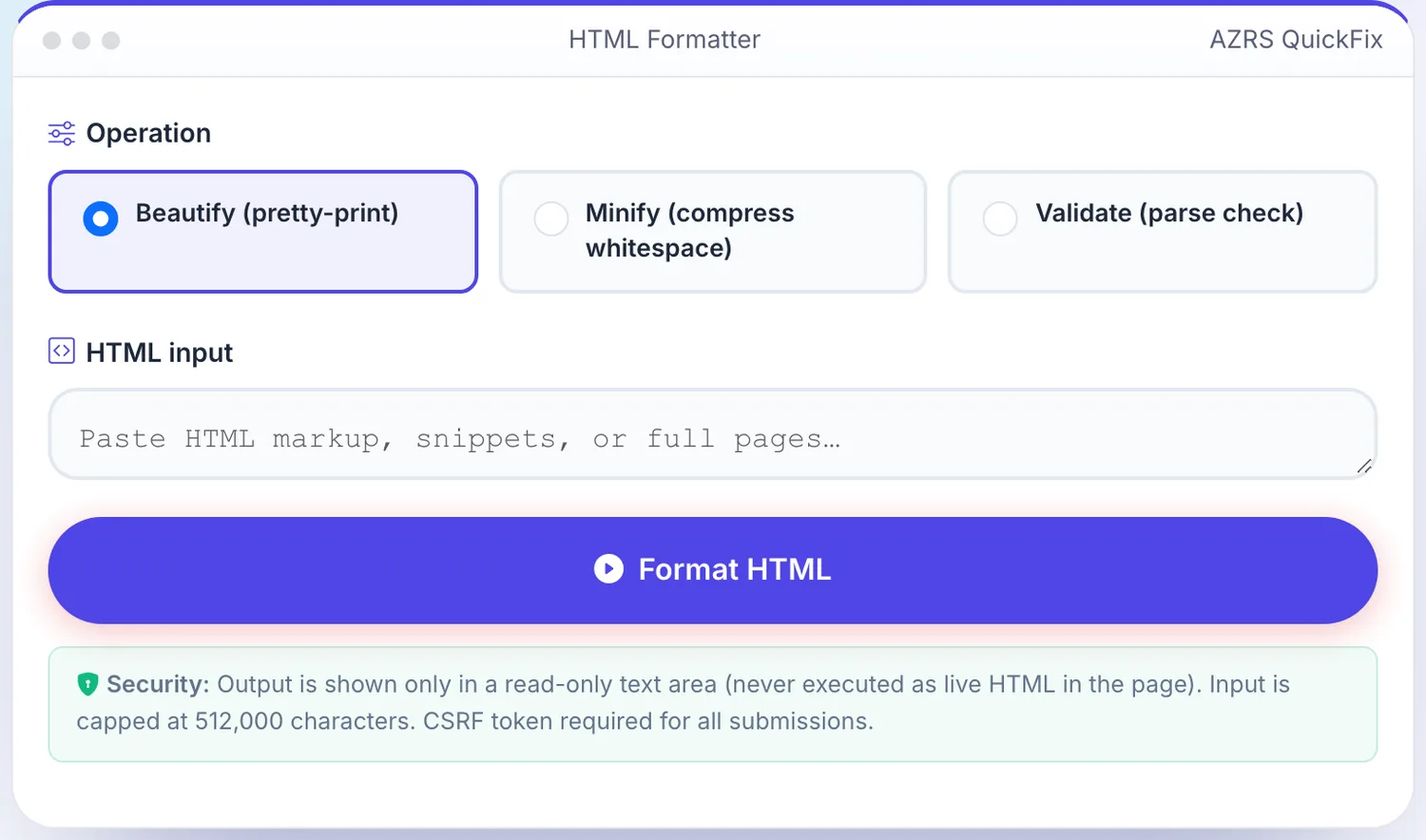
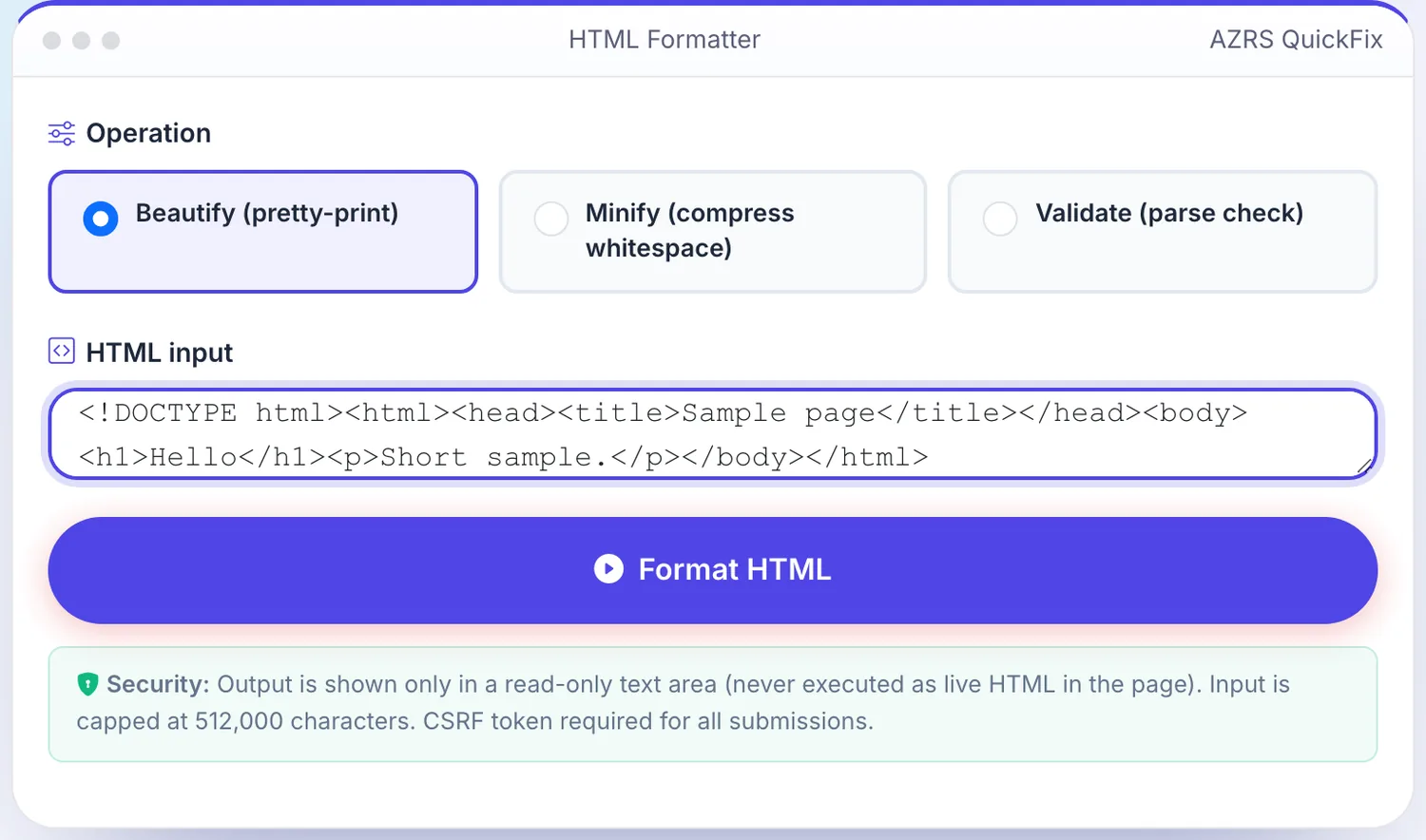
Enter your data
Real input used here: HTML input <!DOCTYPE html><html><head><title>Sam....
Press Format HTML
The HTML Formatter shows the result straight away, below the same form.
What is the HTML Formatter?
This HTML formatter takes a snippet or a whole page and does one of three things: it beautifies the markup with consistent indentation, it minifies it by collapsing whitespace, or it validates that the document parses. Paste your HTML, pick the operation, press Format HTML and copy the result from the output box.
Your markup is sent to our server, parsed there and returned as plain text. The output is shown only in a read-only text area and is never inserted into the page as live HTML, so scripts inside your markup do not run. Input is capped at 512,000 characters per request.
3 steps to your result
Open the tool and follow along. Nothing to install.
What you get
Re-indents nested tags so the structure is readable. Useful for minified or machine-generated HTML you need to read or diff.
Collapses runs of whitespace and removes the whitespace between tags to shrink the file. Comments are kept.
Parses the input and reports how many elements it found. It confirms the markup parses; it is not a full W3C conformance check.
Results appear only as escaped text in a read-only box, never as rendered HTML.
AZRS tools are free to open and use.
It opens in your browser, so there is nothing to download.
Used for
Pick one to see how it fits.
Front-end developers
Make a minified template readable before editing it, or shrink a snippet before pasting it into a CMS field.
Try it freeEmail and CMS editors
Clean up pasted markup so the structure is easy to check by eye.
Try it freeStudents
See how nested elements relate by viewing them indented one level per child.
Try it freeHow it compares
A plain look at this tool next to the usual alternative.
| This utility | Desktop software | |
|---|---|---|
| Install | Nothing to install | Usually an app or program to install |
| Account | No signup | Depends on the product |
| Cost | Free to use | Free or paid, depends on the product |
Questions people ask
Is the HTML formatter free?
Yes. It is free with no signup.
Is my HTML stored?
The markup is processed to produce the result and is not kept permanently. Logged-in users may have optional private history entries.
Does it fix broken HTML?
The parser normalises markup the way browsers do, so unclosed tags are tidied in the output. Validate only confirms that the input parses.
What is the size limit?
512,000 characters per request.
Will scripts in my HTML run?
No. The result is displayed as escaped text in a read-only box.
More free tools
Related to the HTML Formatter.
Try the HTML Formatter now
This HTML formatter takes a snippet or a whole page and does one of three things: it. Free to use.
Try it free