
Your JSON Formatter, Validator & Beautifier
Free online JSON formatter and validator. Paste JSON to beautify it with proper indentation, minify it to one line, or find the exact line and character.
- Free to use
- No signup
- Nothing to install
- Runs in your browser
 Your input
 The action
A real example, step by step
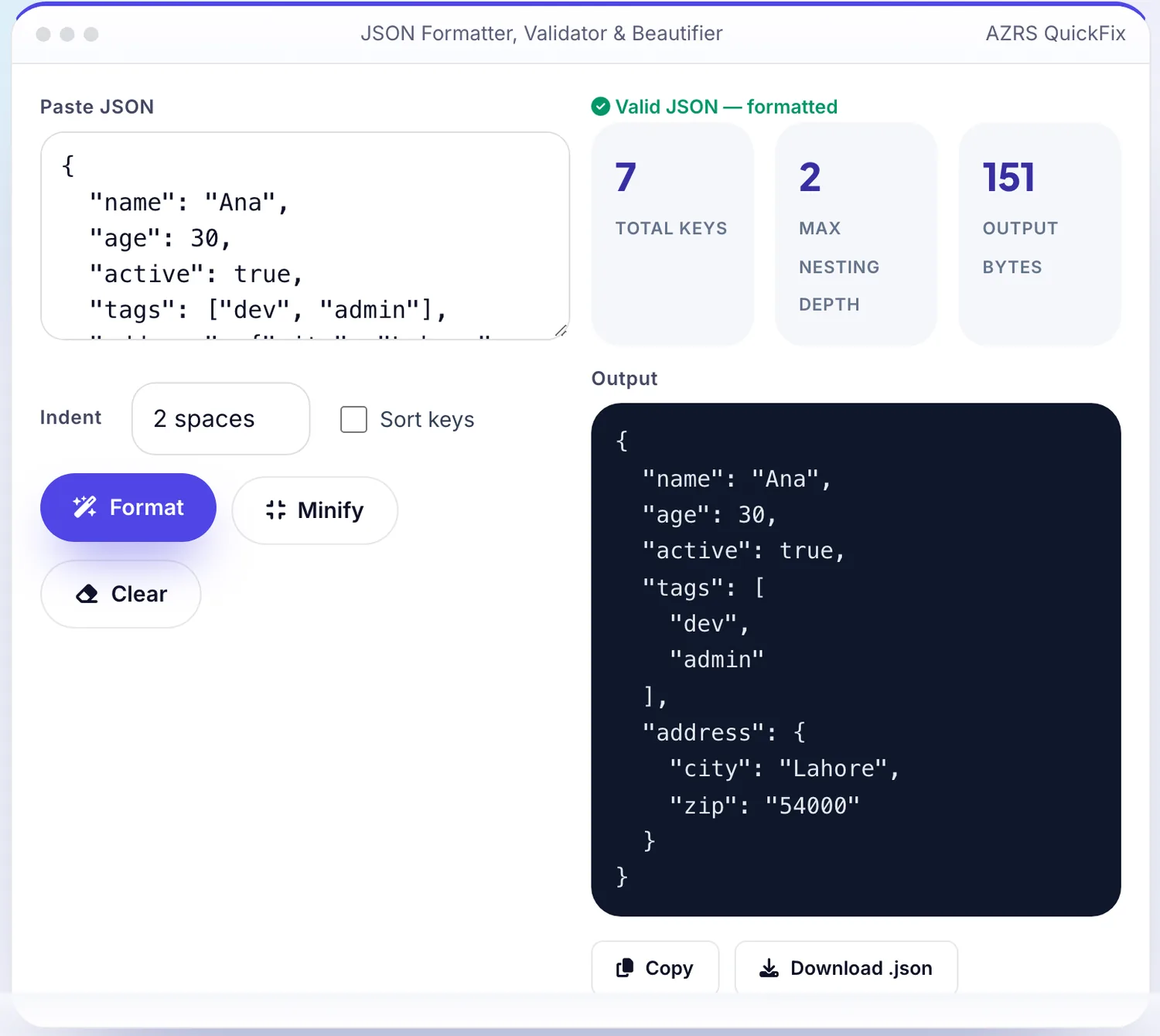
Real data entered into the JSON Formatter, Validator & Beautifier, one screenshot per step. Nothing is mocked up.
Open the tool
The JSON Formatter, Validator & Beautifier opens ready to use, nothing to install or sign up for.
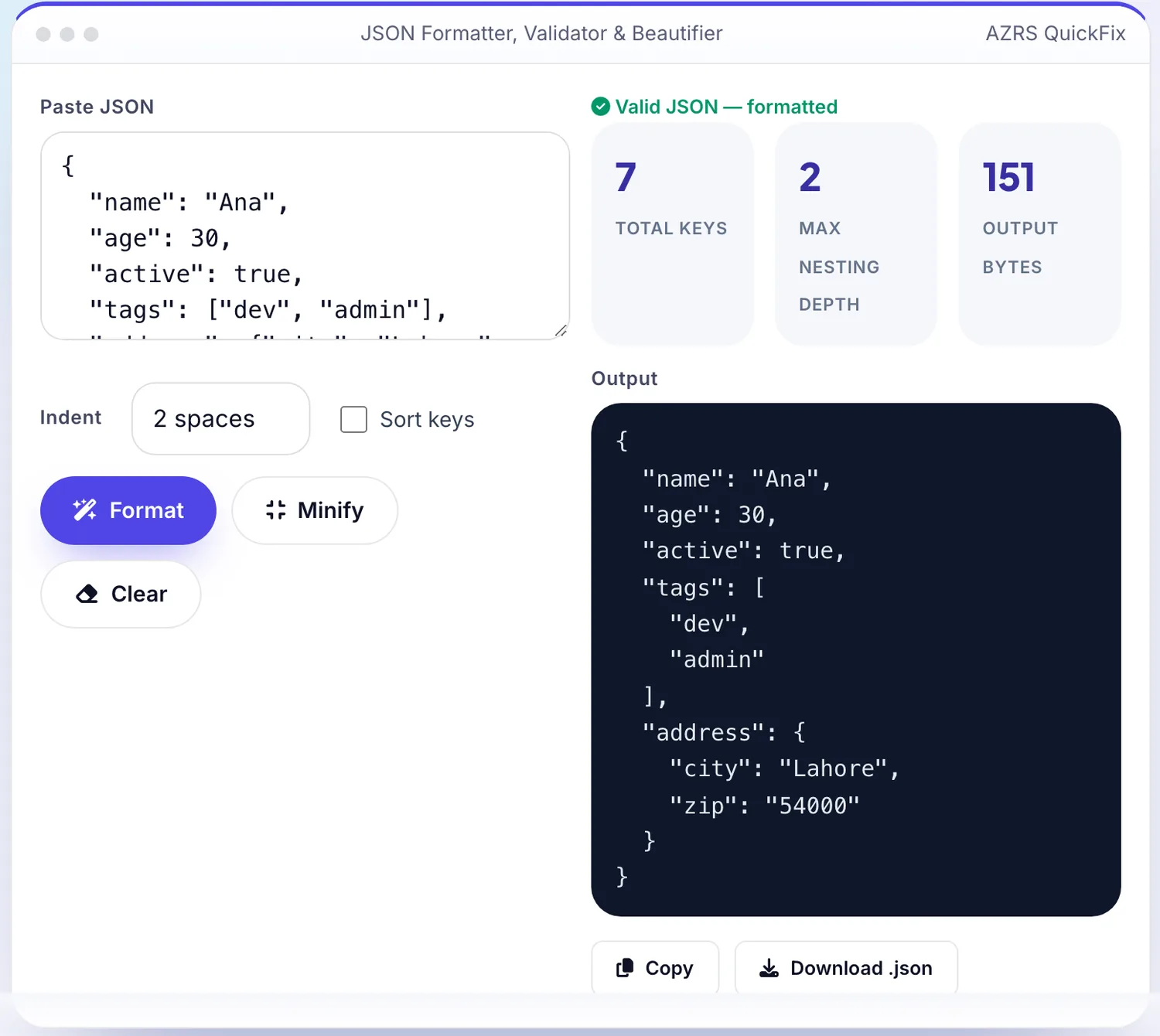
Enter your data
Real input used here: Paste JSON { "name": "Ana", "age": 30, "ac....
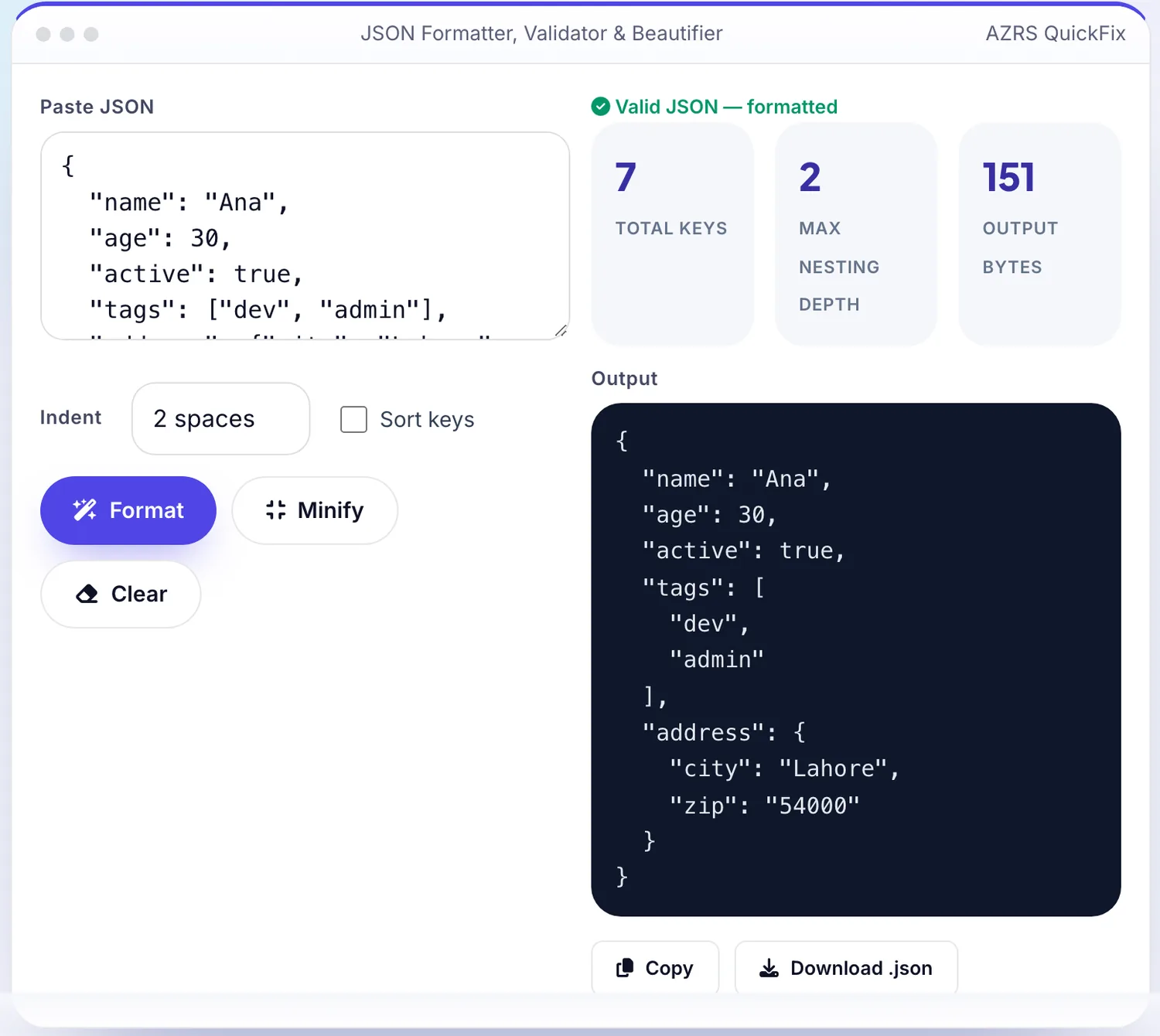
Press Format
The JSON Formatter, Validator & Beautifier shows the result straight away, below the same form.
What is the JSON Formatter, Validator & Beautifier?
Malformed JSON — a missing comma, an extra bracket, a trailing comma — breaks APIs and config files, and the raw error from most languages just says "unexpected token" without telling you where. This tool parses your JSON in the browser, and if it fails, shows you the exact line and character the parser stopped at, plus a snippet of the surrounding text, so you can fix it in seconds instead of scanning by eye.
When the JSON is valid, it reformats it with clean, consistent indentation (2 or 4 spaces, or tabs), sorts keys alphabetically if you want, and shows basic stats — key count, nesting depth and byte size. A one-click minify mode strips all whitespace for pasting into config files or URLs where size matters.
3 steps to your result
Open the tool and follow along. Nothing to install.
What you get
Line and character number for the first syntax error, not a vague message.
Switch between readable indentation and a single compact line.
Alphabetise object keys for easier diffing between versions.
Parsing happens in your browser; nothing is sent anywhere.
AZRS tools are free to open and use.
It opens in your browser, so there is nothing to download.
Used for
Pick one to see how it fits.
How it compares
A plain look at this tool next to the usual alternative.
| This utility | Desktop software | |
|---|---|---|
| Install | Nothing to install | Usually an app or program to install |
| Account | No signup | Depends on the product |
| Cost | Free to use | Free or paid, depends on the product |
| Where it runs | In your browser tab | On your computer |
Questions people ask
Is my JSON data uploaded anywhere?
No, it is parsed and formatted entirely in your browser using JavaScript's built-in JSON parser; nothing is sent to a server.
Why does it say "Unexpected token" at a line that looks fine?
JSON errors are often reported at the position where the parser gives up, which can be just after the real problem — check the character just before the reported position too, such as a missing comma on the previous line.
Can I convert JSON to a more compact form for a URL?
Yes, use Minify, which removes all unnecessary whitespace.
Does it support JSON5 or JSONC with comments?
No, this validates strict JSON per the JSON specification; comments and trailing commas will be flagged as errors.
Can I sort the keys alphabetically?
Yes, toggle Sort keys before formatting to alphabetise every object's keys recursively.
More free tools
Related to the JSON Formatter, Validator & Beautifier.
Try the JSON Formatter, Validator & Beautifier now
Format, validate and minify JSON with clear error locations. Free to use.
Try it free