Camera Sit-Up & Crunch Counter (AI)
Counts sit-ups or crunches with your camera, from any angle.
Voice & sounds
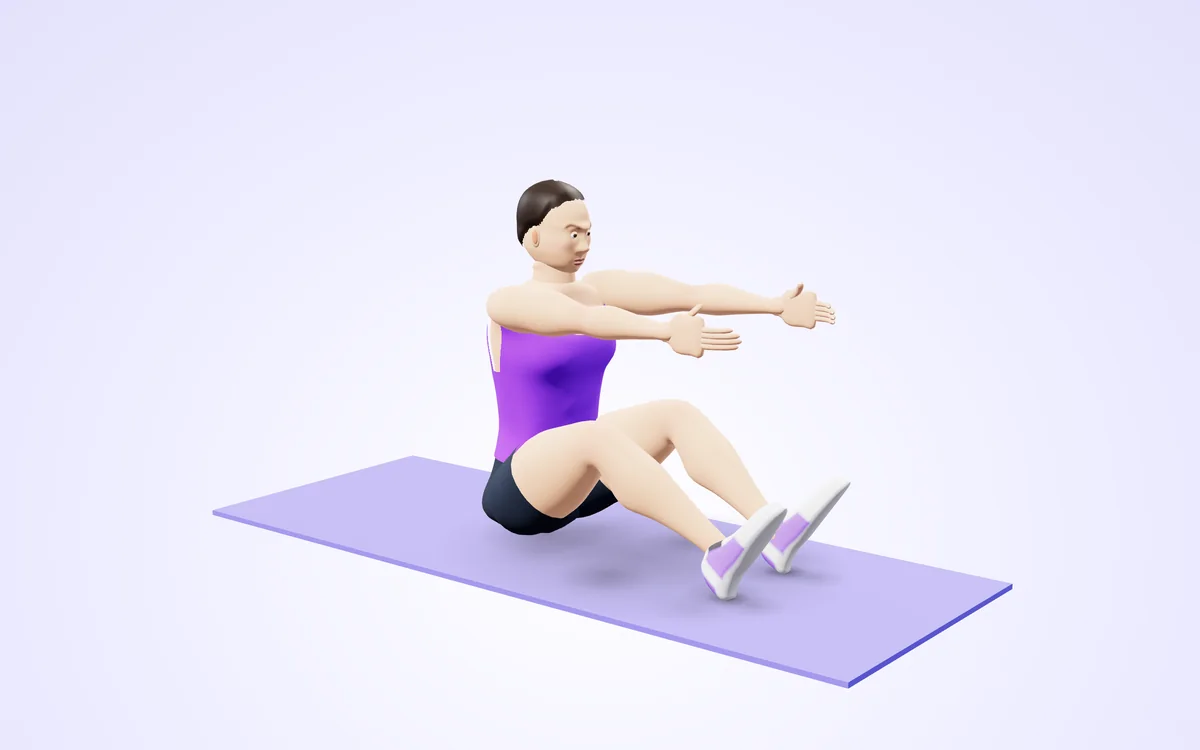
Watch it in 3DSee the exact form before you start. Drag to look from any angle.
Demo only. Move at a pace that feels safe and stop if anything hurts.
More free tools
See Camera Sit-Up & Crunch Counter (AI) in action
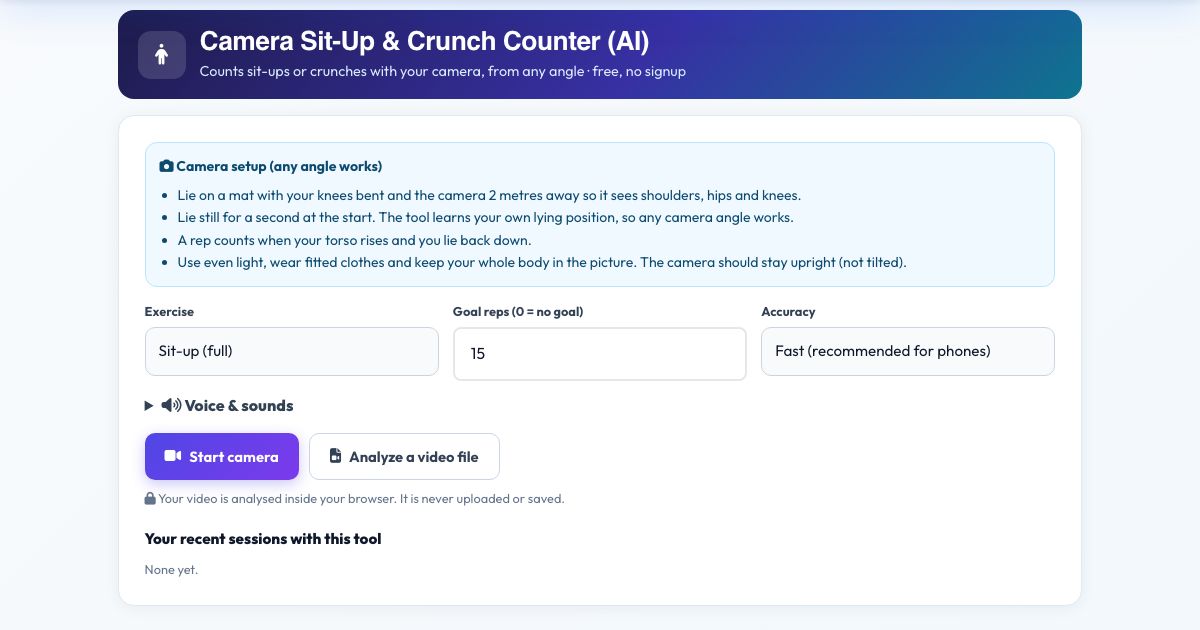
Camera Sit-Up & Crunch Counter (AI)
Lie on a mat with your knees bent and let the camera see your shoulders, hips and knees. The counter learns what 'lying down' looks like for you in the first second, then counts a rep every time your torso rises far enough and returns to the floor. Choose full sit-ups or smaller crunches.
Because it calibrates itself to your own lying position and uses 3D body angles, it works from a camera at your side, at your feet or at a diagonal. Voice counts and a goal call keep you focused on your abs, not on counting.
Use it in 4 steps
Place the camera 2 metres away so shoulders, hips and knees are visible.
Choose Sit-up or Crunch, then Start camera.
Lie back and stay still for a moment while it calibrates.
Do your reps and press Finish & save.
Key features
Self-calibrating
Learns your lying baseline automatically.
Sit-up or crunch mode
Different range of motion thresholds.
Any angle
3D torso angle.
Voice count and goal
Hands-free.
Private
No upload.
A real example, step by step
Crunch mode, goal 25: each time your shoulders lift about 17 degrees and lower again, you hear the next number.
Who uses this tool
Core workouts at home
Count reps without losing track.
Fitness test practice
Practice timed sit-up tests.
Tips for the best results
- Cross your arms on your chest so they do not block the camera.
- Bend your knees so the camera can see them.
- Use a mat so the camera sees you clearly against the floor.
Common mistakes to avoid
- Pulling on your neck. Keep hands light.
- Not lying flat at the start, which skews the calibration. Press Reset if it happens.
Frequently asked questions
What is the difference between sit-up and crunch mode?
Sit-ups need your torso to rise about 42 degrees from your lying angle, crunches about 17 degrees.
Does it work from any camera angle?
The view does not matter much, because the angles are 3D. It looks for the "Lying" position, then the "Up" position. Lie on a mat with your knees bent and the camera 2 metres away so it sees shoulders, hips and knees.
Is my video uploaded or saved?
No video leaves your device. Counts sit-ups or crunches with your camera, from any angle; the detection runs locally, and nothing is recorded, uploaded or stored and the camera stops when you finish. Lie on a mat with your knees bent and the camera 2 metres away so it sees shoulders, hips and knees.
What do I need?
Open the page over https in Chrome, Edge, Safari or Firefox and allow the camera. Lie on a mat with your knees bent and the camera 2 metres away so it sees shoulders, hips and knees. Lie still for a second at the start. The tool learns your own lying position, so any camera angle works.
Can I use a video instead of the live camera?
Yes: choose 'Analyze a video file', select your clip, and the same counting rules apply as live. Counts sit-ups or crunches with your camera, from any angle. Lie still for a second at the start. The tool learns your own lying position, so any camera angle works.
The counter is not counting. What should I check?
Start from the right position. This tool waits for the "Lying" position before it counts "Up". Lie on a mat with your knees bent and the camera 2 metres away so it sees shoulders, hips and knees. Then read the message under the picture.
Free, fast and private by design
No signup, no watermark. New AZRS tools are added every week.