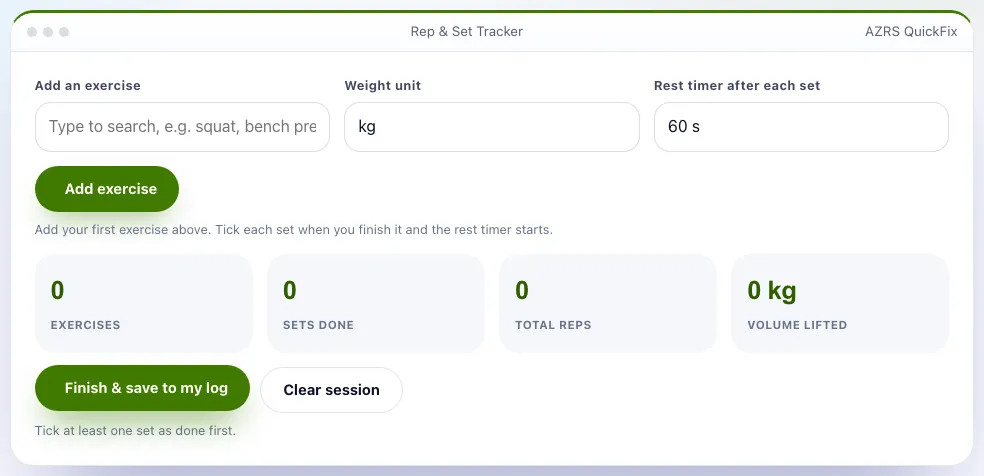
Rep & Set Tracker
Log weight, reps and sets, with an automatic rest timer.
More free tools
How Rep & Set Tracker works, step by step
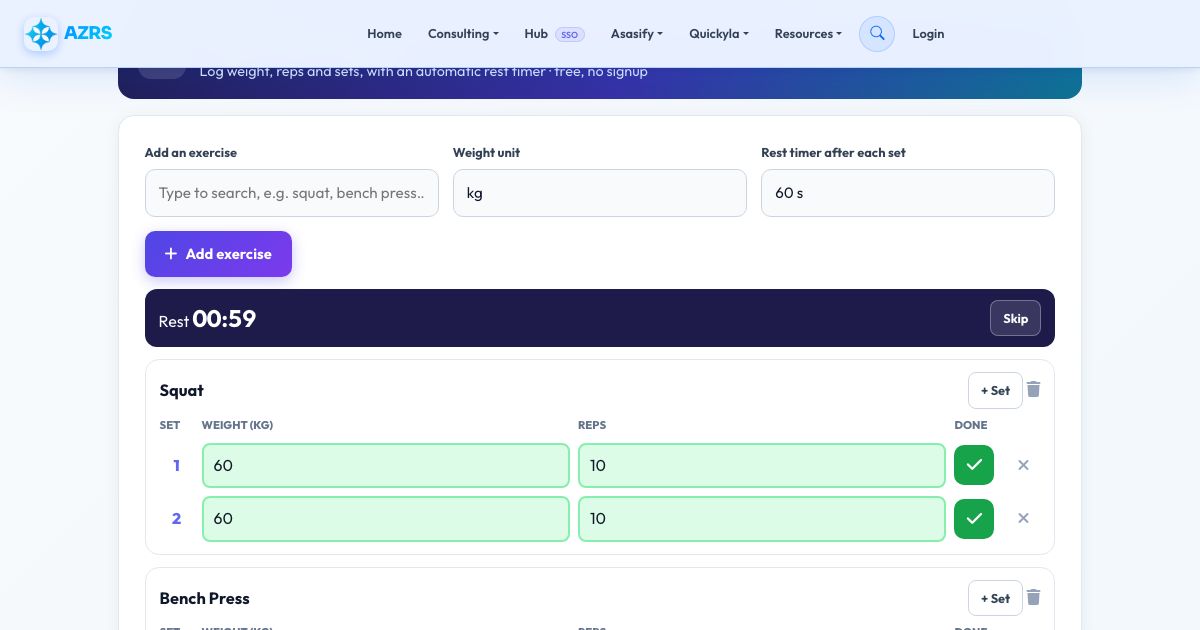
Type an exercise name and press Add.
 Download it
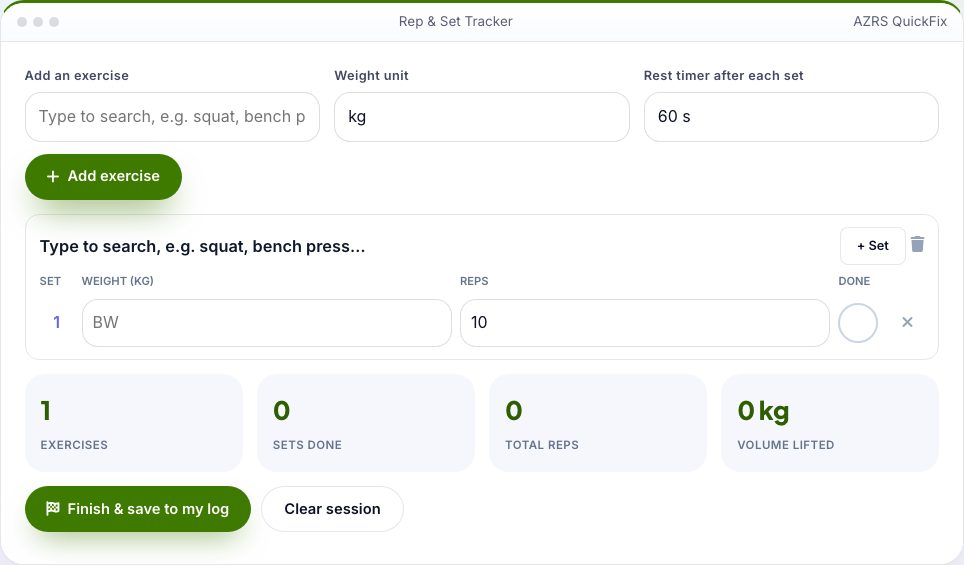
Enter the weight and reps for the set, then tick it when done.
Rep & Set Tracker
Writing sets in a notes app is slow. This tracker is built for the gym floor: add an exercise, then for each set enter the weight and reps and tick it off. A rest timer starts automatically so you know when to lift again, and the app shows what you lifted last time so you can beat it.
At the end it totals your sets, reps and volume lifted, saves each exercise into your Workout Log, and remembers your numbers for next time. Works in kg or lb, offline once loaded, and your data stays on your device.
Use it in 4 steps
Type an exercise name and press Add.
Enter the weight and reps for the set, then tick it when done.
Rest while the timer counts down, then do the next set.
Press Finish & save to log the session.
Key features
One-tap set logging
Weight, reps and a tick.
Automatic rest timer
Choose 30 seconds to 3 minutes.
Last time shown
Easy progressive overload.
Volume and totals
Sets, reps and kilograms lifted.
Saves to your Workout Log
See streaks and history.
kg or lb
Switch anytime.
A real example, step by step
Squat 3 sets: 60 kg × 8, 60 kg × 8, 62.5 kg × 6. Volume is 1,380 kg. Next time the tracker shows 'Last time: 8×60, 8×60, 6×62.5'.
Who uses this tool
Gym-goers
Track lifts without a notebook.
Home trainers
Count sets with bodyweight too.
Coaches
Review client numbers.
Tips for the best results
- Use the same exercise names each time so history matches.
- Add 1 rep or 2.5 kg when every set feels easy.
- Keep sets of similar difficulty.
Common mistakes to avoid
- Logging sets before you finish them.
- Skipping rest on heavy sets.
Frequently asked questions
Where is my data?
In your browser only. Use Workout Log to export a backup.
Can I use bodyweight?
Yes, leave the weight empty (BW).
Is it free and private?
Yes, and free. Saved data lives only in this browser. One-tap set logging; Automatic rest timer; Last time shown. Type an exercise name and press Add. Enter the weight and reps for the set, then tick it when done.
Free, fast and private by design
No signup, no watermark. New AZRS tools are added every week.