Remove Image Backgrounds
Instantly 2026
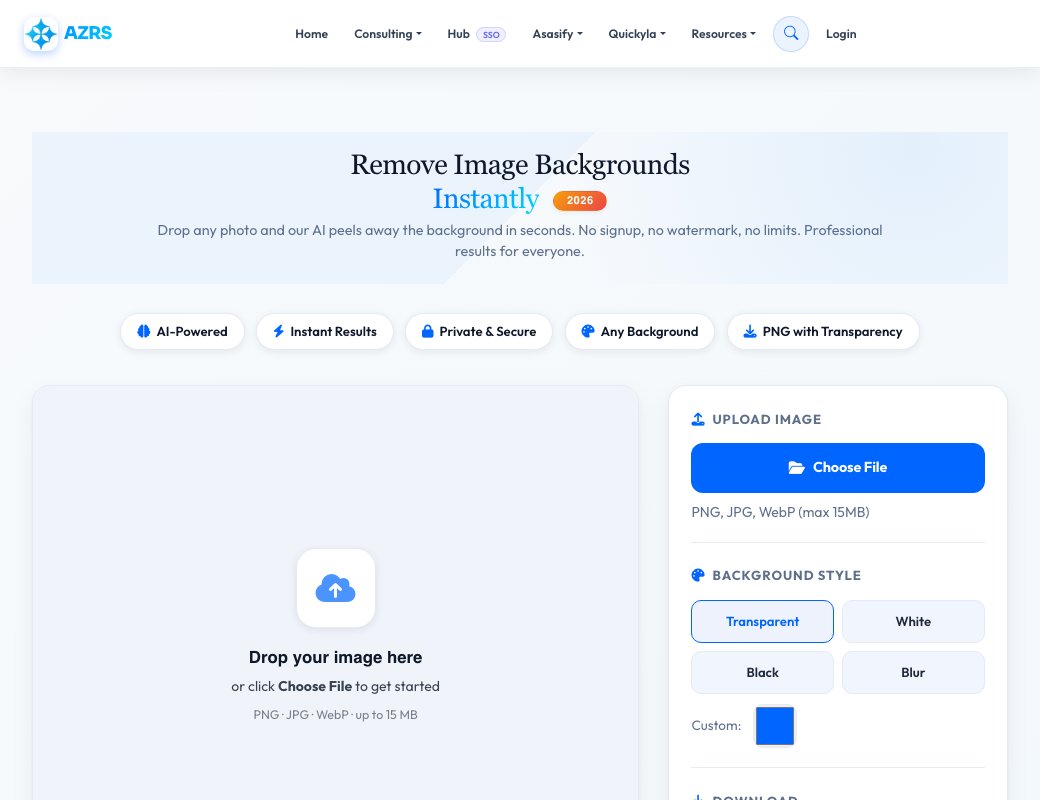
Drop any photo and our AI peels away the background in seconds. No signup, no watermark, no limits. Professional results for everyone.
Drop your image here
or click Choose File to get started
PNG · JPG · WebP · up to 15 MB
Processed in browser — no server upload
The Best Free Background Remover in 2026
AZRS QuickFix uses advanced AI segmentation to detect the subject in any photo and remove its background with pixel-perfect accuracy — including hair, fur, and transparent objects. Everything runs locally in your browser, so your images never touch a server.
Unlike other tools, we impose zero daily limits, zero watermarks, and zero signups. Whether you need transparent PNGs for e-commerce listings, clean headshots for LinkedIn, or creative composites for social media — this tool handles all of it at no cost.
Supported Input Formats
Three Steps to a Perfect Cutout
Our AI pipeline runs entirely in your browser using WebAssembly — no uploads, no waiting, no privacy risk.
Upload Your Image
Drag and drop or click Choose File. Supports PNG, JPG, WebP up to 15 MB.
AI Detects Subject
Our neural network identifies the foreground subject — people, products, pets, logos — with sub-pixel precision.
Customize Background
Keep transparent, swap to white, black, a custom color, or apply a blur effect for an editorial look.
Download HD PNG
Export a lossless PNG with full transparency. No compression, no quality loss, no watermark.
What People Use It For
From professional product photography to quick social media posts — background removal is needed everywhere.
E-commerce Products
Clean white-background shots for Amazon, Shopify, eBay listings.
Professional Headshots
Replace messy backgrounds with solid or blurred studio-style backdrops.
Pet & Animal Photos
Precisely cut out complex fur and whiskers — even on white animals.
Design & Marketing
Extract assets for banners, ads, presentations and social posts.
Logos & Icons
Make logos transparent for overlays on any color background.
Photo Compositing
Place subjects into new scenes, creative artwork, or video thumbnails.
See Free Background Remover — Instant Image Cutouts in action
Free Background Remover — Instant Image Cutouts
Upload a photo and this tool automatically detects the subject and removes everything behind it, giving you a transparent PNG cutout in seconds. It runs entirely client-side, so there's no waiting on a server queue, and processed images are kept in a local history strip so you can revisit recent results.
Once a background is removed you can download it as a transparent PNG or replace the background with any solid colour using the built-in colour picker, which is handy for ID photos, product shots or profile pictures that need a specific background colour.
Key features
Automatic subject detection
Drop an image in and the background is detected and removed without manual masking.
Transparent PNG export
Download the cutout as a PNG with a transparent background, ready to drop into another design.
Solid colour replacement
Swap the removed background for any solid colour using the colour picker instead of leaving it transparent.
Local history strip
Recently processed images stay available in a history strip so you can flip back to a previous result.
How to use it
- Drop an image onto the canvas area or click Choose File.
- Wait a moment while the background is detected and removed.
- Optionally pick a background colour to fill in behind the subject.
- Download the result as a PNG.
Worked example
Example
Upload a portrait photo taken against a cluttered kitchen background. The tool detects the person and strips the background out to transparency in a couple of seconds — then you can add a plain white or blue fill for a quick passport- or LinkedIn-style photo.
Who uses this tool
Online sellers
Create clean, consistent product photos on a transparent or white background.
Job seekers & students
Produce a neat headshot with a solid background for a resume, ID or profile photo.
Designers
Quickly cut out a subject to drop into a poster, thumbnail or social post.
Tips for the best results
- Use a photo with good contrast between the subject and background for the cleanest cutout.
- Check fine details like hair edges after processing — very fine or wispy edges can be harder to detect perfectly.
- Use the colour-fill option if you need a specific solid background rather than transparency, e.g. for ID photos.
- Keep the original photo — re-run the tool if you want to try a different colour fill later.
Common mistakes to avoid
- Using a very low-resolution or heavily compressed photo, which reduces edge-detection quality.
- Expecting a perfect cutout on busy, low-contrast backgrounds where the subject blends into the scene.
- Forgetting to download before navigating away — grab the result from the history strip if you did.
Why use AZRS QuickFix?
It is 100% free, needs no signup and has no watermark or usage limits. The tool runs in your browser, so what you type stays on your device, and it works on phones, tablets and desktops. New tools are added every week — bookmark this page or browse the full QuickFix toolbox.
Frequently asked questions
Is the background remover free?
Yes, completely free with no watermark and no signup.
What file formats can I upload?
Common image formats are accepted; check the supported-formats section on the page for the current list.
Do I get a transparent background?
Yes, the default export is a transparent PNG; you can also fill it with a solid colour instead.
Is my photo uploaded to a server?
Processing happens in your browser session and images aren't stored beyond your local history strip.
Can I remove the background from multiple photos?
Yes, process one image at a time; each result is kept in the history strip until you clear it.
Why didn't the cutout look clean around the hair?
Very fine details like flyaway hair are the hardest part of automatic background removal; a higher-contrast original photo usually helps.