Camera Pull-Up Counter (AI)
Counts pull-ups when your chin clears the bar, any camera angle.
Voice & sounds
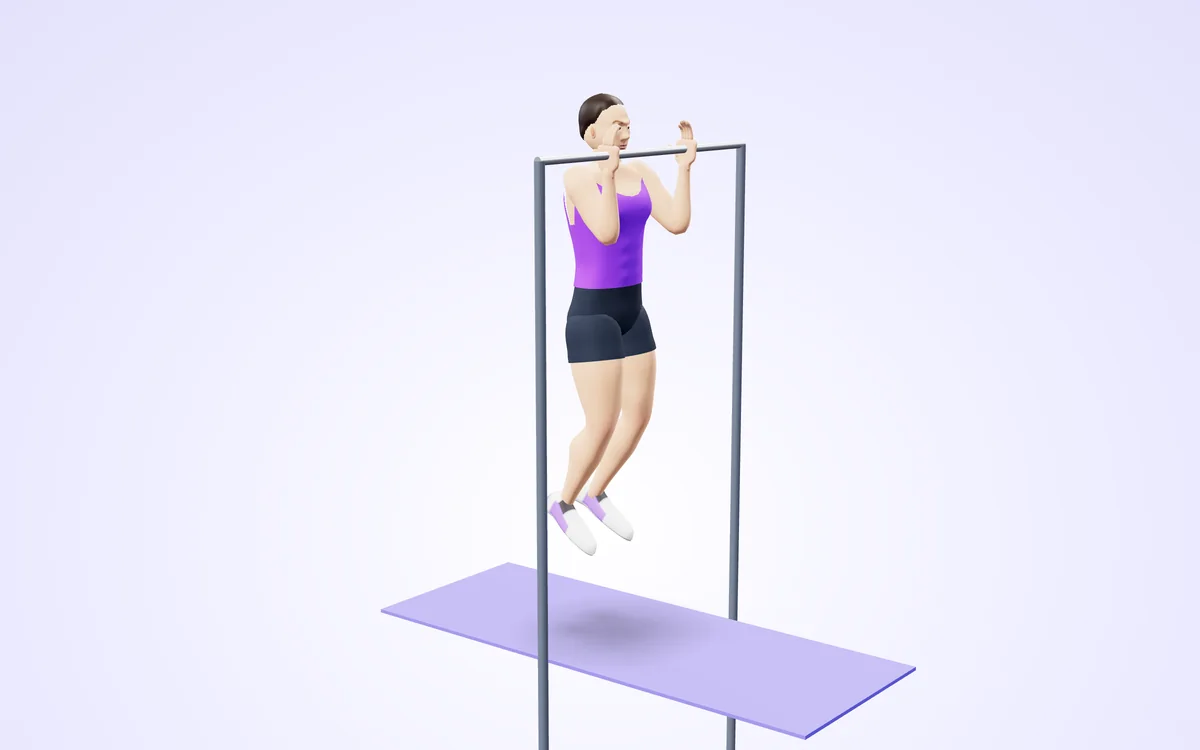
Watch it in 3DSee the exact form before you start. Drag to look from any angle.
Demo only. Move at a pace that feels safe and stop if anything hurts.
More free tools
See Camera Pull-Up Counter (AI) in action
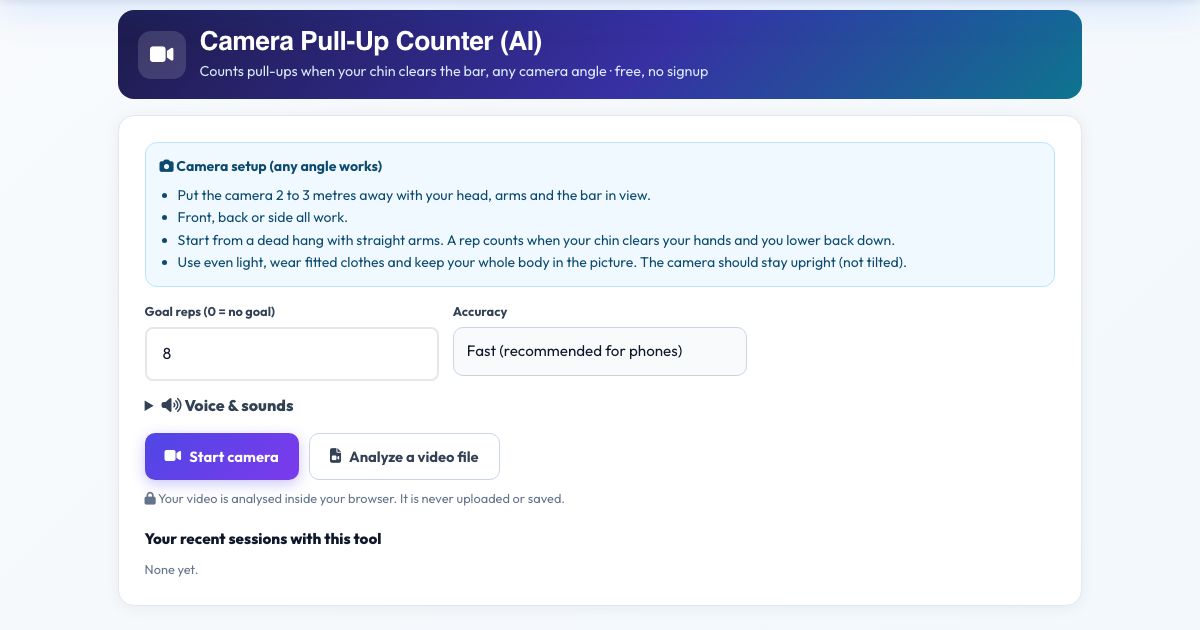
Camera Pull-Up Counter (AI)
Count pull-ups and chin-ups hands-free. Hang from your bar with the camera seeing your head, shoulders and arms. The counter registers a rep when your arms bend past 95 degrees and your chin passes your hands, then waits for you to lower back to a straight-arm hang.
It works from the front, back or side thanks to 3D joint angles. If you pull partway it says 'Pull higher. Chin over the bar.' Set a goal, hear each number, and save your session.
Use it in 4 steps
Set the camera 2 to 3 metres away with the bar, head and arms in view.
Press Start camera and hang with straight arms.
Pull up. Each full rep is counted and called out loud.
Press Finish & save.
Key features
Chin-over-bar rule
Counts only when your chin passes your hands.
Full hang required
Arms must straighten between reps.
Any angle
Front, back or side.
Voice counts
Hear each rep.
Private
No upload.
A real example, step by step
Goal 8: you hang, pull, chin clears your hands, lower to a dead hang and hear 'one'.
Who uses this tool
Calisthenics athletes
Count strict reps.
Military and fitness-test prep
Practice standards.
Home pull-up bar users
Hands-free tally.
Tips for the best results
- Make sure the camera sees both hands and your chin.
- Straight arms at the bottom, or the next rep will not start.
- A tripod or shelf at chest height works well.
Common mistakes to avoid
- Standing so close that the bar leaves the picture.
- Kipping fast, which can skip frames.
Frequently asked questions
Do chin-ups count?
Yes. Palms toward you or away, a rep is a full pull and full hang.
Does it work from any camera angle?
Yes. Counts pull-ups when your chin clears the bar, any camera angle, and the angle you film from does not change the reading. Put the camera 2 to 3 metres away with your head, arms and the bar in view.
Is my video uploaded or saved?
No. The rep counting in Camera Pull-Up Counter (AI) happens in your browser, so no recording or upload is needed and the camera stops when you finish. Start from a dead hang with straight arms. A rep counts when your chin clears your hands and you lower back down. Put the camera 2 to 3 metres away with your head, arms and the bar in view.
What do I need?
Just a camera and a current browser, using https. Start from a dead hang with straight arms. A rep counts when your chin clears your hands and you lower back down. Put the camera 2 to 3 metres away with your head, arms and the bar in view.
Can I use a video instead of the live camera?
Yes. Film your pull-up the way you would for the live camera, then press 'Analyze a video file'. Put the camera 2 to 3 metres away with your head, arms and the bar in view.
The counter is not counting. What should I check?
Light the room, stay in view and begin correctly. Counts pull-ups when your chin clears the bar, any camera angle. Start from a dead hang with straight arms. A rep counts when your chin clears your hands and you lower back down. Put the camera 2 to 3 metres away with your head, arms and the bar in view.
Free, fast and private by design
No signup, no watermark. New AZRS tools are added every week.