
3D Model to GIF, PNG & Video Preview Maker (Turntable)
Turn an STL, OBJ, 3MF or STEP file into a transparent PNG, turntable GIF or video.
More free tools
See 3D Model to GIF, PNG & Video Preview Maker (Turntable) in action
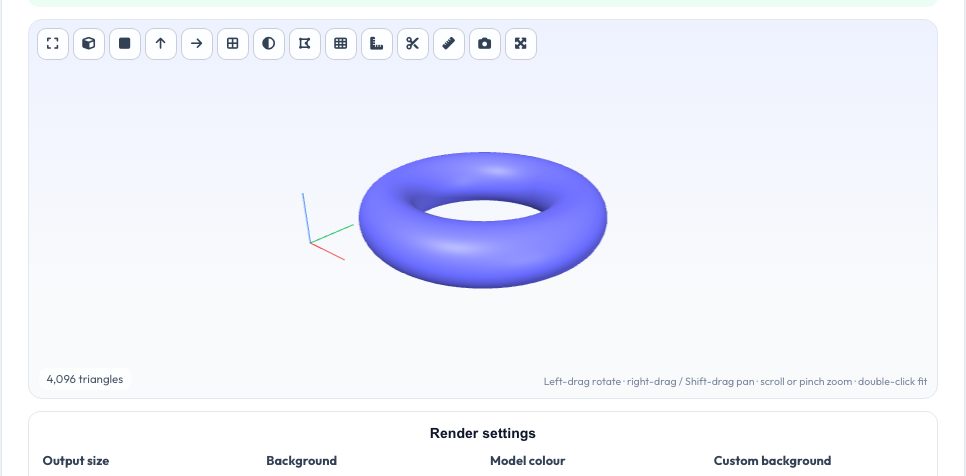
Free 3D Model to GIF, PNG & Video Preview Maker
Sharing a 3D-printable model on Printables, Thingiverse, Etsy, Reddit or in a portfolio works much better with a clean preview picture, but a screenshot of a CAD window looks amateurish. Drop in an STL, OBJ, 3MF, PLY, GLB or STEP file, orbit to the angle you like, choose a model colour and a background (white, soft gradient, dark, a colour of your choice or fully transparent), and export a high-resolution PNG snapshot, a rotating turntable GIF, a WebM or MP4 video, or a zip of PNG frames for your own video editor.
Everything is rendered locally with WebGL: the file is never uploaded, there is no watermark and no account. The GIF encoder builds a shared 256-colour palette from all frames with optional ordered dithering, so flat backgrounds stay clean and shaded surfaces keep their gradients; a transparent-background GIF is supported too. Frame count, speed and resolution let you balance quality against file size for each platform.
Use it in 4 steps
Drop in your model and orbit it to a good angle.
Pick the model colour, background and output size.
Choose PNG snapshot, GIF, video or PNG frames.
Download the result.
Key features
Transparent PNG
Snapshot at up to 2× size with a see-through background for slides and shop listings.
Turntable GIF
24–90 frames, adjustable speed, camera height and direction, with dithering.
Video export
Records a smooth 6-second spin as WebM or MP4 depending on what your browser supports.
Private
Rendering happens on your device; nothing is uploaded.
A real example, step by step
A 40 mm gear STL rendered at 640 × 480 with a white background, 36 frames at 20 fps gives a GIF that loops in 1.8 seconds and is typically a few hundred kilobytes — a good size for forum posts and Reddit.
Who uses this tool
Makers and designers
Cover images for Printables, Thingiverse, MakerWorld and Cults.
Etsy and Shopify sellers
Product shots of 3D-printed items without a photo studio.
Students and engineers
Animated previews for reports, slides and portfolios.
Tips for the best results
- Use a flat background for the smallest GIFs; gradients add colours and size.
- Raise the camera height to 30–45° so the top surfaces are visible.
- For sharper edges choose a larger size and let the platform downscale.
- Use the PNG frames zip when you want to edit the animation in a video editor.
Common mistakes to avoid
- Choosing 90 frames at 1080 px for a GIF and getting a very large file.
- Forgetting that GIF transparency is on/off only — edges look jagged on dark pages.
- Expecting textures: models are shown as plain coloured solids.
Frequently asked questions
What formats can I open?
STL, OBJ, 3MF, PLY, OFF, AMF, GLB/glTF, FBX, 3DS, STEP and IGES.
Why is my GIF big?
GIFs store every frame; reduce frames, size or turn off dithering.
Does video work on iPhone?
Safari records MP4; other browsers record WebM.
Is it private?
Yes — nothing leaves your device.
Free, fast and private by design
No signup, no watermark. New AZRS tools are added every week.
