Camera Squat Counter (AI)
Counts your squats with the camera and checks depth, any angle.
Voice & sounds
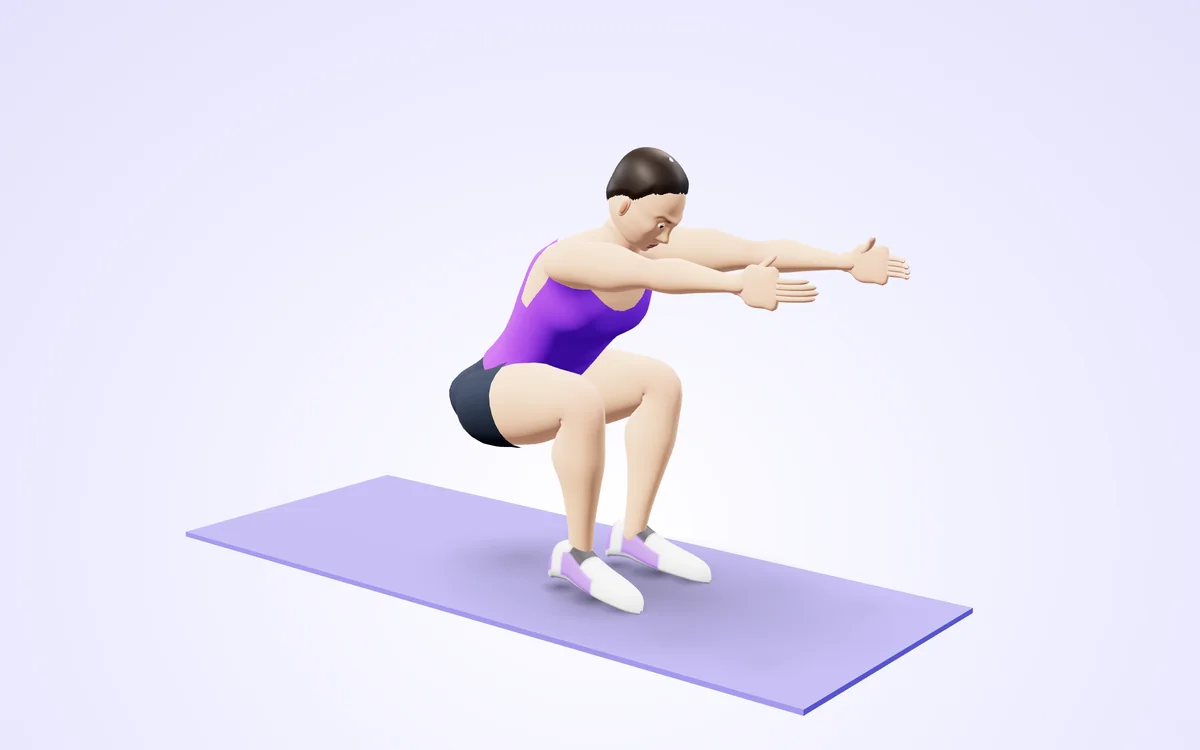
Watch it in 3DSee the exact form before you start. Drag to look from any angle.
Demo only. Move at a pace that feels safe and stop if anything hurts.
More free tools
See Camera Squat Counter (AI) in action
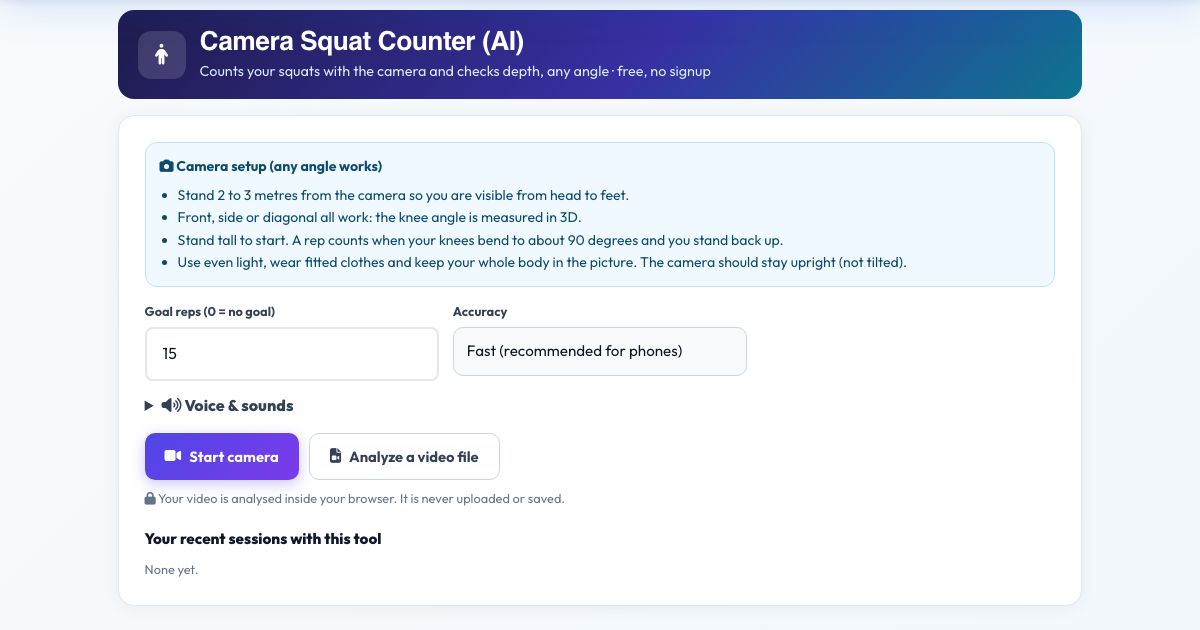
Camera Squat Counter (AI)
This squat counter uses your camera and AI pose detection. Stand where it can see you, press Start and squat: it measures the angle at your knees in 3D and counts a rep when you reach about 90 degrees of knee bend and stand back up. If you only dip halfway it tells you 'Go deeper' and does not count the rep.
Because the knee angle is measured in three dimensions, you can stand facing the camera, sideways or at a diagonal. Set a goal, listen to the voice count each rep and save the session to your log. Everything runs in your browser.
Use it in 4 steps
Stand 2 to 3 metres from the camera, head to feet in view.
Press Start camera and wait for the countdown.
Stand tall, then squat. The count rises on each full rep.
Press Finish & save.
Key features
Depth-checked reps
Counts only squats that reach about 90 degrees at the knee.
Any camera angle
Front, side or diagonal.
Voice counting
Hear every rep and a goal call.
Bodyweight or weighted
Works with dumbbells or a barbell too.
Private
Nothing is uploaded.
A real example, step by step
Goal 15 bodyweight squats. The counter says 'one' as you stand back up from each deep squat. A shallow one prompts 'Go deeper. Hips down.'
Who uses this tool
Home exercisers
Track reps with no gadget.
Strength trainees
Check depth consistency.
Physio patients
Count prescribed reps.
Tips for the best results
- Keep your feet inside the frame.
- Try a front view to see knee tracking and a side view to see hip depth.
- Use a goal of 10 to 20 for form-focused sets.
Common mistakes to avoid
- Standing too close so knees leave the picture.
- Squatting very fast. Give the camera a clear moment at the bottom.
- A very dark room.
Frequently asked questions
How deep does a squat need to be?
About 90 degrees of knee bend counts as a full rep.
Does it work from any camera angle?
Yes, any angle works with Camera Squat Counter (AI). Stand 2 to 3 metres from the camera so you are visible from head to feet. Stand tall to start. A rep counts when your knees bend to about 90 degrees and you stand back up.
Is my video uploaded or saved?
No. Camera Squat Counter (AI) does its rep counting on your device. Nothing is recorded, uploaded or stored and the camera stops when you finish. Stand tall to start. A rep counts when your knees bend to about 90 degrees and you stand back up.
What do I need?
Any phone, tablet or computer with a camera will do, over https. For Camera Squat Counter (AI): Stand 2 to 3 metres from the camera so you are visible from head to feet. Stand tall to start. A rep counts when your knees bend to about 90 degrees and you stand back up.
Can I use a video instead of the live camera?
Yes, a recorded squat session works. Use 'Analyze a video file' in Camera Squat Counter (AI) and choose the clip. Stand 2 to 3 metres from the camera so you are visible from head to feet. Stand tall to start. A rep counts when your knees bend to about 90 degrees and you stand back up.
The counter is not counting. What should I check?
Make sure you are fully in view and the room is lit. This tool waits for the "Standing" position before it counts "Deep". The message under the picture names whatever is missing.
Free, fast and private by design
No signup, no watermark. New AZRS tools are added every week.