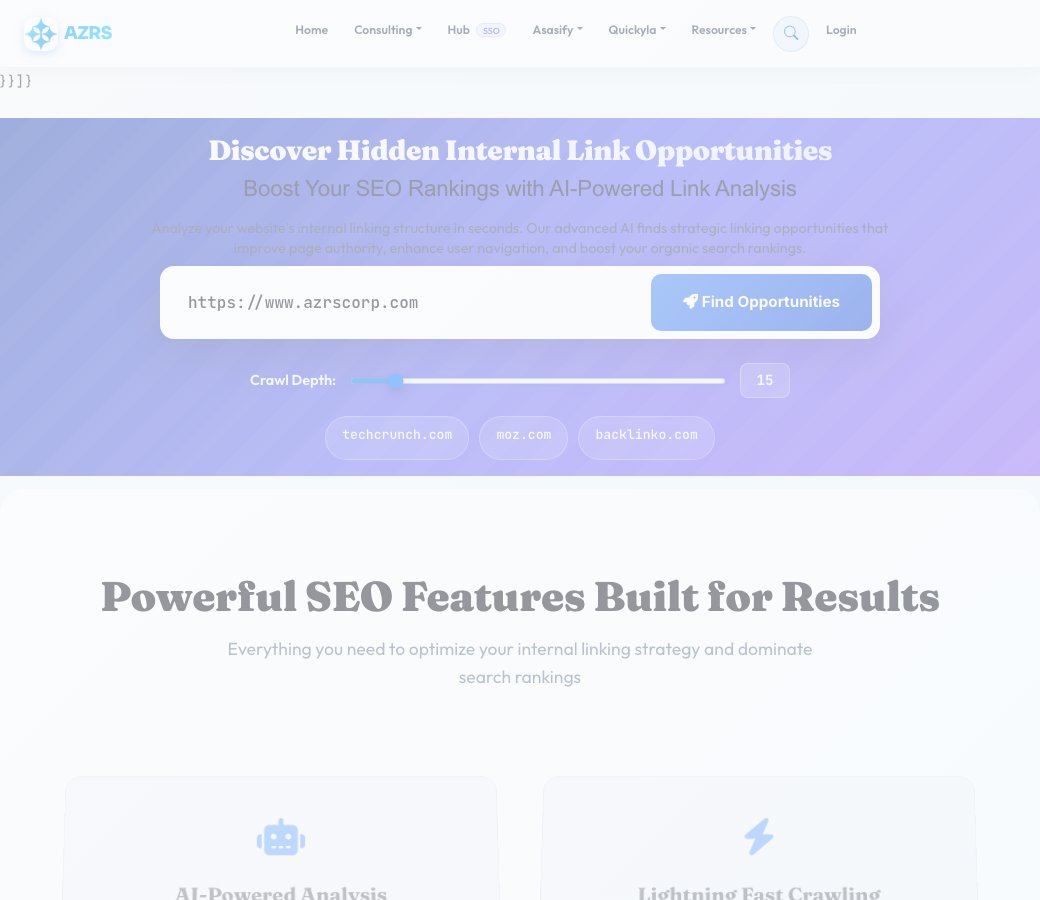
Discover Hidden Internal Link Opportunities
Boost Your SEO Rankings with AI-Powered Link Analysis
Analyze your website's internal linking structure in seconds. Our advanced AI finds strategic linking opportunities that improve page authority, enhance user navigation, and boost your organic search rankings.
Powerful SEO Features Built for Results
Everything you need to optimize your internal linking strategy and dominate search rankings
AI-Powered Analysis
Advanced natural language processing identifies contextual relationships between your pages for smarter link suggestions.
Lightning Fast Crawling
Analyze up to 100 pages in seconds with our high-performance crawler optimized for speed and accuracy.
Impact Scoring
Every opportunity is scored based on keyword relevance, page authority, and SEO impact potential.
Ready-to-Use Anchor Text
Get optimized anchor text suggestions with proper HTML markup - just copy and paste into your CMS.
Visual Analytics
Beautiful charts and graphs show your site's link distribution, keyword density, and structure gaps.
Export Reports
Download comprehensive CSV and PDF reports to share with your team or clients.
Keyword Extraction
Automatically identifies high-value keywords and topics across your content for better targeting.
Site Structure Mapping
Visualize your entire site architecture and identify orphaned pages that need internal links.
Continuous Monitoring
Set up automatic weekly scans to track improvements and discover new linking opportunities.
How Our Internal Link Finder Works
Enter Your Website URL
Simply paste your domain and choose how many pages to analyze. We'll start crawling immediately.
AI Analysis & Keyword Extraction
Our advanced NLP engine analyzes every page, extracting keywords, topics, and semantic relationships between your content.
Opportunity Discovery
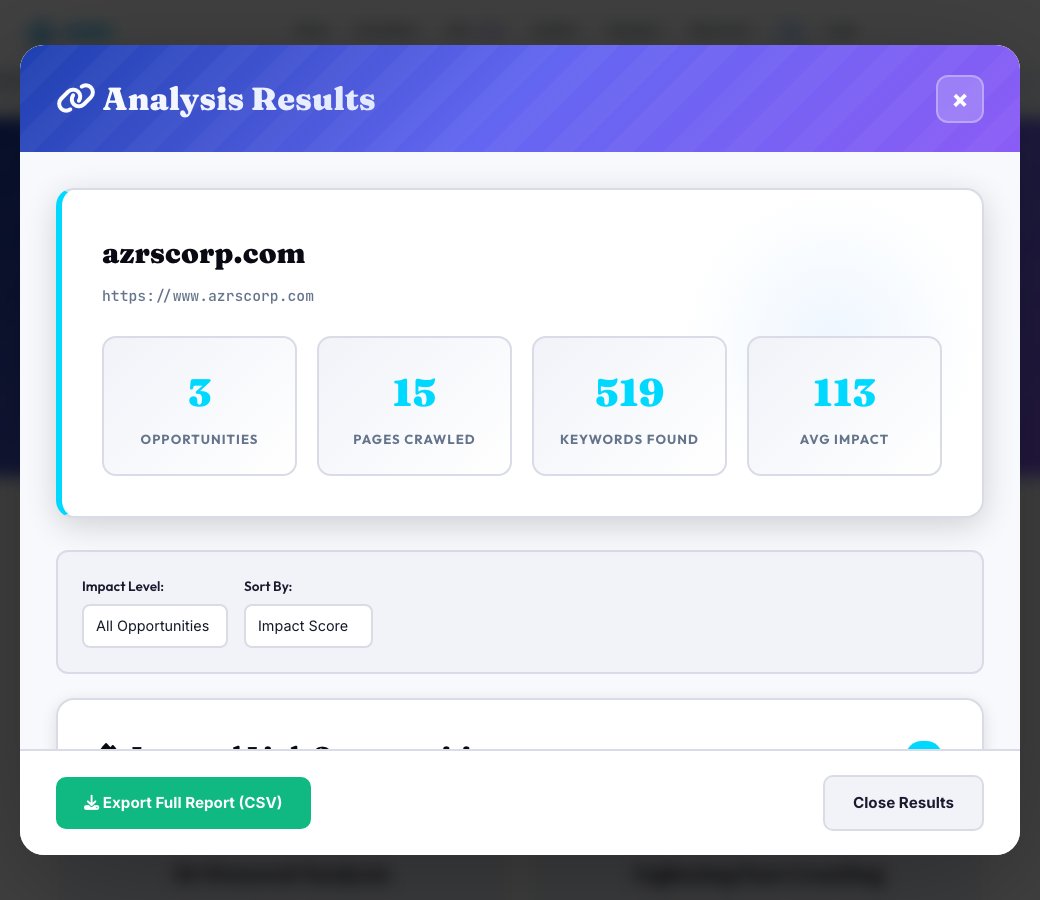
The algorithm identifies pages that mention keywords but don't link to relevant target pages, calculating impact scores for each opportunity.
Implementation & Results
Get actionable recommendations with ready-to-use HTML anchor tags. Implement the links and watch your rankings improve!
How Internal Link Finder — Discover Hidden Linking Opportunities works, step by step
Enter the site's starting URL.
 Download it
Set the max pages to crawl (up to 100).
Internal Link Finder — Discover Hidden Linking Opportunities
Enter a starting URL and this tool crawls the site (up to 100 pages), extracts keywords from every page's real content, and cross-references them to find pages that mention a topic but don't yet link to the page that's actually about it — real, content-based internal link opportunities, not a generic checklist.
Each opportunity comes with a relevance score and an impact score built from keyword frequency and topical match, ranked so the highest-value links to add show up first, plus a ready-to-use anchor text suggestion for each one.
Key features
Real content-based crawling
Extracts actual keywords and topics from up to 100 crawled pages instead of relying on titles alone.
Relevance-scored opportunities
Every suggested link is scored for topical relevance and keyword frequency before being surfaced.
Ranked by impact score
Opportunities are sorted so the links most likely to help are at the top of the list.
Ready-made anchor text
Each suggestion includes a natural anchor text phrase, not just a raw URL pair.
How to use it
- Enter the site's starting URL.
- Set the max pages to crawl (up to 100).
- Run the crawl and let it index keywords across every page.
- Review the ranked opportunities list and add the highest-impact links first.
Worked example
Example
A crawl finds that a blog post mentioning 'email deliverability' three times has no link to the site's dedicated 'Email Deliverability Guide' page — a high-relevance, high-impact opportunity surfaced automatically.
Who uses this tool
Content teams and bloggers
Find easy internal links to add to older posts without manually re-reading every article.
SEO specialists auditing site structure
Strengthen topical authority by connecting related pages that were never linked.
Site owners with growing content libraries
Catch linking opportunities that get missed once a site has more than a handful of pages.
Tips for the best results
- Start with your highest-traffic pages as link sources — a link from a popular page passes more value.
- Use the suggested anchor text as a starting point, then adjust it to read naturally in context.
- Re-run after publishing new content since new pages create new opportunities against your older posts.
- Prioritize opportunities with both high relevance and a decent keyword count — those are the most natural, least forced additions.
Common mistakes to avoid
- Adding every suggested link mechanically without checking it reads naturally in the source page.
- Only linking new pages to old ones and forgetting to link old, established pages back to new content.
- Ignoring the relevance score and adding links just because a keyword appears once, out of context.
Why use AZRS QuickFix?
It is 100% free, needs no signup and has no watermark or usage limits. The tool runs in your browser, so what you type stays on your device, and it works on phones, tablets and desktops. New tools are added every week — bookmark this page or browse the full QuickFix toolbox.
Frequently asked questions
How many pages does it crawl?
Up to 100 pages, following internal links from your starting URL.
How are opportunities scored?
By a relevance score based on keyword-to-title/content match, combined with an impact score that also factors in how often the keyword appears on the source page.
Will it suggest links that already exist?
No — it excludes any target page a source page already links to, so you only see genuinely missing links.
Does it write the anchor text for me?
Yes, each opportunity includes a suggested natural anchor text phrase based on the matched keyword.
Is this useful for a brand-new small site?
It's most useful once a site has at least a dozen or so pages with real content to cross-reference; very small sites will return fewer opportunities.
Is my data stored?
Crawl results are used to generate the report for your session; no account or signup is required.