STL Overhang & Support Checker
See which faces need supports at your slicer's overhang angle · free, no signup
See STL Overhang & Support Checker in action
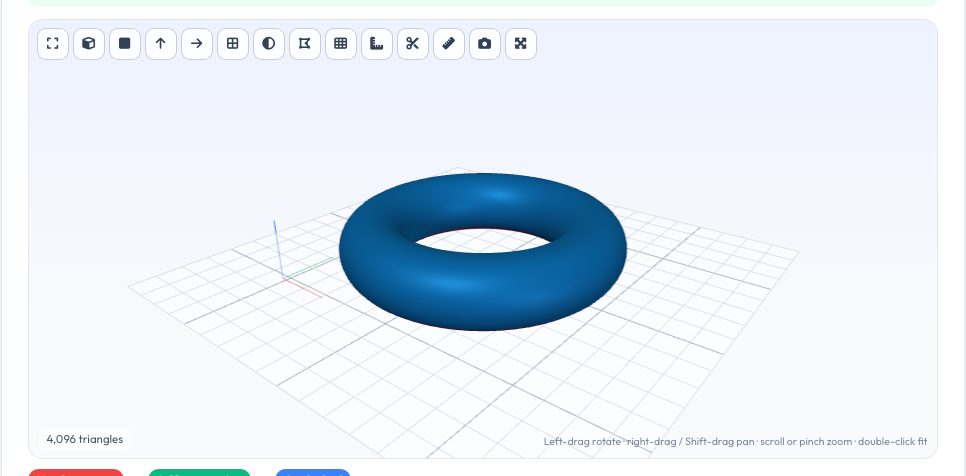
Free STL Overhang & Support Checker
Overhangs are the main reason FDM prints fail or need support material. This tool classifies every triangle of your model: red faces are overhanging more than your chosen angle from vertical and are not resting on the bed, green faces print fine without support, and blue faces are flat on the bed. Drag the angle slider (most slicers default to 45–50°) and watch the colours change live.
From that classification it reports the percentage of surface area needing support, the overhang area, bed-contact area and an estimate of support volume and weight — computed by casting each overhang straight down onto the first surface beneath it on a height grid. Try rotating the model by 90° or flipping it to compare orientations instantly, or jump to the automatic orientation optimiser.
Key features
Live overhang colouring
Red / green / blue faces recalculated as you move the angle slider.
Support estimate
Overhang area, support volume (cm³) and weight for your material and density.
Instant rotation tests
Rotate 90° or flip and re-evaluate in one click.
Exact for the angle
Percentages are computed face by face from the real mesh.
How to use it
- Drop in your model.
- Set the overhang angle your slicer uses.
- Rotate or flip to try other orientations.
- Read the support percentage and estimated material.
Worked example
Example
A bracket lying flat has 0% support and 18 cm² on the bed; stood on end the same bracket shows 24% of its surface in red and about 6 cm³ of support. Flat wins.
Who uses this tool
Makers choosing an orientation
See the cost of each option before slicing.
Designers
Spot overhangs that could be redesigned with chamfers instead of supports.
Students
Learn why 45° is the usual limit.
Tips for the best results
- Convert 90° overhangs to 45° chamfers in your design to avoid supports entirely.
- Bridges (short horizontal spans) often print fine despite showing red — judge by length.
- Lower the angle threshold for materials with poor cooling (e.g. ABS) and raise it for well-cooled PLA.
- Use the support density that matches your slicer (10–20% for normal supports).
Common mistakes to avoid
- Treating every red face as a must-support — short bridges and gentle overhangs are fine.
- Comparing the support estimate directly to slicer output — they use different support algorithms.
- Forgetting that tree supports use far less material than the straight-down estimate.
Why use AZRS QuickFix?
It is 100% free, needs no signup and has no watermark or usage limits. The tool runs in your browser, so what you type stays on your device, and it works on phones, tablets and desktops. New tools are added every week — bookmark this page or browse the full QuickFix toolbox.
Frequently asked questions
How is the overhang angle defined?
From vertical: 0° is a vertical wall, 90° is a flat ceiling. A 45° threshold flags faces tilted more than 45° outward-and-down.
How accurate is the support volume?
It is an estimate (±30% typical) from straight-down columns; real support styles vary.
Why are bottom faces blue not red?
Faces lying on the bed need no support and add stability.
Is it private?
Yes, all processing happens locally.