Camera Jumping Jack Counter (AI)
Counts jumping jacks with your camera and says each number.
Voice & sounds
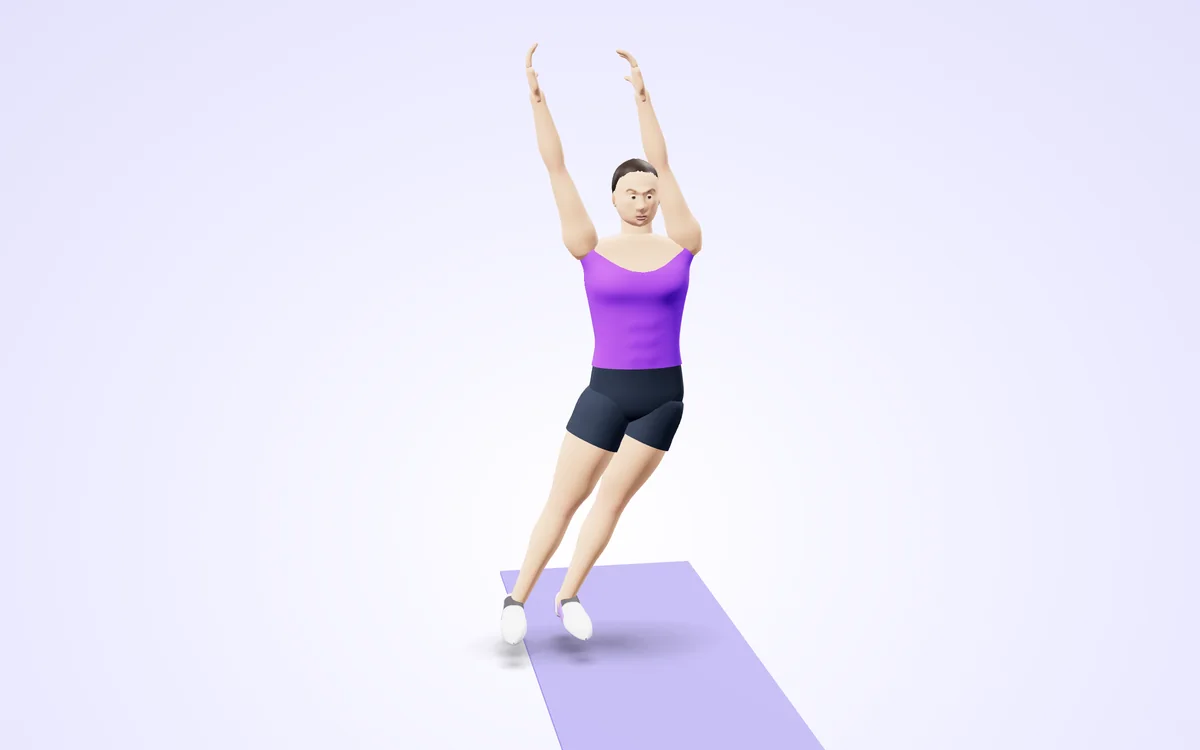
Watch it in 3DSee the exact form before you start. Drag to look from any angle.
Demo only. Move at a pace that feels safe and stop if anything hurts.
More free tools
See Camera Jumping Jack Counter (AI) in action
Camera Jumping Jack Counter (AI)
Jumping jacks are fast and easy to lose count of. Face your camera, step back until your whole body is visible and start: a rep counts when your arms go overhead and your feet jump wide, then return to hands down and feet together.
It works at any angle and gives a spoken count, so you can focus on the cardio. Set a goal such as 50 or 100 and the coach calls it when you reach it.
Use it in 4 steps
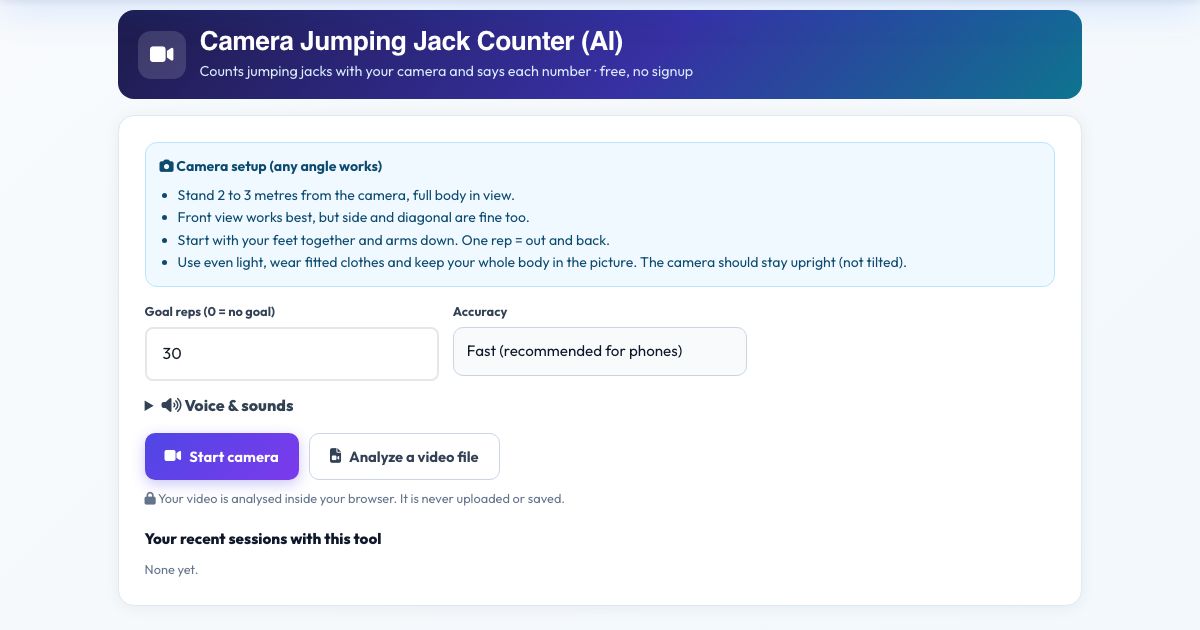
Stand 2 to 3 metres from the camera, full body in view.
Press Start camera. Stand with feet together and arms down.
Start jumping. Each full jack adds one.
Press Finish & save.
Key features
Full-motion check
Arms overhead and feet wide, then back.
Fast counting
Handles about 2 jacks per second.
Any angle
3D distance measurements.
Voice counts
Hands-free.
Private
No upload.
A real example, step by step
Goal 50: you hear 'ten', 'twenty'... counted as you jump. Half-hearted jacks with arms below the head are not counted.
Who uses this tool
Warm-ups
Count a standard 30 or 50 jack warm-up.
Kids and classes
Fun, counted cardio.
Tips for the best results
- Use a clear floor and non-slip shoes.
- Wear a top that contrasts with the wall.
- Raise your arms past head level.
Common mistakes to avoid
- Not opening your feet wide enough.
- Standing too close to the camera.
Frequently asked questions
Why did a jack not count?
Both conditions are needed in the same rep: arms above the head and feet clearly wider than your shoulders.
Does it work from any camera angle?
Yes, the joint angles are measured in 3D. Stand 2 to 3 metres from the camera, full body in view. It looks for the "Together" position, then the "Open" position.
Is my video uploaded or saved?
No. Counts jumping jacks with your camera and says each number, with the pose detection running in your browser. Nothing is recorded, uploaded or stored and the camera stops when you finish. Stand 2 to 3 metres from the camera, full body in view.
What do I need?
A camera and a modern browser (Chrome, Edge, Safari, Firefox), opened over https. Counts jumping jacks with your camera and says each number. Stand 2 to 3 metres from the camera, full body in view.
Can I use a video instead of the live camera?
Yes. Press 'Analyze a video file' and pick a recorded jumping jack workout; it is counted the same way. Counts jumping jacks with your camera and says each number. Film it like this: Stand 2 to 3 metres from the camera, full body in view.
The counter is not counting. What should I check?
Check the message under the picture, which says what the camera is missing, then the light and your start position. Counts jumping jacks with your camera and says each number. This tool waits for the "Together" position before it counts "Open". Stand 2 to 3 metres from the camera, full body in view.
Free, fast and private by design
No signup, no watermark. New AZRS tools are added every week.