Camera Burpee Counter (AI)
Counts burpees when you drop to the floor and stand back up · free, no signup
Voice & sounds
See Camera Burpee Counter (AI) in action
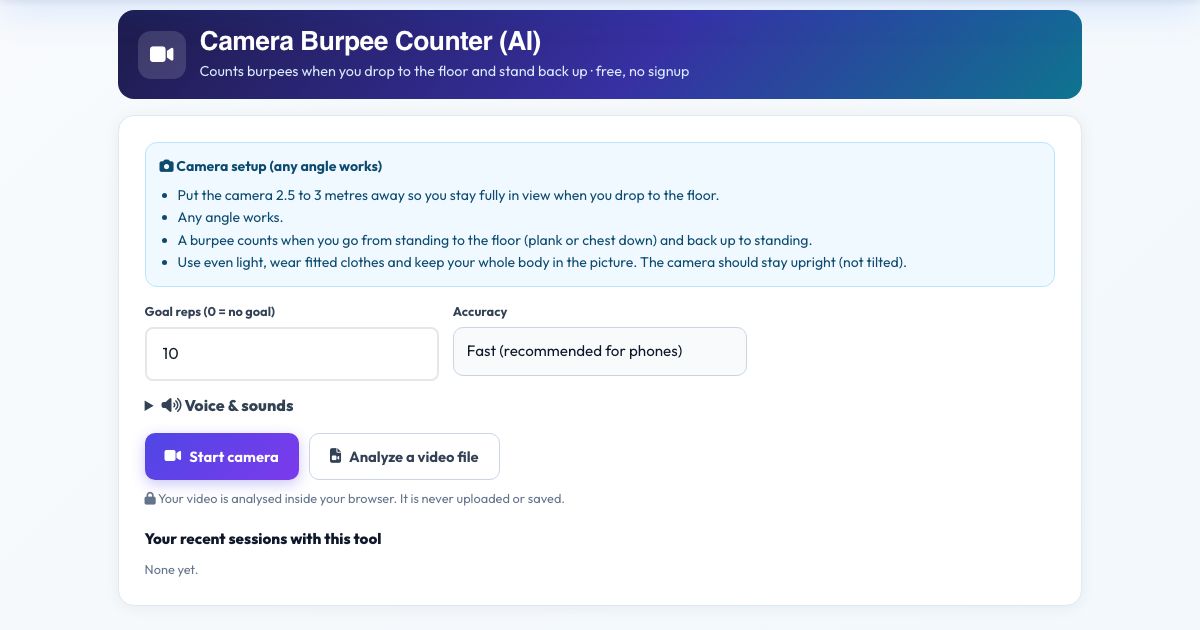
Camera Burpee Counter (AI)
Burpees are exhausting enough without counting. Put the camera where it can see you stand and drop to the floor, and this counter registers a burpee each time you go from standing to flat on the floor (plank or chest to the ground) and back up to standing.
It uses the direction of your torso in 3D, so it works from any angle. Voice counts help you stay on pace through a 30-burpee challenge.
Key features
Stand-floor-stand detection
Torso orientation tracking.
Any camera angle
3D body direction.
Voice count
Keep pace.
Private
No upload.
How to use it
- Set the camera 3 metres away so you stay in view lying down.
- Press Start camera and stand tall.
- Burpee. Each full one adds a rep.
- Press Finish & save.
Worked example
Example
Goal 10: you drop, kick back, push up, jump and stand: 'one'.
Who uses this tool
HIIT workouts
Count intervals.
Challenge participants
Fair counts.
Tips for the best results
- Allow about 1 second between reps.
- Make sure the floor part is in view.
Common mistakes to avoid
- Camera too close so you leave the frame lying down.
Why use AZRS QuickFix?
It is 100% free, needs no signup and has no watermark or usage limits. The tool runs in your browser, so what you type stays on your device, and it works on phones, tablets and desktops. New tools are added every week — bookmark this page or browse the full QuickFix toolbox.
Frequently asked questions
Does it check push-up or jump parts?
It counts the full stand-floor-stand cycle, which is the part the camera can see reliably.
Does it work from any camera angle?
Yes. The tool measures your joints in 3D, so front, side and diagonal views all give the same angles. Keep the phone or laptop upright (not tilted on its side) and keep your whole body in the picture.
Is my video uploaded or saved?
No. The pose detection runs inside your browser on your own device. Nothing is recorded, uploaded or stored, and the camera stops when you finish.
What do I need?
Any phone, tablet or computer with a camera and a modern browser (Chrome, Edge, Safari, Firefox). The page must be opened over https for the camera to work.
Can I use a video instead of the live camera?
Yes. Press 'Analyze a video file' and pick a recorded workout; it is counted the same way.
The counter is not counting. What should I check?
Make sure your whole body is visible, the room is lit, and you start from the correct start position. The message under the picture tells you what the camera is missing.