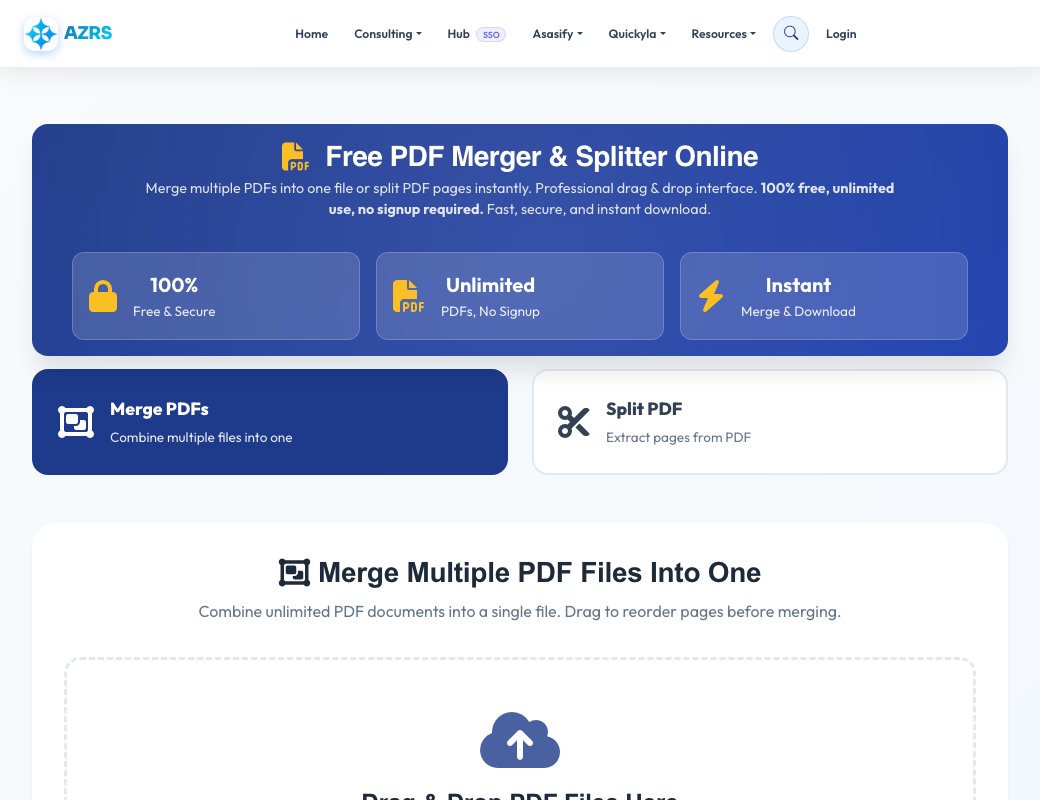
Free PDF Merger & Splitter
Combine several PDFs into one file, or extract pages from a PDF. Files are uploaded to our server to be processed, up to 100 MB each.
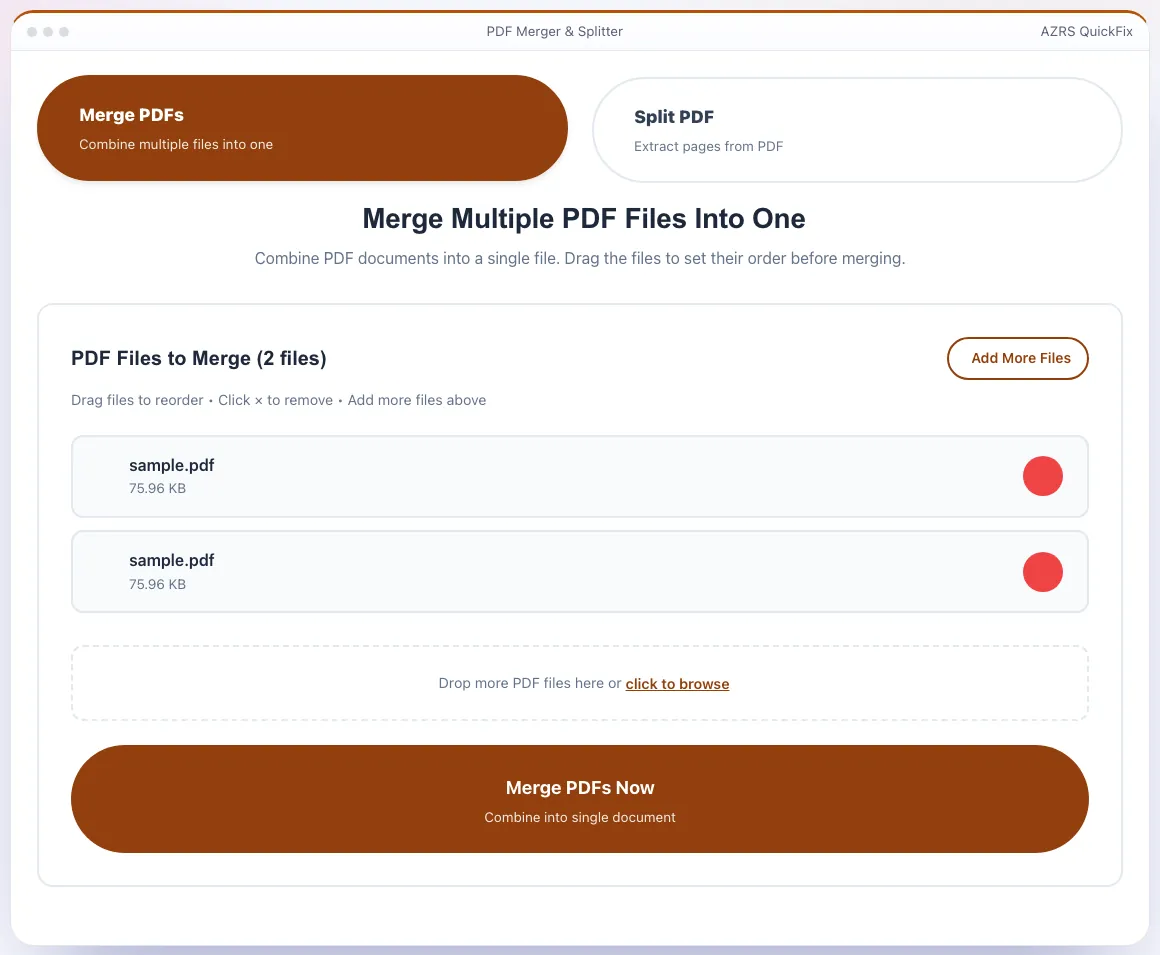
Merge Multiple PDF Files Into One
Combine PDF documents into a single file. Drag the files to set their order before merging.
Split PDF Into Separate Pages
Extract all pages or specific page ranges from your PDF document.
Success!
Your PDF is ready
How to Merge PDF Files Online
Upload PDF Files
Click "Choose PDF Files" or drag and drop multiple PDF documents into the upload area. You can select as many PDFs as you need to merge.
Reorder PDFs (Optional)
Drag and drop the uploaded PDF files to arrange them in your preferred order. The merged PDF will maintain this sequence.
Merge and Download
Click "Merge PDFs Now" button. Your combined PDF will be processed instantly and ready for download in seconds.
How to Split PDF Pages Online
Upload PDF File
Switch to "Split PDF" mode and upload the PDF file you want to split into separate pages or extract specific ranges.
Choose Split Options
Select "All Pages" to extract every page, or choose "Page Range" to specify which pages to extract (e.g., 1-5, 8, 10-15).
Split and Download
Click "Split PDF Now" and download your extracted pages as individual PDF files in a convenient ZIP archive.
Why Choose Our PDF Merger & Splitter?
100% Free Forever
Merge and split PDFs for free. No hidden costs, no premium plans, no trials.
No Signup Required
Use our PDF tools instantly without creating an account, providing email, or any personal information.
No Watermarks
Your merged and split PDFs are completely clean without any watermarks, branding, or advertisements.
Mobile Friendly
Works perfectly on smartphones, tablets, and all devices. Responsive design optimized for mobile use.
Secure & Private
SSL encryption protects your files. All PDFs are automatically deleted after processing. Your privacy guaranteed.
Lightning Fast
Instant processing with optimized servers. Most PDFs merge or split in under 10 seconds.
Drag & Drop Interface
Intuitive drag and drop to upload files and set their order. Easy to use for everyone.
No Daily Limits
No file limits, no daily restrictions. Merge and split as many PDFs as you need, whenever you want.
Batch Processing
Merge multiple large PDFs or split into hundreds of pages. Handle bulk PDF operations easily.
Works Everywhere
Compatible with Windows, Mac, Linux, Android, iOS, and all modern web browsers.
Reorder Files
Easily rearrange PDF order before merging. Drag and drop files to customize the final sequence.
Large File Support
Upload PDFs up to 100 MB each, enough for most documents, scans and presentations.
Popular PDF Merger & Splitter Use Cases
Business Documents
Merge contracts, proposals, reports, and presentations into professional packets.
Academic Papers
Combine research papers, assignments, and study materials into organized documents.
Invoices & Receipts
Merge monthly invoices, receipts, and financial documents for accounting and records.
Real Estate
Combine property listings, contracts, and disclosure documents for clients.
Medical Records
Organize medical reports, test results, and patient documents into single files.
Legal Documents
Merge legal briefs, evidence, and case files for court submissions.
E-Books & Manuals
Combine chapters, sections, and appendices into complete e-books or manuals.
Reports & Analytics
Merge monthly reports, analytics, and dashboards into comprehensive documents.
See Free PDF Merger: Combine PDF Files Online in action
Free PDF Merger: Combine PDF Files Online
Combine several PDF files into one document in a few clicks. Drag to reorder your files, remove files you do not need and download a single merged PDF, ideal for applications, reports, invoices and study packs.
There is no software to install and no signup. Files are processed to create your PDF and then discarded.
Use it in 4 steps
Upload two or more PDF files.
Drag them into the right order.
Click Merge PDFs.
Download the combined PDF.
Built to just work
Drag to reorder
Put documents in exactly the order you want.
Unlimited files
Merge as many PDFs as you need.
Fast and free
Results in seconds with no watermark.
Private
Files are not kept after processing.
Frequently asked questions
Is the PDF merger free?
Yes, free with no watermark.
Can I reorder pages?
You can reorder whole files by dragging them before merging. To change the order of pages inside one PDF, use the PDF Page Organizer.
Is there a file size limit?
Yes, each PDF can be up to 100 MB. Larger files are skipped with a message before upload.
Are my PDFs stored?
No, they are discarded after your merged file is created.
Free, fast and private by design
No signup, no watermark. New AZRS tools are added every week.