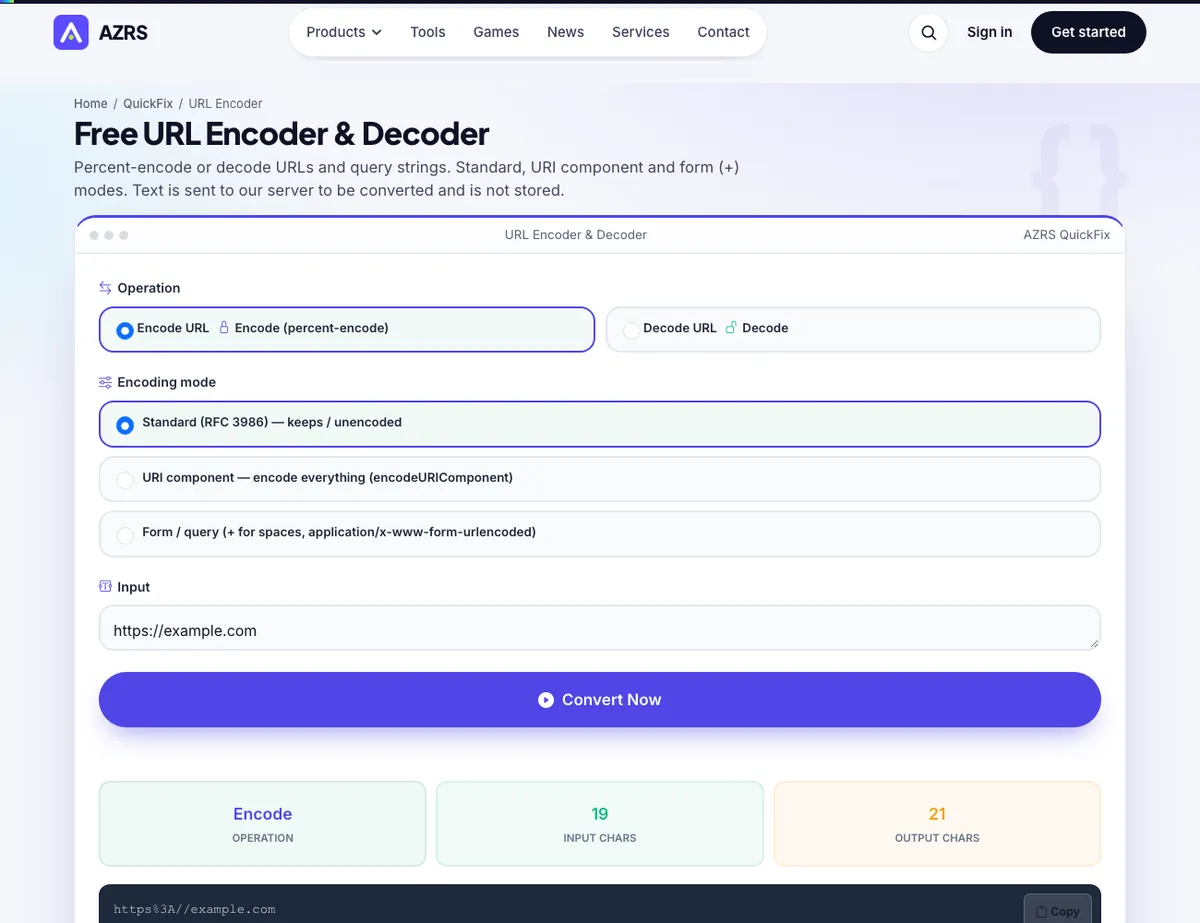
Free URL Encoder & Decoder
Percent-encode or decode URLs and query strings. Standard, URI component and form (+) modes. Text is sent to our server to be converted and is not stored.
How to Use the URL Encoder
Encode or decode in three steps — free on azrscorp.com
+ spaces.What Is URL Encoding?
URL encoding (percent-encoding) replaces characters that are not allowed in URLs with % plus two hexadecimal digits. A space becomes %20 (or + in form data).
Developers use it for query parameters, redirect URLs, API requests, and anywhere special characters must survive HTTP transmission.
Quick examples
| Input | Encoded |
|---|---|
| hello world | hello%20world |
| a=b&c=d | a%3Db%26c%3Dd |
| https://www.azrscorp.com/q | https%3A%2F%2Fazrscorp.com%2Fq |
URL Encoder FAQ
-._~, matching encodeURIComponent() in JavaScript.application/x-www-form-urlencoded bodies and some HTML form submissions where spaces are represented as + instead of %20.More developer tools on AZRS
How percent-encoding works
A URL can only contain a limited set of characters. Any other character is written as a percent sign followed by two hexadecimal digits that give its byte value in UTF-8. A space becomes %20, an ampersand becomes %26, a slash becomes %2F and the letter e with an acute accent becomes %C3%A9 because it takes two bytes. Letters, digits and the four characters hyphen, underscore, period and tilde are never encoded.
Worked example
Suppose you want to send the search text: coffee & cake (50% off) as a query value. Encoded as a component it becomes coffee%20%26%20cake%20%2850%25%20off%29. If you left the ampersand raw, the receiving server would read it as the start of a new parameter and cut the value after the word coffee. Decoding reverses the steps and gives back the original text.
Common mistakes
Encoding a whole URL as a component also encodes the slashes and the colon after https, which breaks the address; encode only the values you insert. Encoding twice turns %20 into %2520. Form data uses a plus sign for a space, but a plus sign in a normal URL path means a literal plus, so choose the matching mode before you decode.