AI Translation
Translating…
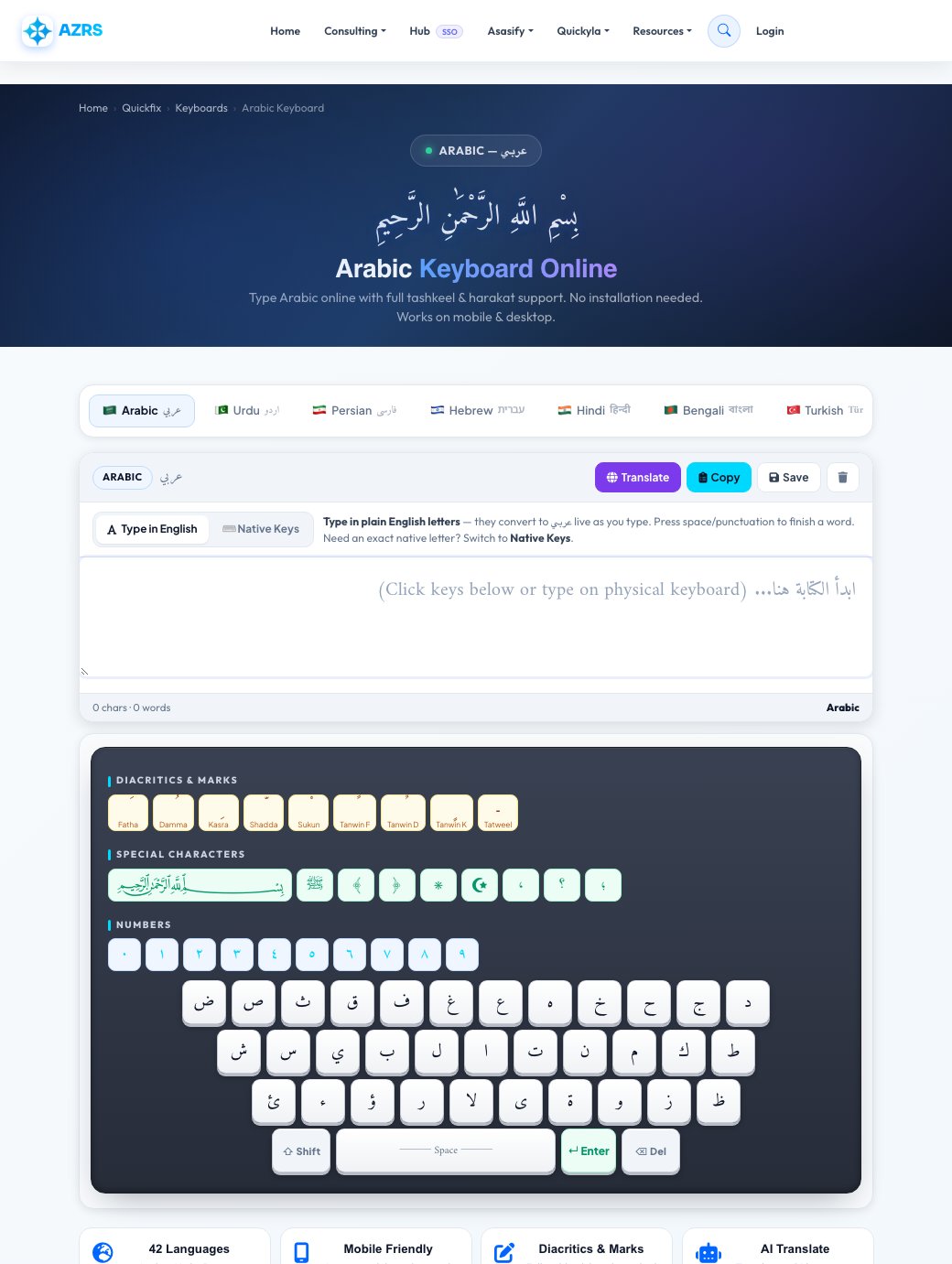
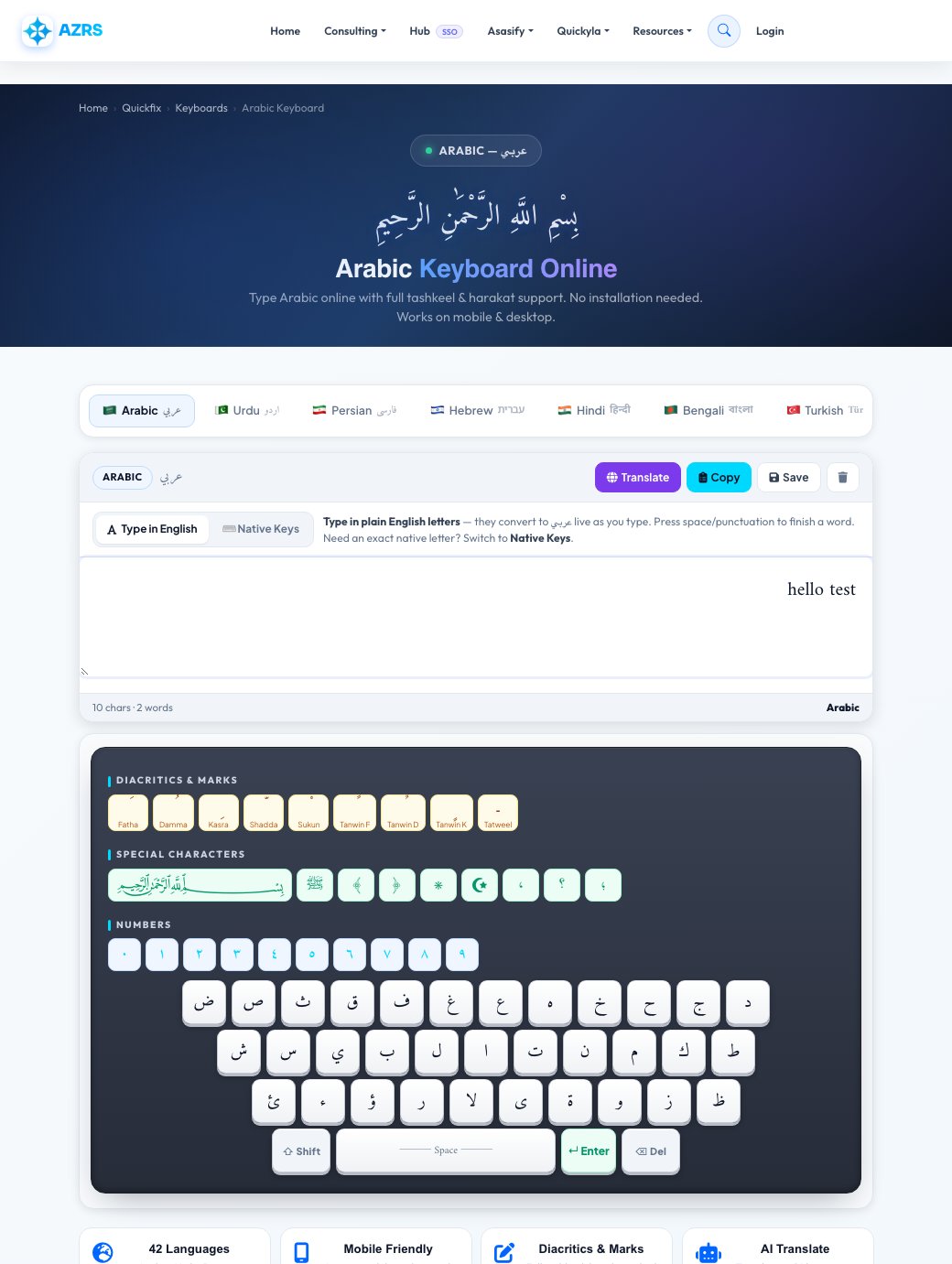
42 Languages
Arabic, Urdu, Persian, Hebrew, Hindi, Chinese, Korean, Japanese, Thai & more
Mobile Friendly
Large touch keys designed for phones, tablets & desktops
Diacritics & Marks
Full tashkeel, harakat, nikud and accent marks for all scripts
AI Translate
Translate to 16 languages instantly, powered by Groq AI
All Keyboards
Browse by Language
Each language has its own dedicated page with full SEO and keyboard support.
🇸🇦
Arabic
عربي
🇵🇰
Urdu
اردو
🇮🇷
Persian
فارسی
🇮🇱
Hebrew
עברית
🇮🇳
Hindi
हिन्दी
🇧🇩
Bengali
বাংলা
🇹🇷
Turkish
Türkçe
🇷🇺
Russian
Русский
🇬🇷
Greek
Ελληνικά
🇯🇵
Japanese
日本語
🇨🇳
Chinese
中文
🇰🇷
Korean
한국어
🇹🇭
Thai
ภาษาไทย
🇪🇹
Amharic
አማርኛ
🇬🇪
Georgian
ქართული
🇦🇲
Armenian
Հայերեն
🇪🇸
Spanish
Español
🇫🇷
French
Français
🇩🇪
German
Deutsch
🇧🇷
Portuguese
Português
🇮🇹
Italian
Italiano
🇻🇳
Vietnamese
Tiếng Việt
🇮🇩
Indonesian
Bahasa Indonesia
🇰🇪
Swahili
Kiswahili
🇮🇳
Punjabi
ਪੰਜਾਬੀ
🇮🇳
Gujarati
ગુજરાતી
🇮🇳
Tamil
தமிழ்
🇮🇳
Telugu
తెలుగు
🇮🇳
Kannada
ಕನ್ನಡ
🇮🇳
Malayalam
മലയാളം
🇱🇰
Sinhala
සිංහල
🇳🇵
Nepali
नेपाली
🇲🇲
Myanmar
မြန်မာဘာသာ
🏔️
Tibetan
བོད་སྐད།
🇲🇳
Mongolian
Монгол
🇰🇿
Kazakh
Қазақша
🇺🇦
Ukrainian
Українська
🇵🇱
Polish
Polski
🇨🇿
Czech
Čeština
🇸🇴
Somali
Af Soomaali
🇳🇬
Hausa
Hausa
🇳🇬
Yoruba
Yorùbá
More Tools