
Meet the Weekly Workout Planner
Pick your goal (general fitness, fat loss, muscle, strength or endurance), your level, minutes per session, equipment and the days you can train.
- Free to use
- No signup
- Nothing to install
- Runs in your browser
4 days, muscle goal, home equipment, 45 minutes: Upper, Lower, Upper, Lower, with rest days between.Open the Weekly Workout Planner
Illustration. Open the tool for the real thing.
See it in action
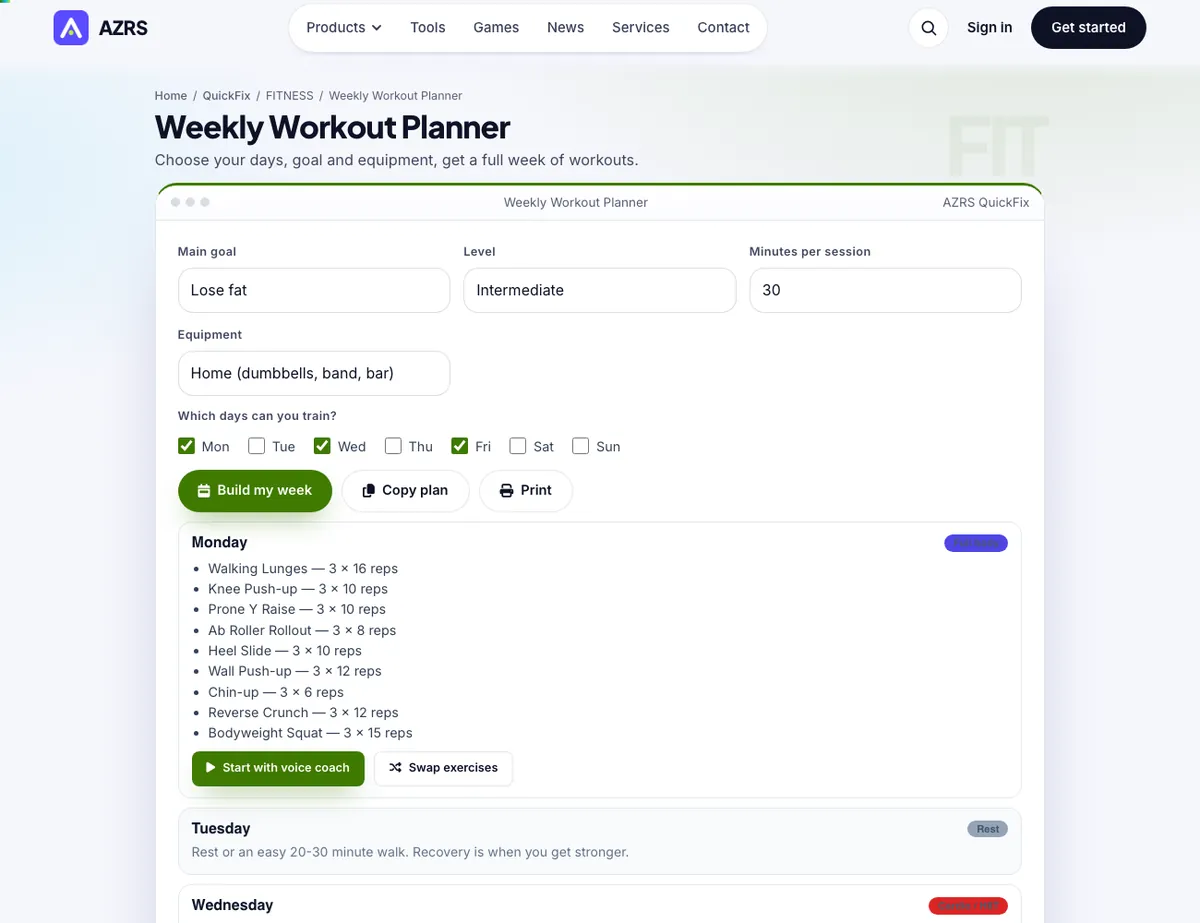
The Weekly Workout Planner with sample data entered and the result showing.
What is the Weekly Workout Planner?
Pick your goal (general fitness, fat loss, muscle, strength or endurance), your level, minutes per session, equipment and the days you can train. The planner spreads full-body, upper/lower or push/pull/legs workouts sensibly across your week and fills each day with exercises.
Swap any day's exercises, open a day in the voice-coached Workout Builder, copy or print the whole week.
3 steps to your result
Open the tool and follow along. Nothing to install.
What you get
1 to 7 days a week.
Right exercises, sets and reps.
One tap.
Opens the builder.
Take it to the gym.
AZRS tools are free to open and use.
Used for
Pick one to see how it fits.
How it compares
A plain look at this tool next to the usual alternative.
| This fitness tool | Desktop software | |
|---|---|---|
| Install | Nothing to install | Usually an app or program to install |
| Account | No signup | Depends on the product |
| Cost | Free to use | Free or paid, depends on the product |
| Where it runs | In your browser tab | On your computer |
Questions people ask
Can I change the plan?
Yes: swap any day's exercises or rebuild it.
Is it free and private?
Yes. Choose your days, goal and equipment, get a full week of workouts. It is free with no signup, runs in your browser, and anything saved stays on your own device. Includes Smart splits; Goal, level and equipment aware; Swap exercises.
Can I use the plan in the voice coach?
Yes. Open a day in the Workout Builder and the voice coach will guide you through it.
How do I use the Weekly Workout Planner?
1. Select your goal, level, time and equipment. 2. Tick the days you can train. 3. Press Build my week. 4. Swap, copy or start a day.
Any tips for good results?
Keep at least one rest day. Repeat the same week for 3 to 4 weeks. Choose only the days you can really train; a plan with fewer days is easier to keep.
More free tools
Related to the Weekly Workout Planner.
Try the Weekly Workout Planner now
Choose your days, goal and equipment, get a full week of workouts. Free to use.
Try it free