
The free Webcam Test
Test your webcam online in seconds. See the live video, check resolution, frame rate and aspect ratio, switch cameras, mirror the picture and take a snapshot.
- Free to use
- No signup
- Nothing to install
- Runs in your browser
Camera: Integrated HD Webcam · 1280 × 720 · 30 fps · 16:9
→ Fine for video calls; choose Full HD if your camera supports it for sharper output.
Open the Webcam Test
Illustration. Open the tool for the real thing.
See it in action
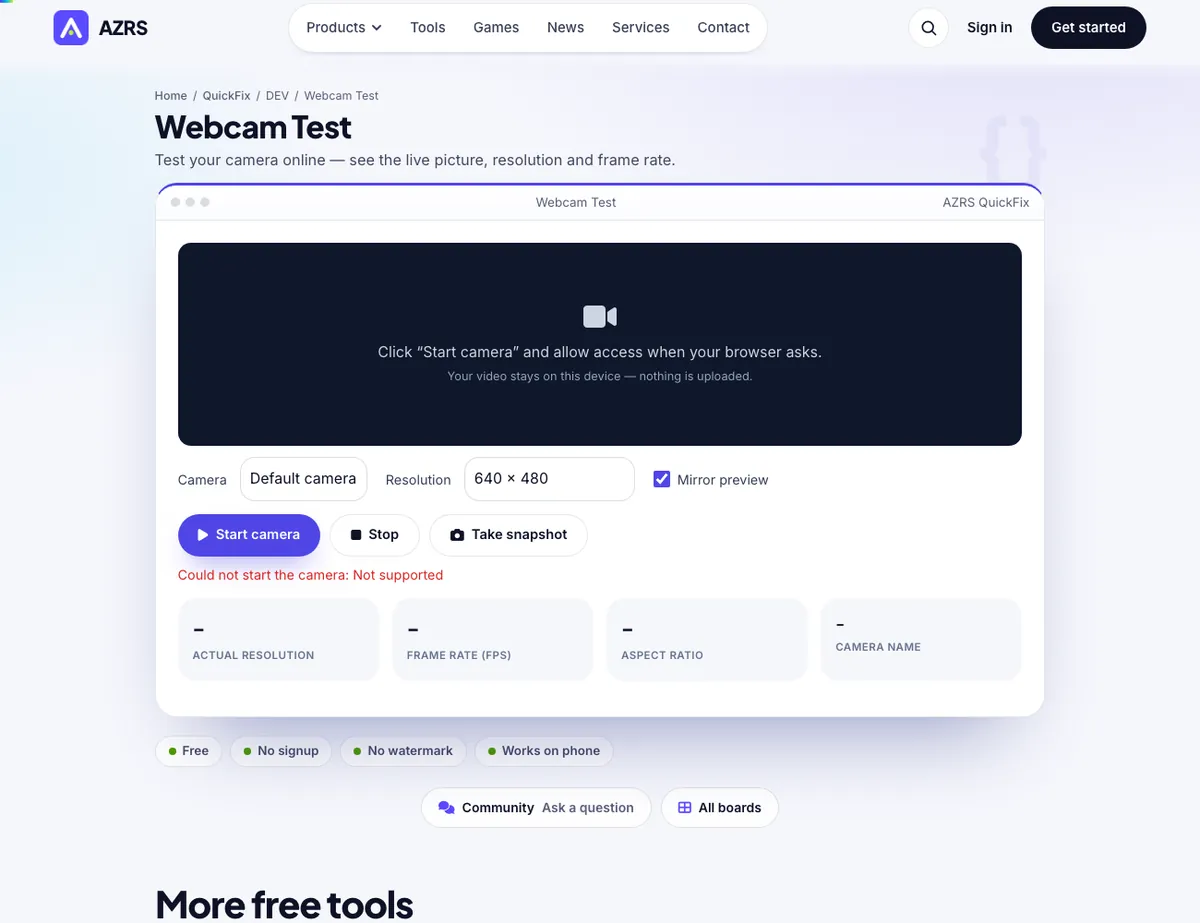
The Webcam Test with sample data entered and the result showing.
What is the Webcam Test?
Before a job interview, an online exam or an important meeting, you want to know your camera works. This webcam test opens your camera in the browser, shows the live picture and reports the real resolution, aspect ratio and frame rate your camera is delivering, so you can spot a blurry lens, a dark picture, a wrong camera or a low-resolution feed.
You can choose between several cameras, request HD, Full HD or 4K, mirror the preview like a bathroom mirror and save snapshots. The video is processed only inside your browser — nothing is recorded, uploaded or stored — and the camera turns off the moment you press Stop or close the page.
3 steps to your result
Open the tool and follow along. Nothing to install.
What you get
See exactly what other people will see on a call.
Reports what the camera delivers, not what it claims.
Pick between built-in, USB and virtual cameras.
Save a photo to check lighting, focus and framing.
AZRS tools are free to open and use.
It opens in your browser, so there is nothing to download.
Used for
Pick one to see how it fits.
Remote workers and students
Check the camera before interviews, lessons and online exams.
Try it freeSupport and IT teams
Tell users whether the fault is the camera, the app or the permissions.
Try it freeHow it compares
A plain look at this tool next to the usual alternative.
| This utility | Desktop software | |
|---|---|---|
| Install | Nothing to install | Usually an app or program to install |
| Account | No signup | Depends on the product |
| Cost | Free to use | Free or paid, depends on the product |
| Where it runs | In your browser tab | On your computer |
Questions people ask
Why is my webcam not working?
The most common causes are a blocked browser permission, another app already using the camera, a closed privacy shutter, or a missing driver. The messages on this page tell you which one it is.
Is my video recorded or uploaded?
No. The picture stays in your browser. Nothing is sent to our servers, and snapshots are saved only if you click Save.
Why does the resolution differ from my camera's box?
Browsers and apps request a size; the camera delivers the closest mode it supports. USB bandwidth and low light can also lower it.
Can I test an external or USB webcam?
Yes. Plug it in, click Start and choose it from the camera list.
Does this work on a phone?
Yes, on modern mobile browsers over HTTPS. You can usually switch between front and rear cameras.
More free tools
Related to the Webcam Test.
Try the Webcam Test now
Test your camera online — see the live picture, resolution and frame rate. Free to use.
Try it free