
Open the Microphone Test
Test your microphone online. See a live level meter and waveform, check peaks for clipping, switch microphones, toggle noise suppression and record.
- Free to use
- No signup
- Nothing to install
- Runs in your browser
Speaking normally: level −24 dBFS, peak −9 dBFS → a healthy, clear signal.
Peak stays at 0 dBFS → the microphone is clipping; lower the input gain.
Open the Microphone Test
Illustration. Open the tool for the real thing.
See it in action
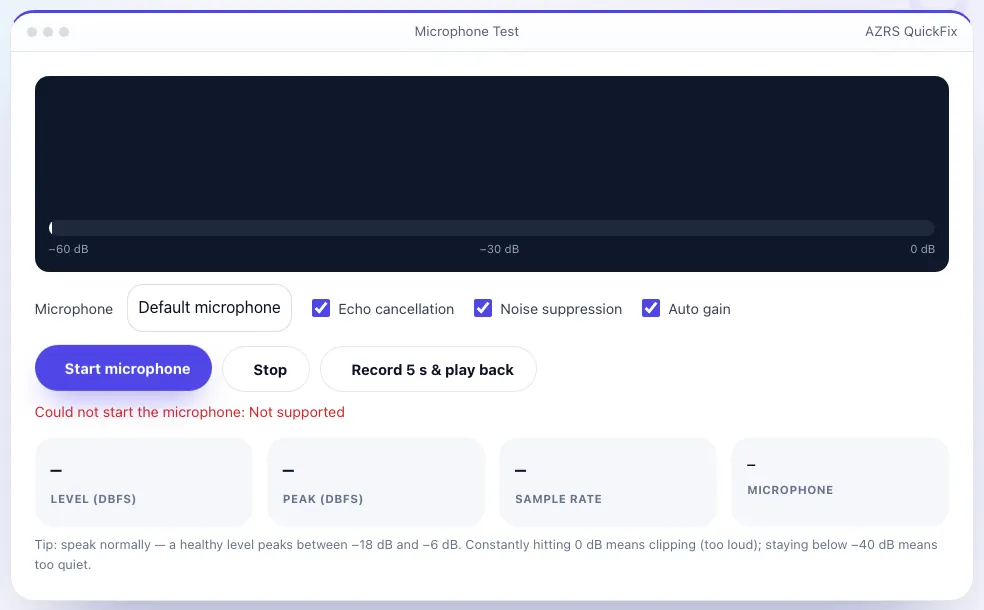
Shown running with its default sample values. Pressed Start microphone.
What is the Microphone Test?
A microphone that seems fine can still be too quiet, too loud or picking up the wrong device. This microphone test shows your voice as a live waveform and a decibel level meter with a peak-hold marker, so you can see instantly whether the mic is working and how strong the signal is.
Switch between microphones, turn echo cancellation, noise suppression and automatic gain on or off to hear how they change the sound, and record a five-second clip that plays back immediately. Audio is analysed in your browser only — nothing is uploaded — and the microphone stops as soon as you press Stop or leave the page.
3 steps to your result
Open the tool and follow along. Nothing to install.
What you get
Decibel bar with peak hold and a moving waveform.
Compare headset, laptop and USB microphones.
Test with and without echo cancellation, noise suppression and auto gain.
Hear exactly how you sound to others.
AZRS tools are free to open and use.
It opens in your browser, so there is nothing to download.
Used for
Pick one to see how it fits.
How it compares
A plain look at this tool next to the usual alternative.
| This utility | Desktop software | |
|---|---|---|
| Install | Nothing to install | Usually an app or program to install |
| Account | No signup | Depends on the product |
| Cost | Free to use | Free or paid, depends on the product |
| Where it runs | In your browser tab | On your computer |
Questions people ask
Why is my microphone not working?
Usually the browser permission is blocked, the wrong input device is selected, or the mic is muted in system settings. The messages on this page point to the cause.
What is a good microphone level?
Speech should peak between about −18 dB and −6 dB. Constant 0 dB means clipping; below −40 dB is too quiet.
Is my voice recorded or sent anywhere?
No. Analysis and the 5-second test recording happen in your browser and are discarded when you leave.
What do echo cancellation and noise suppression do?
Echo cancellation removes speaker sound picked up by the mic; noise suppression reduces background noise. Both help calls but can colour music and singing.
Does it work with Bluetooth headsets?
Yes, but Bluetooth headsets often drop to a lower-quality microphone mode when the mic is active.
More free tools
Related to the Microphone Test.
Try the Microphone Test now
Check your mic level live, and record a 5-second test to hear yourself. Free to use.
Try it free