
Combine PDFs into one file
Put several PDF files in the order you want and download a single merged PDF. Free, no signup, no watermark.
- Free to use
- No signup
- No watermark
- Up to 100 MB per file
A real example, step by step
Real data entered into the PDF Merger, one screenshot per step. Nothing is mocked up.
- 1
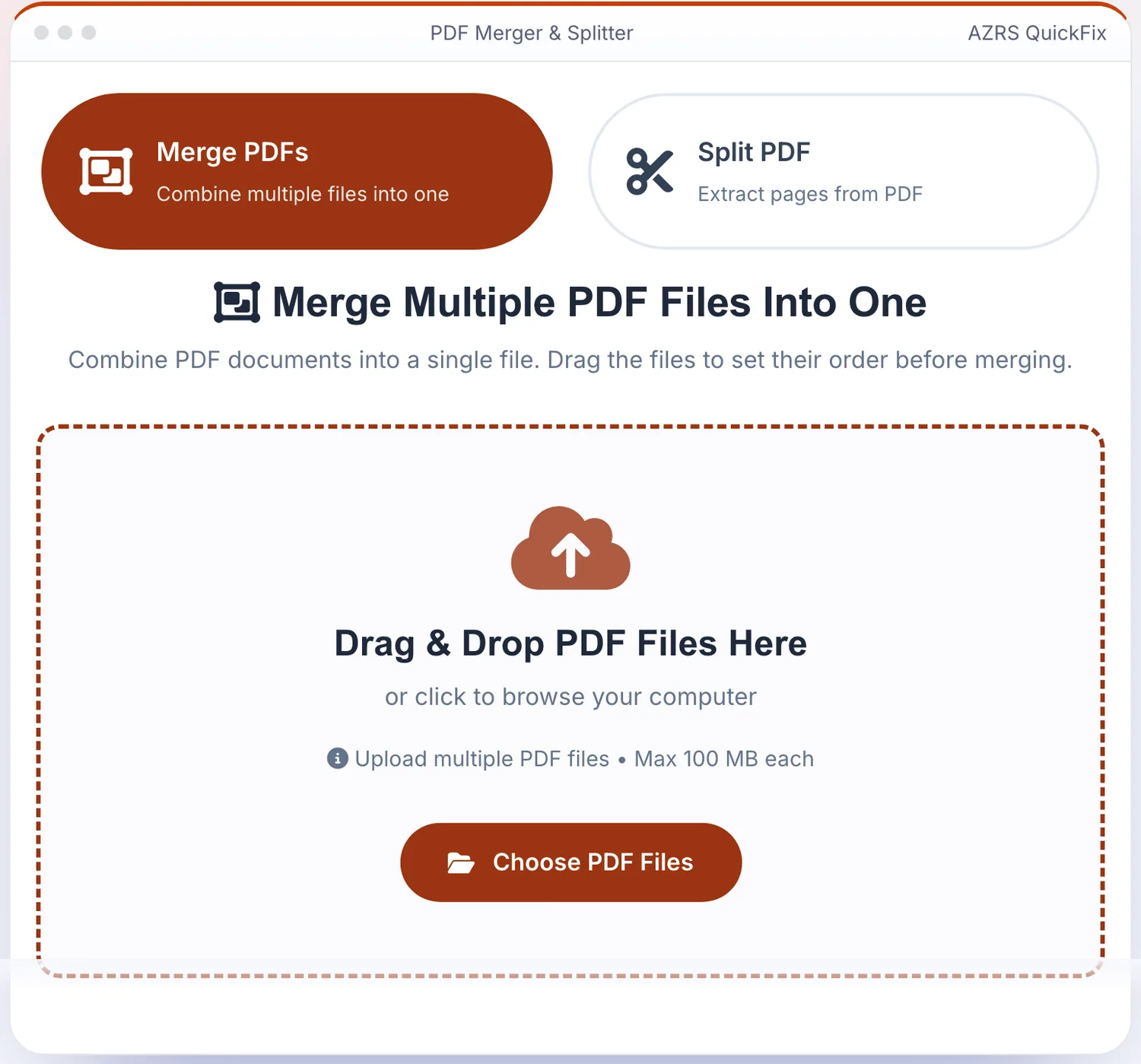
Open the tool
The PDF Merger opens ready to use, nothing to install or sign up for.
- 2
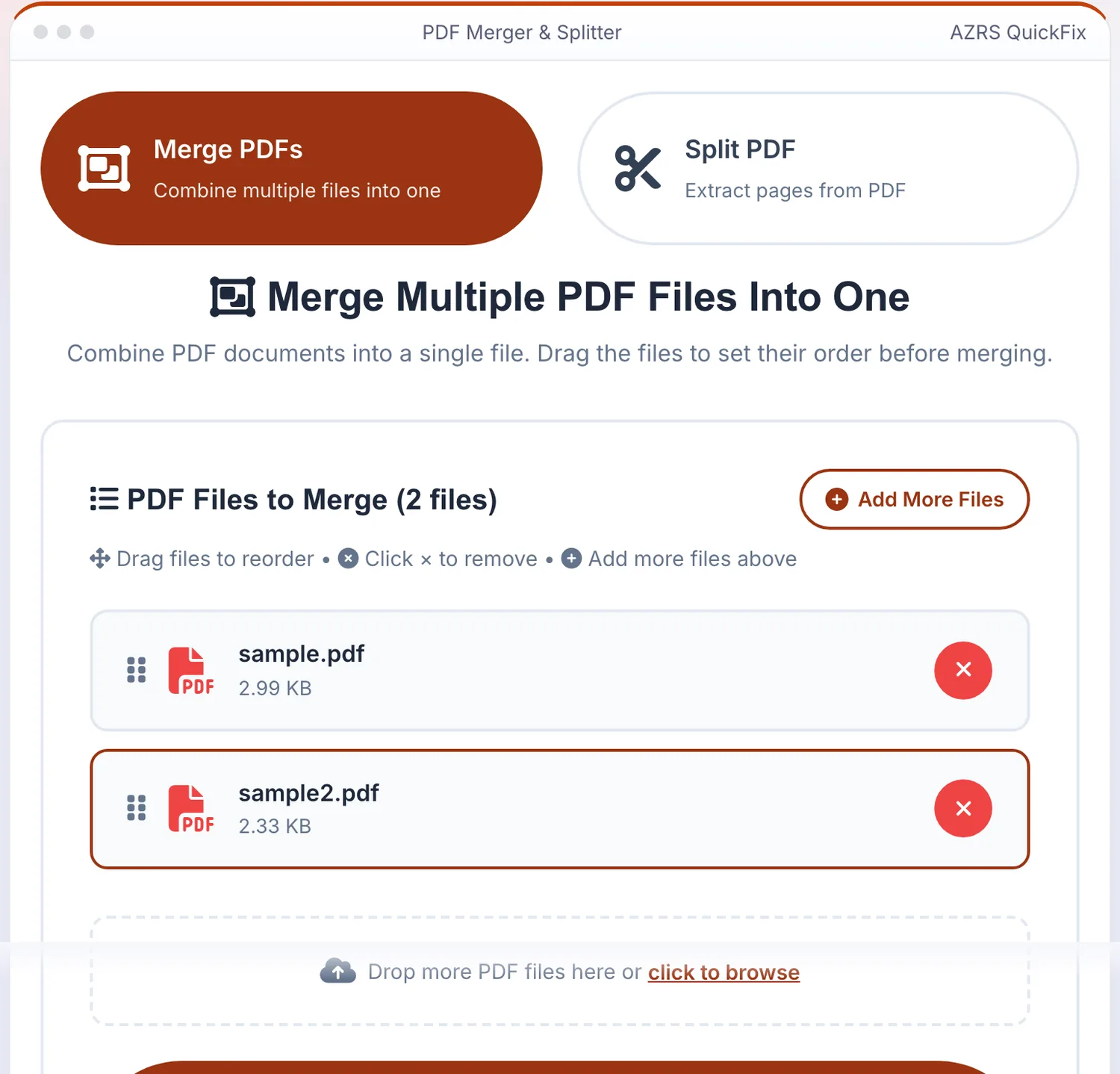
Add your file
Choose a file, here sample.pdf and 1 more, and the PDF Merger reads it straight in your browser tab.
- 3
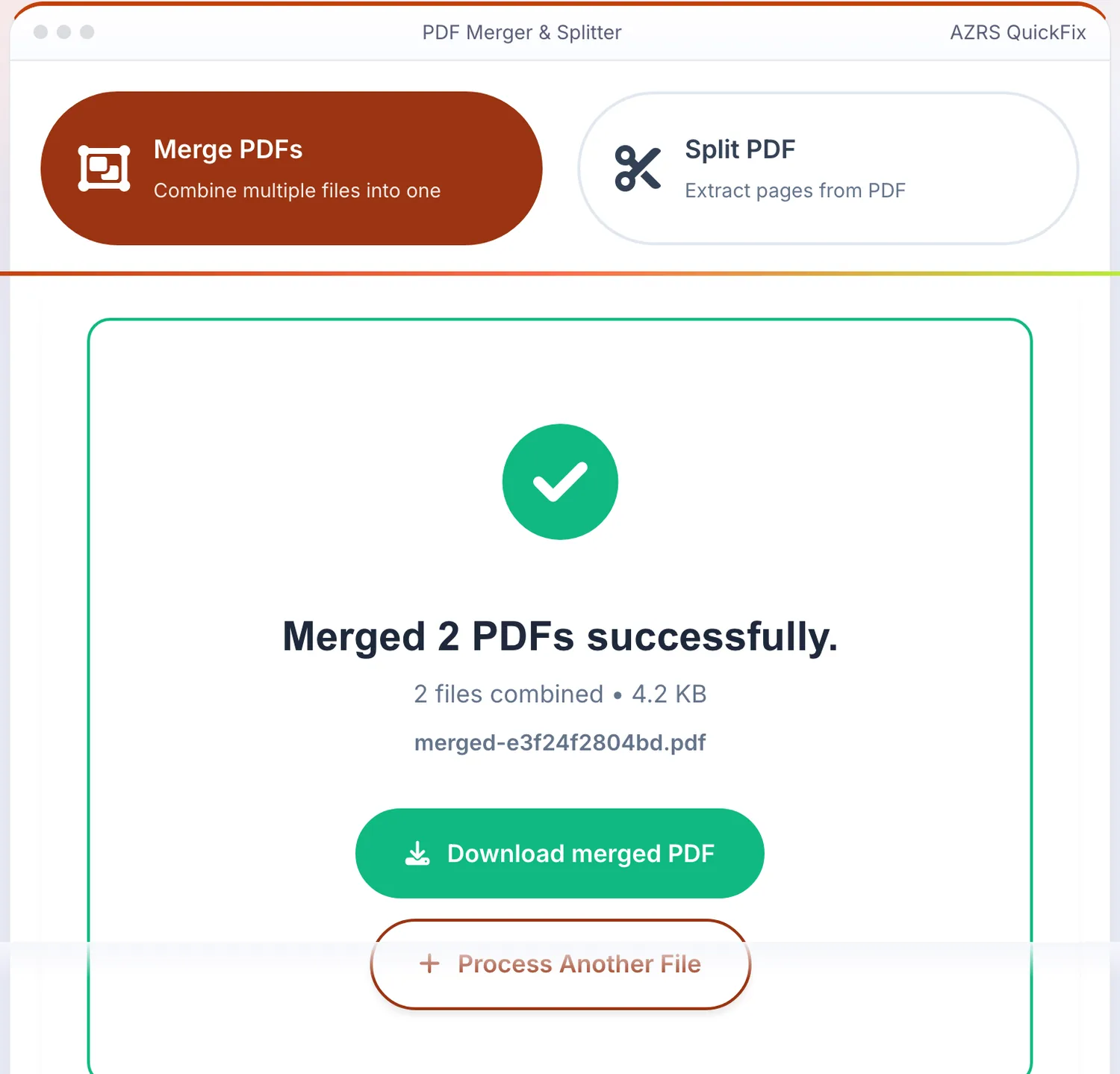
Press Merge PDFs Now
The PDF Merger shows the result straight away, below the same form.
What does a PDF merger do?
A PDF merger joins several PDF files into one document, keeping every page of each file in the order you choose. It saves you from sending five attachments when one file will do, for example an application with its supporting forms.
3 steps to your result
Open the tool and follow along. Nothing to install.
Choose two or more PDF files, or drag them in.
Drag the files into the order you want them to appear.
Click Merge PDFs and download the combined file.
What you get
Put documents in exactly the order you want.
Merge many PDFs in one go.
The merged file comes back clean.
Upload, merge and download without signing up.
Larger files are skipped with a message before upload.
The same page can also pull pages out of a PDF.
Used for
Pick one to see how it fits.
One file for the whole packet
Join a form, an ID copy and supporting letters into a single PDF so the reviewer opens one attachment.
Try it freeA month of invoices together
Combine invoices or receipts into one file for your records or your accountant.
Try it freeNotes in the right order
Merge lecture notes and readings so everything you need to revise sits in one document.
Try it freeHow it compares
A plain look at this tool next to the usual alternative.
| This page | Desktop PDF software | |
|---|---|---|
| Install | Nothing to install | Usually an app to install |
| Account | No signup | Depends on the product |
| Where files go | Uploaded to AZRS to be merged | Stay on your computer |
| Cost | Free to use | Free or paid, depends on the product |
Questions people ask
Is the PDF merger free?
Yes. The tool page says it is free, with no signup and no watermark on the merged file.
Can I change the order of the files?
Yes, drag the files into order before merging. To reorder pages inside a single PDF, use the PDF Page Organizer.
Is there a size limit?
Each PDF can be up to 100 MB. Larger files are skipped with a message before upload.
Where are my files processed?
Your files are uploaded to AZRS servers to be merged, so avoid uploading documents you are not comfortable sending to a web service.
Can I split a PDF as well?
Yes. The PDF Splitter extracts pages from a PDF into a new file.
More free tools
Related to the PDF Merger.