
Meet the Workout Log & History Tracker
Keep a private workout log. See your streak, a 20-week activity heat map, weekly workout chart and total reps.
- Free to use
- No signup
- Nothing to install
- Runs in your browser
Train 4 days in a row and the card shows a 4-day streak. Log a 30-minute run for yesterday and the heat map fills in.Open the Workout Log & History Tracker
Illustration. Open the tool for the real thing.
See it in action
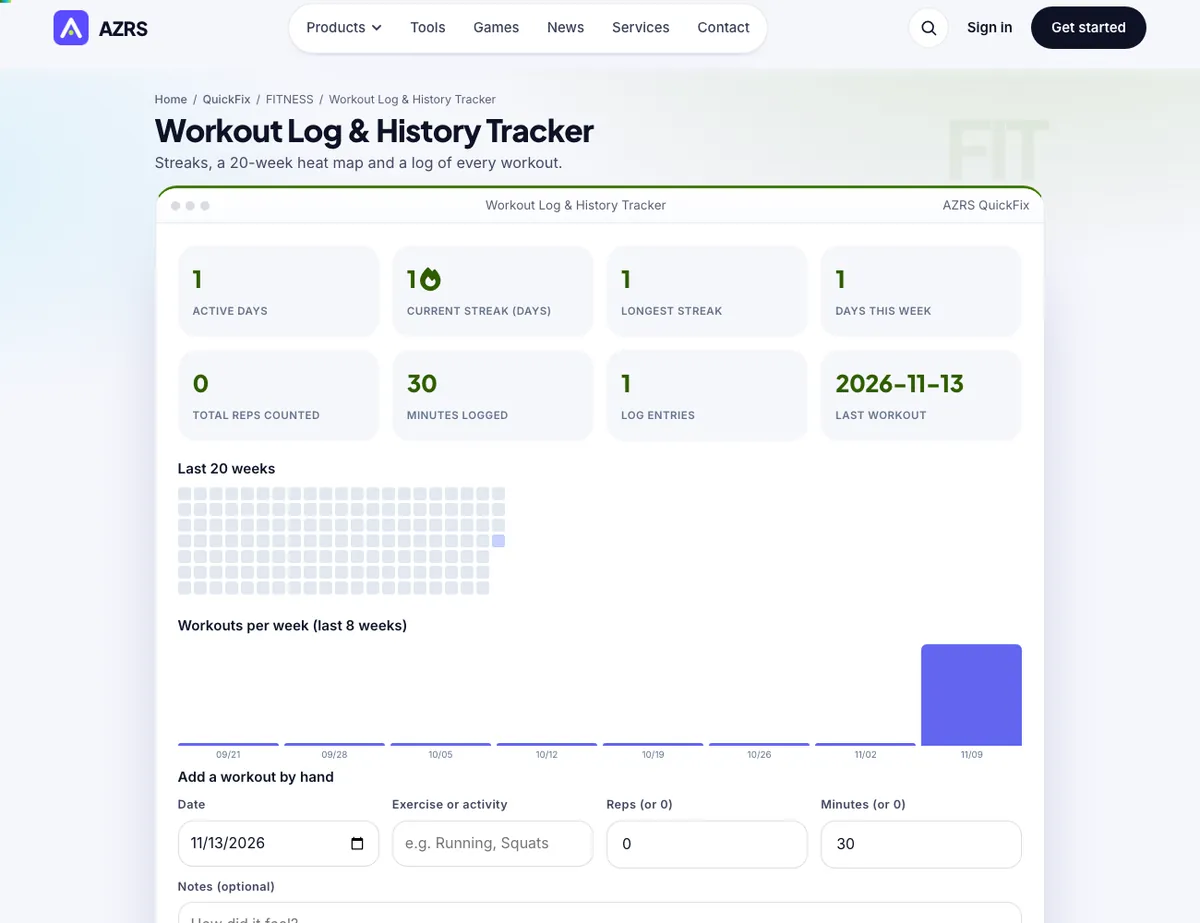
The Workout Log & History Tracker with sample data entered and the result showing.
What is the Workout Log & History Tracker?
Your Workout Log collects everything you do in one place: sessions from the Push-Up Coach, the Workout Builder, the Rep & Set Tracker, stretch routines and the camera counters are saved here automatically. You can also add runs, swims, classes or anything else by hand.
See your current and longest streak, active days, total reps counted and minutes logged, plus a 20-week heat map and a bar chart of workouts per week. Export your log as CSV for a spreadsheet, or back it up as JSON. Nothing leaves your device.
3 steps to your result
Open the tool and follow along. Nothing to install.
What you get
Coaches and camera tools save sessions for you.
Current and longest streak.
20 weeks at a glance.
Any activity, any date.
Own your data.
Stored in your browser.
Used for
Pick one to see how it fits.
How it compares
A plain look at this tool next to the usual alternative.
| This fitness tool | Desktop software | |
|---|---|---|
| Install | Nothing to install | Usually an app or program to install |
| Account | No signup | Depends on the product |
| Cost | Free to use | Free or paid, depends on the product |
| Where it runs | In your browser tab | On your computer |
Questions people ask
Will my log sync between devices?
No. It lives on this device. Use the JSON backup to move it.
Is it free and private?
It costs nothing and keeps what it saves in your own browser here. Open the log after a workout. It is already there. Or add an entry: date, exercise, reps, minutes. Includes Automatic logging; Streaks.
How do I use the Workout Log & History Tracker?
1. Open the log after a workout. It is already there. 2. Or add an entry: date, exercise, reps, minutes. 3. Check your streak and heat map. 4. Export a CSV or backup whenever you like.
Any tips for good results?
Export a backup monthly. Be consistent: a short workout keeps the streak. Use notes for how you felt.
What mistakes should I avoid?
Clearing browser data without a backup.
More free tools
Related to the Workout Log & History Tracker.
Try the Workout Log & History Tracker now
Streaks, a 20-week heat map and a log of every workout. Free to use.
Try it free