
Use the Text Extractor
This text extractor pulls readable text out of more than 25 file formats: scanned images and photos (OCR in 100+ languages), PDFs, Word documents, spreadsheets, PowerPoint slides, code
- Free to use
- No signup
- Nothing to install
- Works in any modern browser
 Your input
A real example, step by step
Real data entered into the Text Extractor, one screenshot per step. Nothing is mocked up.
- 1
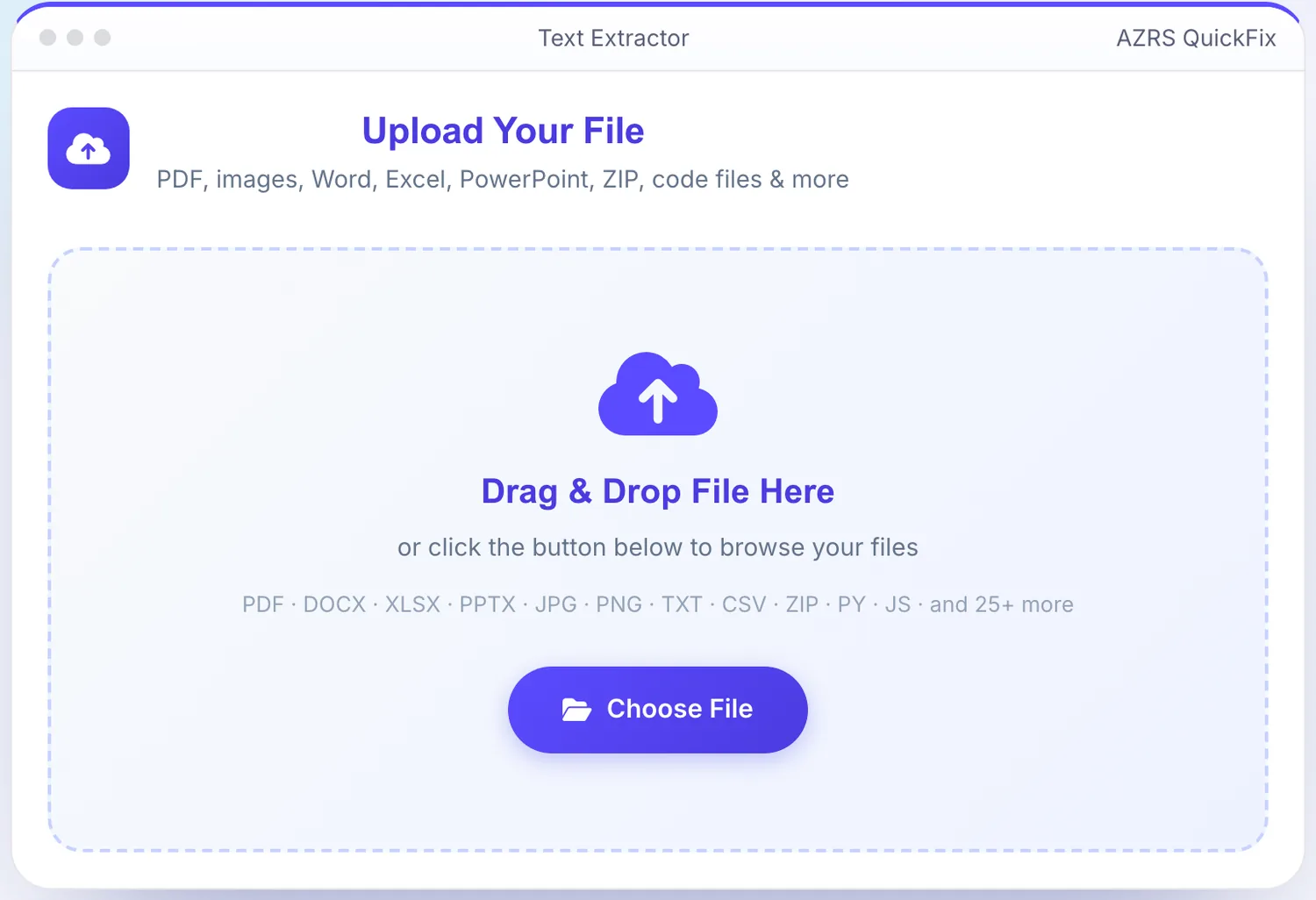
Open the tool
The Text Extractor opens ready to use, nothing to install or sign up for.
- 2
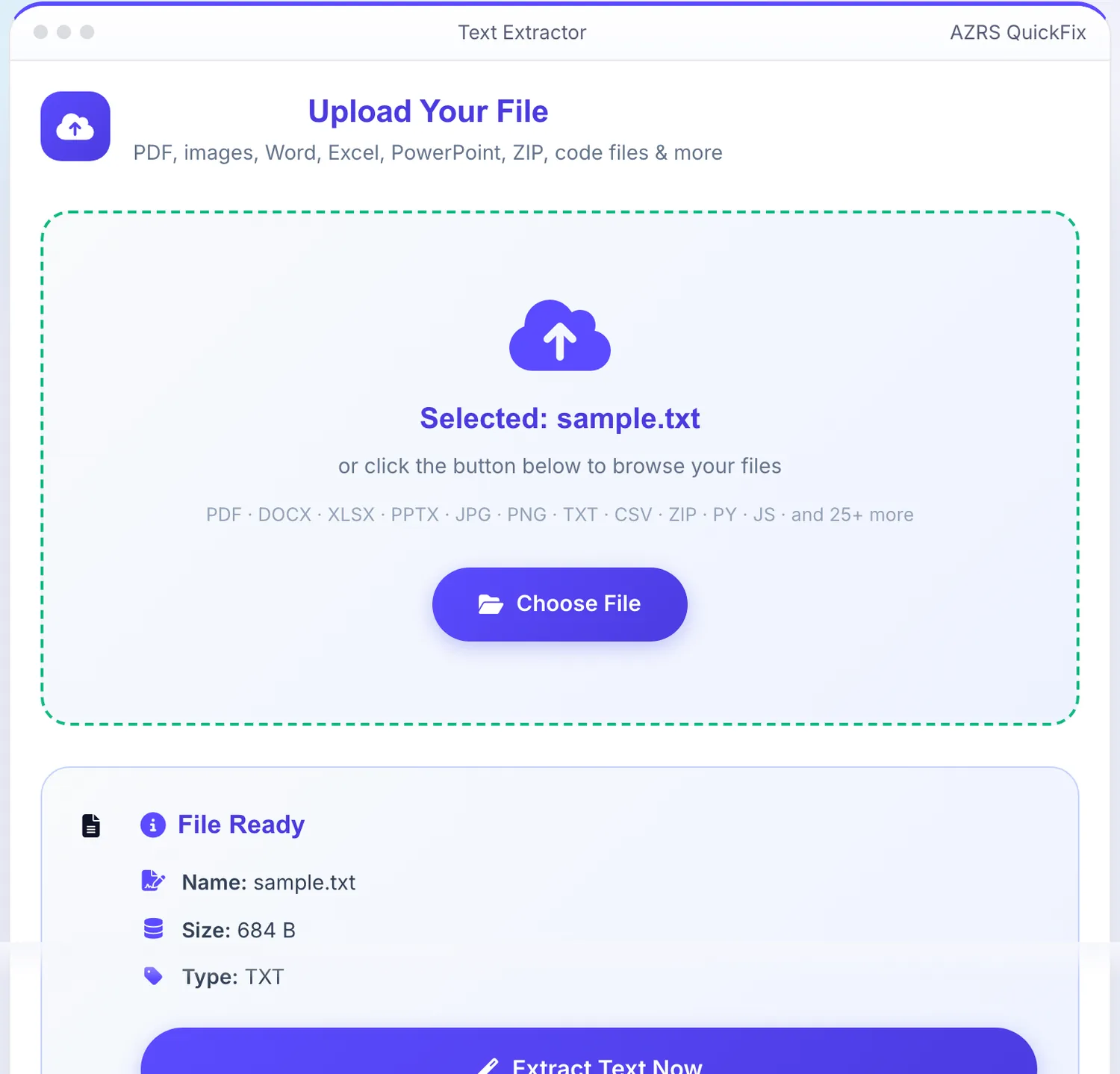
Add your file
Choose a file, here sample.txt, and the Text Extractor reads it straight in your browser tab.
- 3
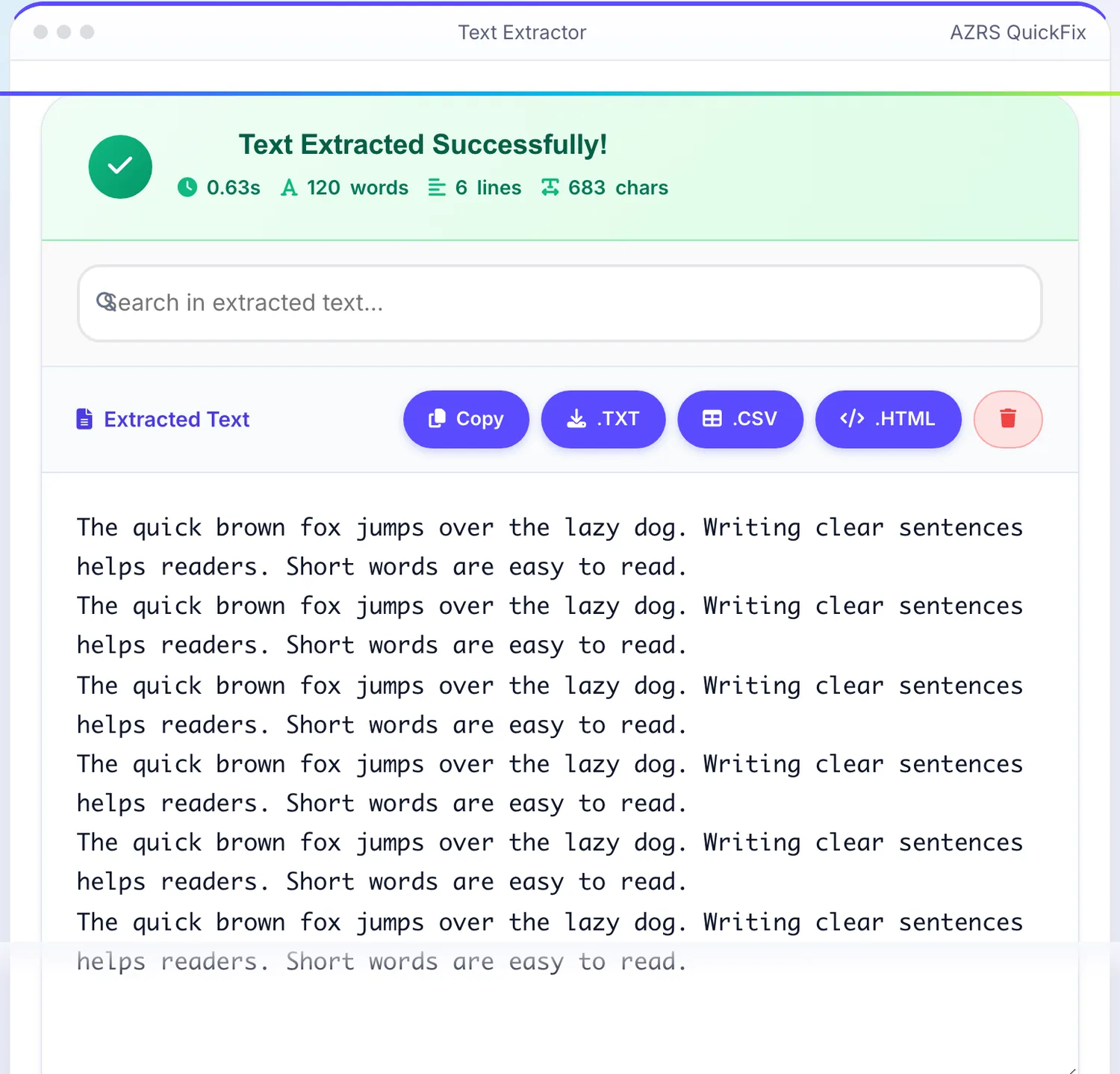
Press Extract Text Now
The Text Extractor shows the result straight away, below the same form.
What is the Text Extractor?
This text extractor pulls readable text out of more than 25 file formats: scanned images and photos (OCR in 100+ languages), PDFs, Word documents, spreadsheets, PowerPoint slides, code files and archives. Drop a file in and it detects the type automatically, then runs the right extraction method — optical character recognition for images, direct text parsing for documents and code, and cell-by-cell reading for spreadsheets.
Once extraction finishes you get live stats (word count, line count, character count, processing time), an in-page search with next/previous match highlighting, a line-reflow button that joins broken OCR lines back into paragraphs, and one-click export to TXT, CSV or HTML — all without uploading anything to a third-party service.
3 steps to your result
Open the tool and follow along. Nothing to install.
What you get
Extract handwriting-adjacent and printed text from photos and scans in dozens of languages, with an engine and language selector before you run it.
Reads PDF text layers, Word paragraphs, Excel/CSV/TSV/JSON cells and PowerPoint slide text directly, no OCR needed for these.
Search inside the extracted text with match highlighting, and reflow broken OCR line breaks into clean paragraphs.
Copy to clipboard or download the result as a .txt, .csv or .html file.
AZRS tools are free to open and use.
It opens in your browser, so there is nothing to download.
Used for
Pick one to see how it fits.
Students & researchers
Pull quotes and notes out of scanned book pages or lecture slide photos without retyping them.
Try it freeOffice & admin staff
Convert scanned forms, invoices and ID photos into text that can be searched, copied or filed.
Try it freeDevelopers
Extract text from code screenshots, config files or archived project docs quickly.
Try it freeHow it compares
A plain look at this tool next to the usual alternative.
| This file tool | Desktop software | |
|---|---|---|
| Install | Nothing to install | Usually an app or program to install |
| Account | No signup | Depends on the product |
| Cost | Free to use | Free or paid, depends on the product |
Questions people ask
Is the text extractor free?
Yes, completely free with no signup and no limit on how many files you process.
Which file types are supported?
Documents, spreadsheets, images (via OCR), PowerPoint slides, code files and common archive formats — 25+ types in total.
Does it work with scanned PDFs?
Yes. If a PDF has no selectable text layer, the extractor automatically falls back to OCR on the page images.
Is my file uploaded to a server?
Extraction runs through the app's own processing, and files are not retained after your session — nothing is shared with third parties.
Can I search inside the extracted text?
Yes, use the search box in the results panel with next/previous match navigation.
More free tools
Related to the Text Extractor.
Try the Text Extractor now
This text extractor pulls readable text out of more than 25 file formats: scanned images. Free to use.
Try it free