
Try the Excel Formula Extractor
Upload an Excel workbook (.xlsx, .xls, .xlsm or .xltx/.xltm) and this tool scans every sheet for formulas, then lists them out with quick stats: total formulas found, files processed
- Free to use
- No signup
- Nothing to install
- Works in any modern browser
Illustration. Open the tool for the real thing.
See it in action
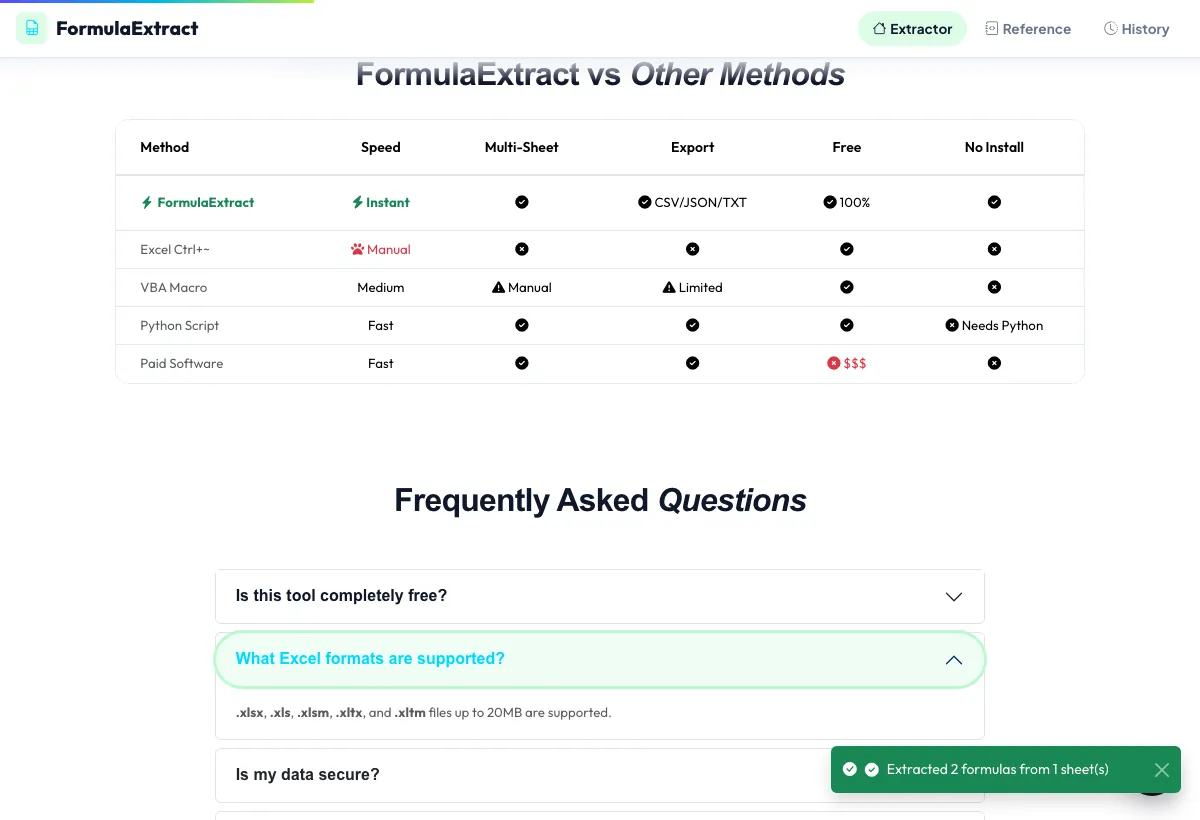
Sample input: File = sample.xlsx. Pressed What Excel formats are supported?.
What is the Excel Formula Extractor?
Upload an Excel workbook (.xlsx, .xls, .xlsm or .xltx/.xltm) and this tool scans every sheet for formulas, then lists them out with quick stats: total formulas found, files processed, sheets covered, how many are 'complex' and how many distinct formula types appear.
Results land in a filterable, searchable table — search by formula text, filter by sheet or by complexity — so you can audit a large spreadsheet's logic without manually clicking through hundreds of cells. A reference tab and a history tab round out the workflow for repeat use.
3 steps to your result
Open the tool and follow along. Nothing to install.
What you get
Extracts every formula across every sheet in the uploaded workbook, not just the active sheet.
See formula count, sheet count, complex-formula count and distinct formula types at a glance.
Search formulas by text and filter by sheet or complexity to zero in on what you need.
A built-in reference tab and a history of past extractions sit alongside the main extractor.
AZRS tools are free to open and use.
It opens in your browser, so there is nothing to download.
Used for
Pick one to see how it fits.
Analysts & accountants
Audit an inherited or complex workbook's formula logic before relying on its numbers.
Try it freeExcel trainers
Pull real formula examples out of a workbook to use in teaching material.
Try it freeDevelopers
Inventory the formulas in a spreadsheet before rebuilding its logic in code.
Try it freeHow it compares
A plain look at this tool next to the usual alternative.
| This file tool | Desktop software | |
|---|---|---|
| Install | Nothing to install | Usually an app or program to install |
| Account | No signup | Depends on the product |
| Cost | Free to use | Free or paid, depends on the product |
Questions people ask
Is the Excel formula extractor free?
Yes, free with no signup required.
Which Excel formats are supported?
XLSX, XLS, XLSM, XLTX and XLTM.
Does it scan every sheet in the workbook?
Yes, formulas are pulled from every sheet, not just the one that was active when you saved.
Can I search for a specific function?
Yes, use the search box to filter the results table by formula text, including function names.
What counts as a 'complex' formula?
The tool flags formulas above a size/nesting threshold as complex so you can review the trickiest logic first.
More free tools
Related to the Excel Formula Extractor.
Try the Excel Formula Extractor now
Upload an Excel workbook (.xlsx, .xls, .xlsm or .xltx/.xltm) and this tool scans every. Free to use.
Try it free