
Use the STL Boolean Tool
Combine two STL/OBJ/3MF models with union, subtract or intersect, or cut holes and slots with a cylinder/box primitive. Position.
- Free to use
- No signup
- Nothing to install
- Runs in your browser
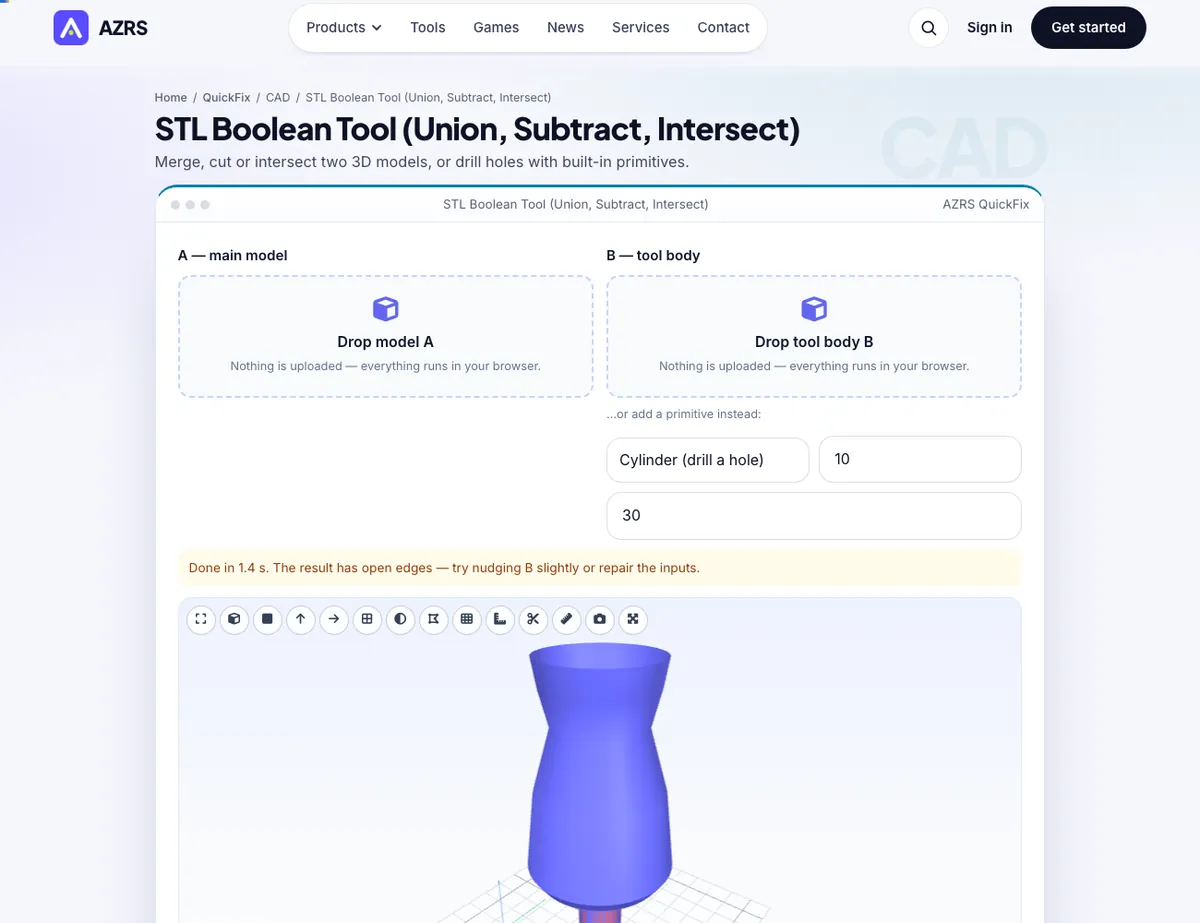
Subtracting a 10 mm cylinder (30 mm tall) centred on the top of a 40 mm cube leaves a cube with a through hole: the volume drops by π·5²·40 ≈ 3,142 mm³ and the result stays watertight.Open the STL Boolean Tool
Illustration. Open the tool for the real thing.
See it in action
The STL Boolean Tool with sample data entered and the result showing.
What is the STL Boolean Tool?
The most common fix for an STL you cannot edit in CAD is a boolean operation: drill a hole in it, cut a slot, merge a bracket onto it, or keep only the part where two shapes overlap. This tool performs union (A ∪ B), difference (A − B) and intersection (A ∩ B) on two closed meshes entirely in your browser. Load model A, then either load a second model B or add a built-in cylinder, box or sphere, move and rotate it into place with numeric fields, and see it as a translucent overlay before you commit.
The geometry runs in a background thread using constructive solid geometry, so the page stays responsive; the output is healed so edges are properly shared and the tool then reports triangles, volume, watertightness and the number of separate bodies. Boolean operations need closed inputs, so the tool warns when a body is not watertight and links to the repair tool, and it limits very dense models that would take too long — simplify them first.
3 steps to your result
Open the tool and follow along. Nothing to install.
What you get
All three operations with a live translucent preview of the tool body.
Cylinder, box and sphere for quick holes, slots and pockets.
Move, rotate and scale B relative to A, or start from the centre or top face.
Triangles, volume, bodies and watertight check, then export STL/3MF/OBJ/PLY.
AZRS tools are free to open and use.
It opens in your browser, so there is nothing to download.
Used for
Pick one to see how it fits.
How it compares
A plain look at this tool next to the usual alternative.
| This 3d tool | Desktop software | |
|---|---|---|
| Install | Nothing to install | Usually an app or program to install |
| Account | No signup | Depends on the product |
| Cost | Free to use | Free or paid, depends on the product |
| Where it runs | In your browser tab | On your computer |
Questions people ask
What input is required?
Closed (watertight) meshes; the tool warns otherwise.
Why is the result slow?
Large models need heavy computation; reduce the triangle count first.
Can I use more than two bodies?
Apply operations one after another; load the result as A again.
Is it private?
Yes — nothing is uploaded.
How do I use the STL Boolean Tool?
1. Drop in model A and then model B (or choose a primitive). 2. Position B with the move/rotate/scale fields. 3. Pick union, subtract or intersect and press Apply. 4. Check the result and download it.
More free tools
Related to the STL Boolean Tool.
Try the STL Boolean Tool now
Merge, cut or intersect two 3D models, or drill holes with built-in primitives. Free to use.
Try it free