
Your PDF Splitter
Split a PDF into single pages or pull out just the pages you need. Leave the page box empty to split every page into its own file, or enter ranges such as 1-3, 5, 8 to extract specific
- Free to use
- Opens in your browser
- Nothing to install
- Works in any modern browser
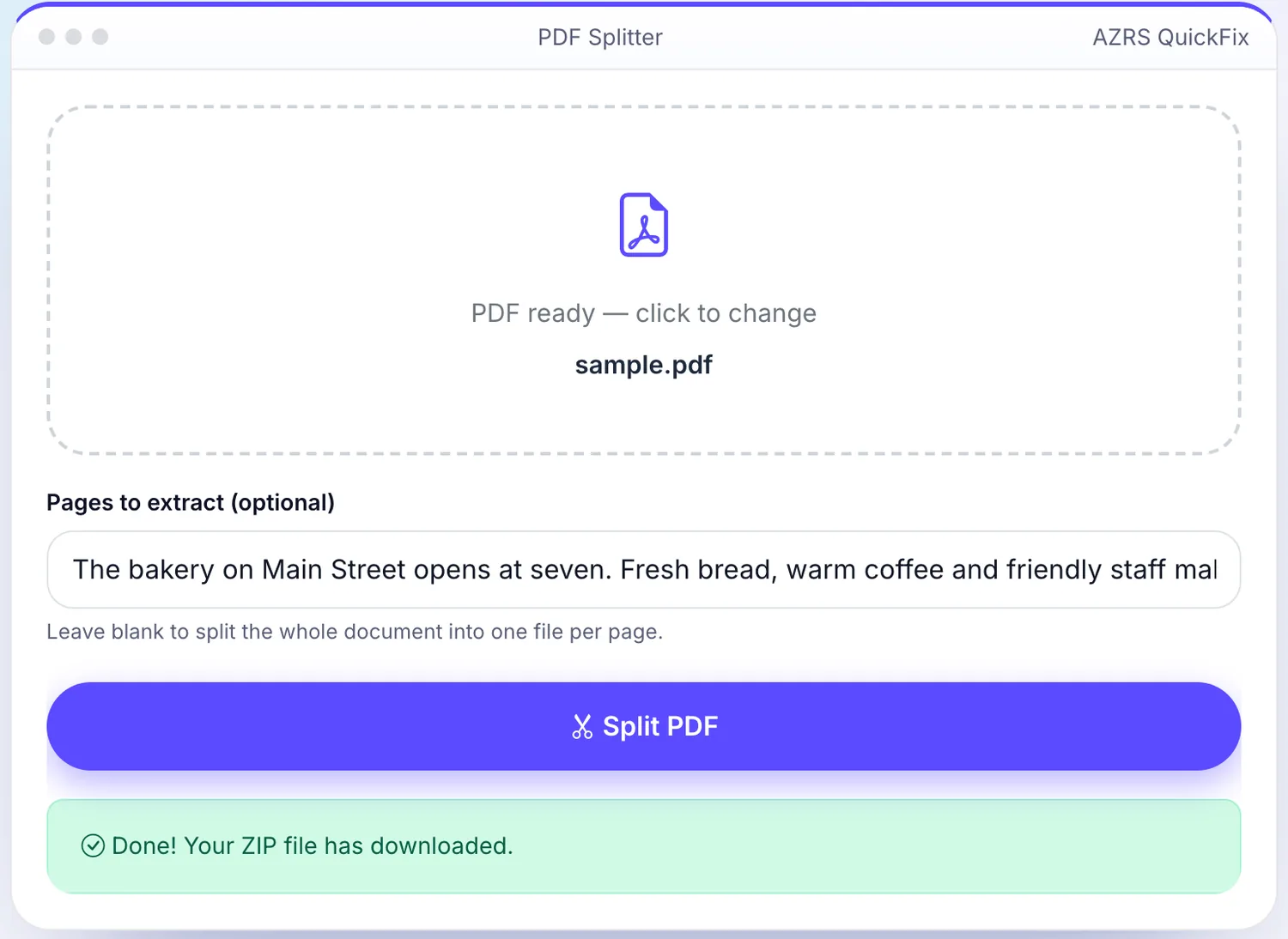
 Your input
A real example, step by step
Real data entered into the PDF Splitter, one screenshot per step. Nothing is mocked up.
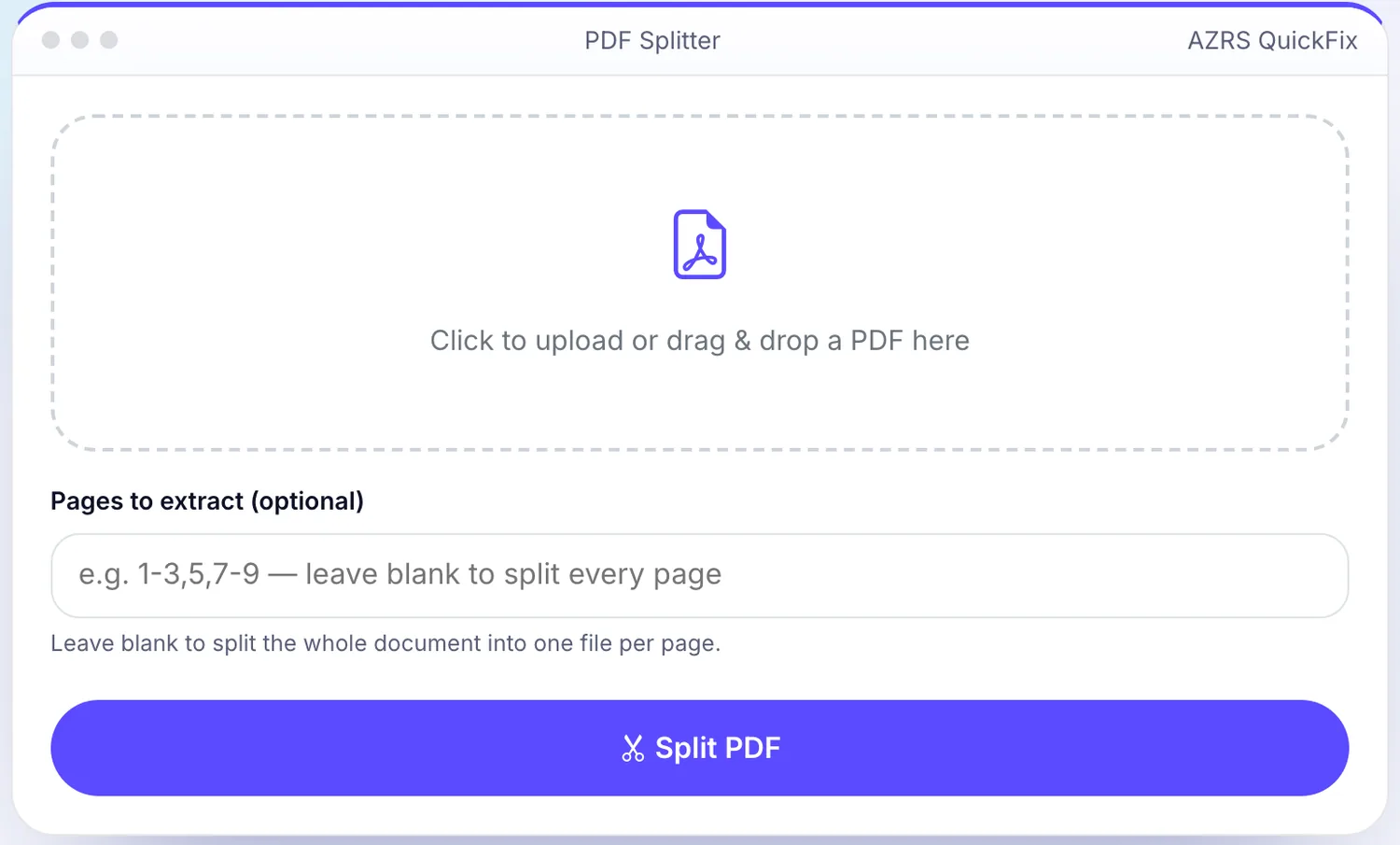
- 1
Open the tool
The PDF Splitter opens ready to use, nothing to install or sign up for.
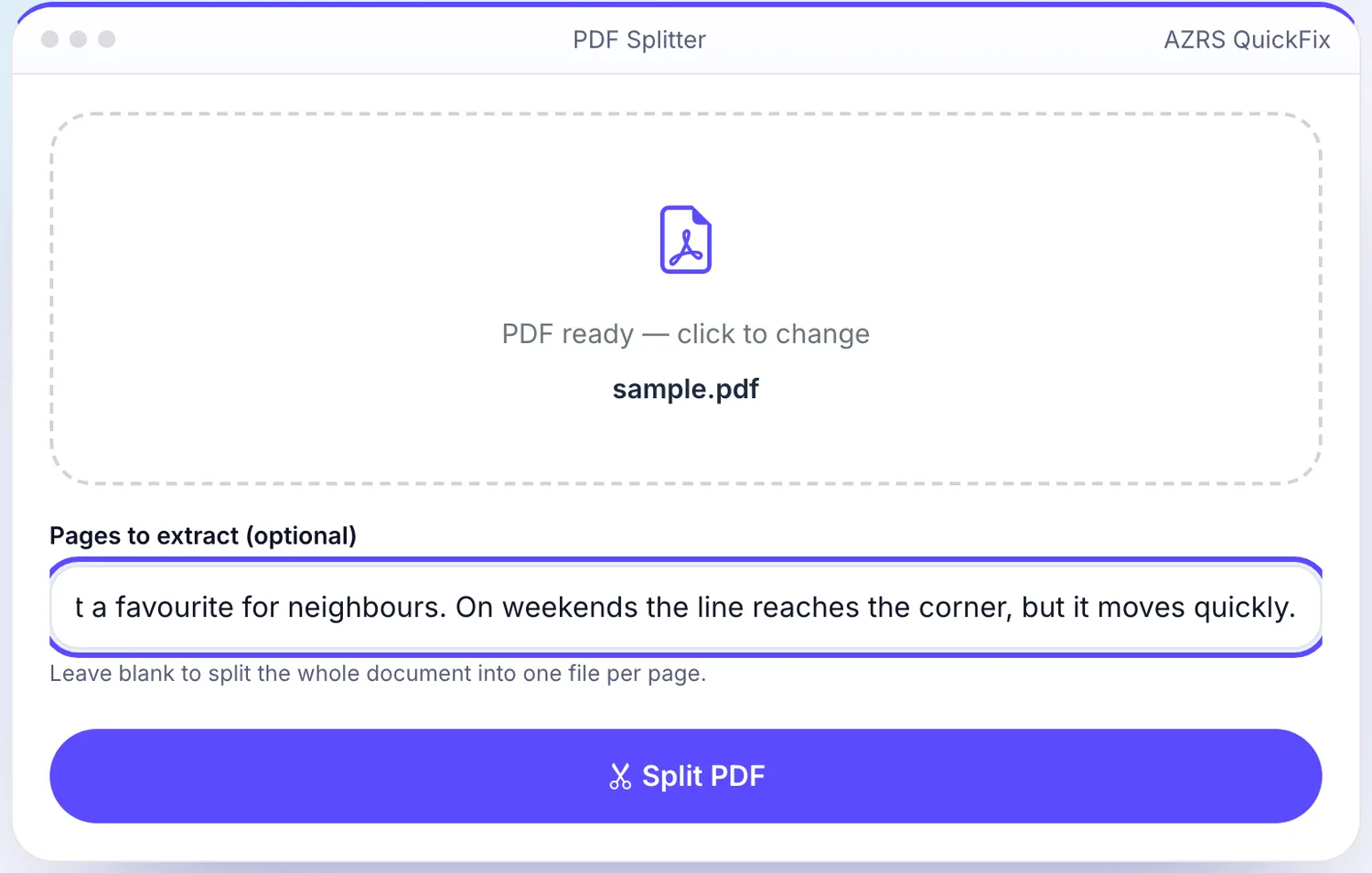
- 2
Add your file
Choose a file, here sample.pdf, and the PDF Splitter reads it straight in your browser tab.
- 3
Press Split PDF
The PDF Splitter shows the result straight away, below the same form.
What is the PDF Splitter?
Split a PDF into single pages or pull out just the pages you need. Leave the page box empty to split every page into its own file, or enter ranges such as 1-3, 5, 8 to extract specific pages.
Handy for sending one page of a long document, separating chapters, or removing pages before sharing.
3 steps to your result
Open the tool and follow along. Nothing to install.
What you get
Get one PDF per page in a ZIP.
Enter page numbers or ranges.
Free and instant.
Files are discarded after processing.
AZRS tools are free to open and use.
It opens in your browser, so there is nothing to download.
How it compares
A plain look at this tool next to the usual alternative.
| This file tool | Desktop software | |
|---|---|---|
| Install | Nothing to install | Usually an app or program to install |
| Cost | Free to use | Free or paid, depends on the product |
Questions people ask
How do I extract pages from a PDF?
Enter the page numbers or ranges, for example 2-4, then click Split PDF.
Is it free?
Yes.
Can I split every page?
Leave the pages box blank to get one file per page.
Is my document stored?
No.
How do I use the PDF Splitter?
1. Upload your PDF. 2. Optionally enter pages such as 1-3, 5. 3. Click Split PDF. 4. Download the result.
More free tools
Related to the PDF Splitter.
Try the PDF Splitter now
Split a PDF into single pages or pull out just the pages you need. Free to use.
Try it free