
Use the Foreground Remover
This is the mirror image of a background remover: instead of keeping the subject and dropping the background, it detects and removes the main foreground subject and keeps everything behind
- Free to use
- No signup
- Nothing to install
- Works in any modern browser
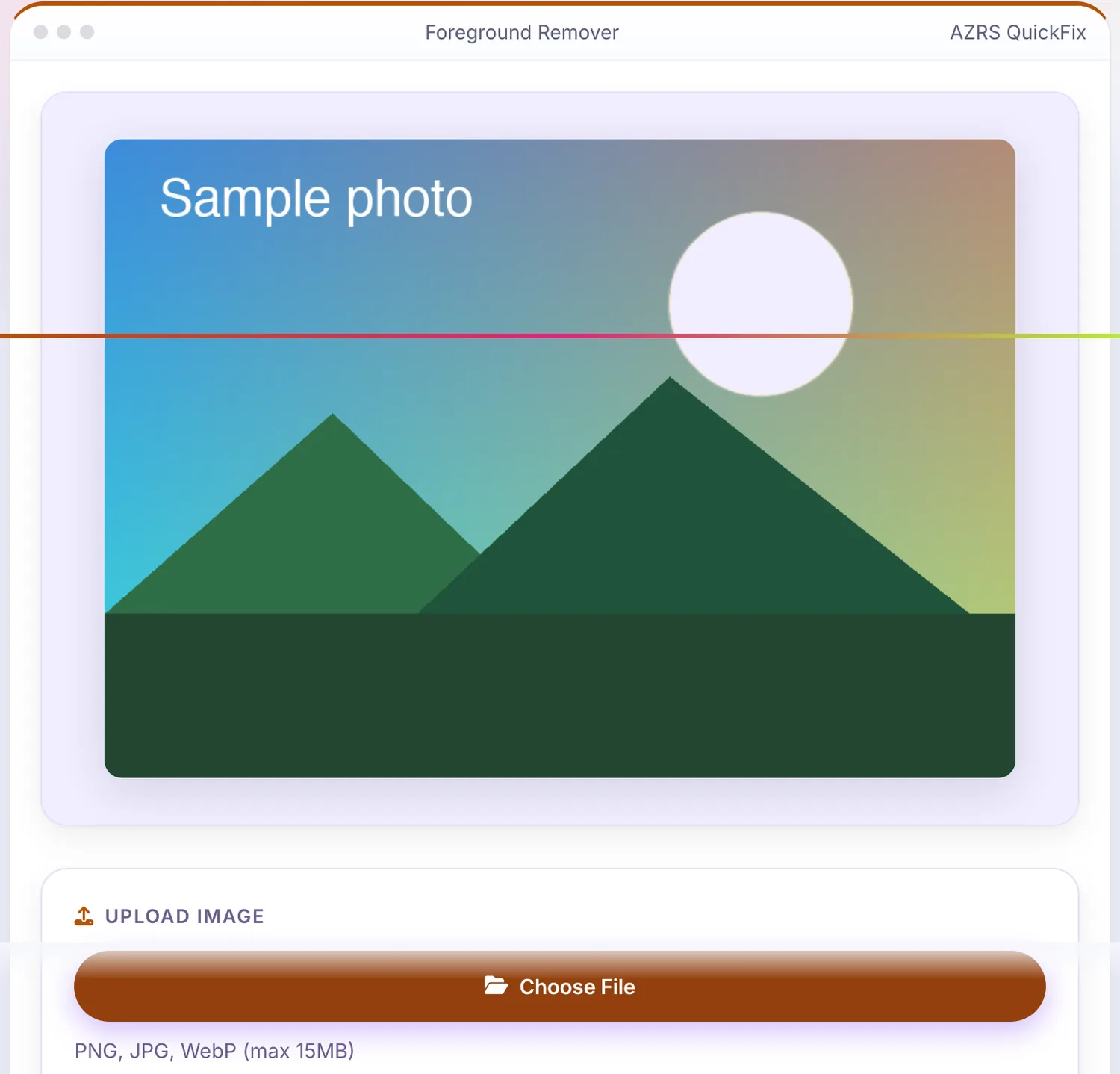
 Your input
A real example, step by step
Real data entered into the Foreground Remover, one screenshot per step. Nothing is mocked up.
- 1
Open the tool
The Foreground Remover opens ready to use, nothing to install or sign up for.
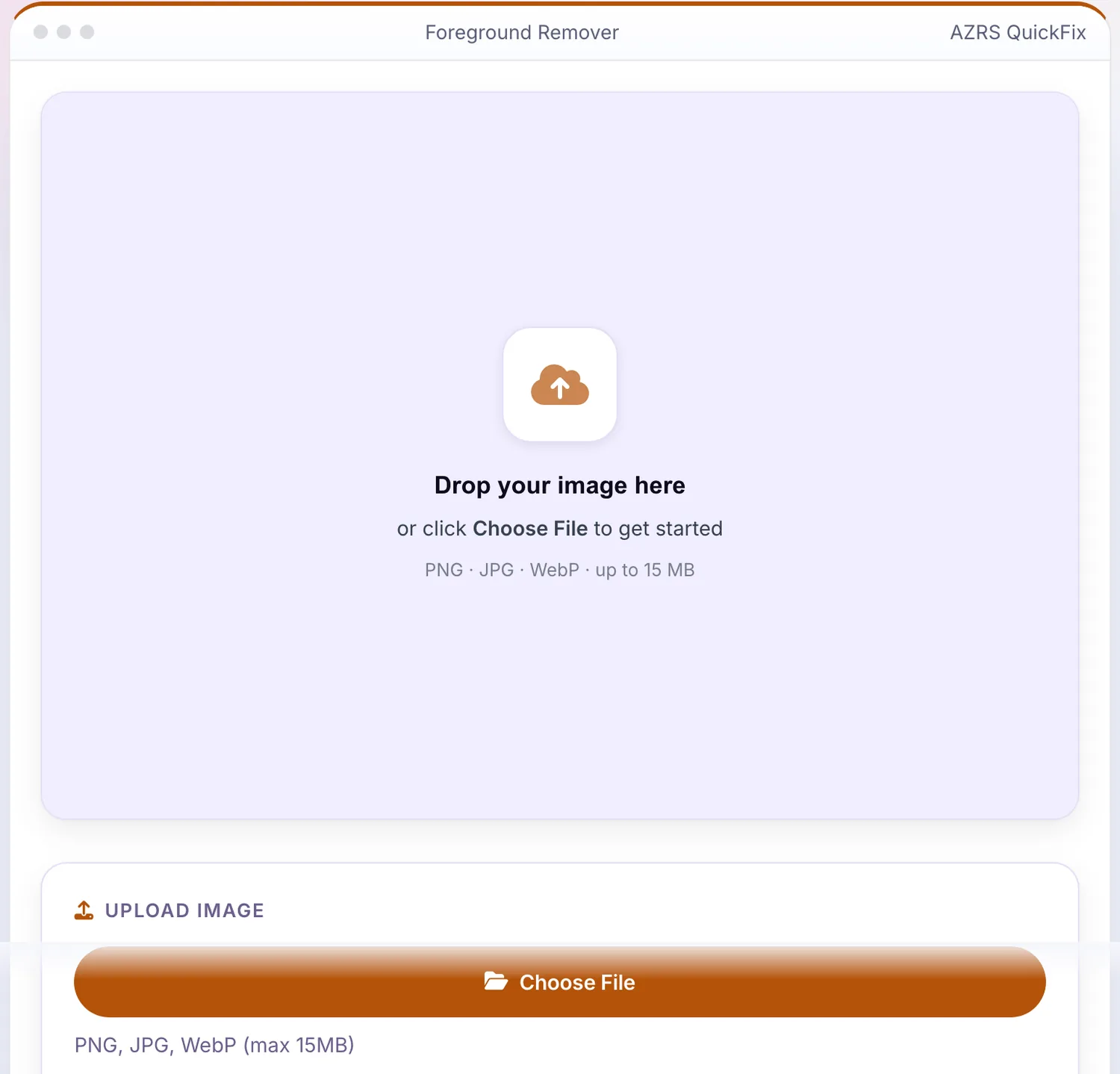
- 2
Add your file
Choose a file, here sample.png, and the Foreground Remover reads it straight in your browser tab.
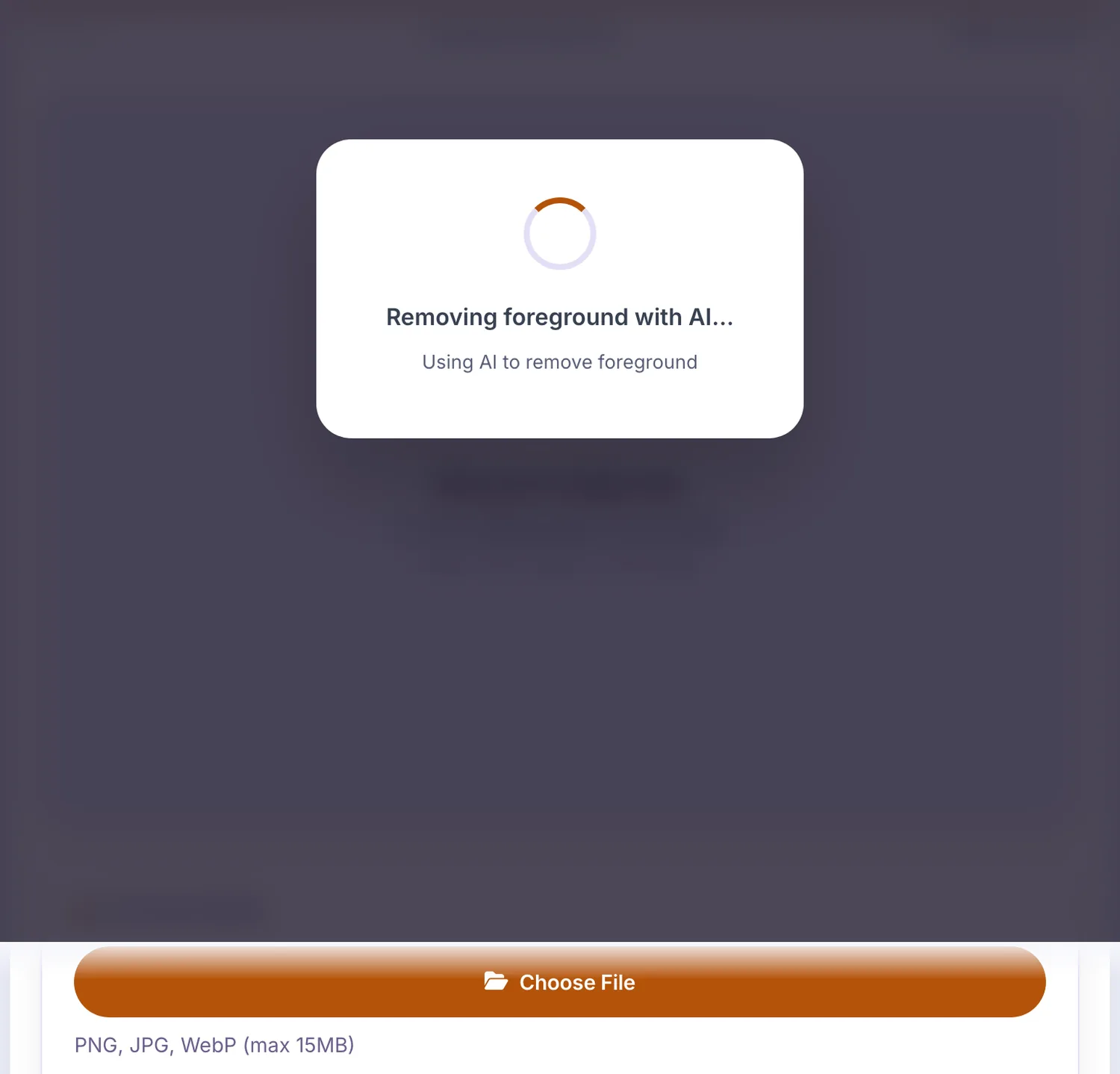
- 3
Press Choose File
The Foreground Remover shows the result straight away, below the same form.
What is the Foreground Remover?
This is the mirror image of a background remover: instead of keeping the subject and dropping the background, it detects and removes the main foreground subject and keeps everything behind it — useful when you want a clean empty-scene shot or need to isolate just the background layer for editing.
Like the background remover, it works entirely in-browser with a canvas-based workflow, a recent-images history strip, and an option to fill the removed area with a solid colour instead of leaving it transparent.
3 steps to your result
Open the tool and follow along. Nothing to install.
What you get
Detects the main subject in the frame and removes it, leaving the background behind.
Download the result with the foreground area transparent, ready for further editing.
Fill the removed foreground area with a chosen colour instead of transparency.
Recently processed images are kept available so you can return to an earlier result.
AZRS tools are free to open and use.
It opens in your browser, so there is nothing to download.
Used for
Pick one to see how it fits.
Designers & photographers
Isolate a clean background plate from a photo that had a subject in front of it.
Try it freeContent creators
Produce an empty-scene version of a photo for overlays, compositing or backdrops.
Try it freeStudents
Explore how foreground/background image segmentation works in a hands-on way.
Try it freeHow it compares
A plain look at this tool next to the usual alternative.
| This image tool | Desktop software | |
|---|---|---|
| Install | Nothing to install | Usually an app or program to install |
| Account | No signup | Depends on the product |
| Cost | Free to use | Free or paid, depends on the product |
Questions people ask
Is the foreground remover free?
Yes, free with no signup and no watermark.
How is this different from a background remover?
A background remover keeps the subject and removes what's behind it; this tool does the opposite — it removes the subject and keeps the scene.
Do I get a transparent result?
Yes by default, or you can fill the removed area with a solid colour instead.
Is my image uploaded anywhere?
Processing happens in your browser session; images aren't stored beyond the local history strip.
What image formats are supported?
Common image formats — check the supported-formats section on the page for the current list.
More free tools
Related to the Foreground Remover.
Try the Foreground Remover now
This is the mirror image of a background remover: instead of keeping the subject and. Free to use.
Try it free