
Meet the EXIF Viewer & Photo Metadata Remover
Free EXIF viewer and metadata remover. See the GPS location, camera, lens, date taken and settings hidden in your photos.
- Free to use
- No signup
- Nothing to install
- Runs in your browser
Illustration. Open the tool for the real thing.
See it in action
Sample input: File = sample.png
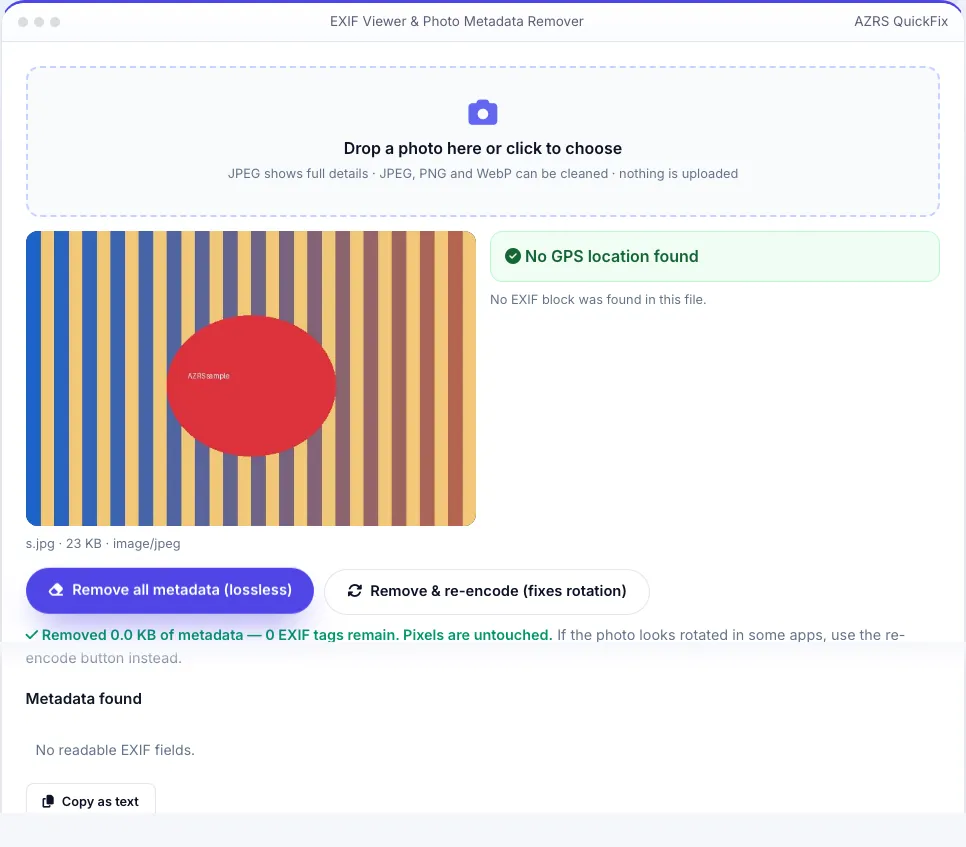
What is the EXIF Viewer & Photo Metadata Remover?
Every photo from a phone or camera can carry hidden data called EXIF: the exact GPS location where it was taken, the date and time, the camera or phone model, lens, exposure settings, software and sometimes the camera's serial number or the owner's name. When you share a photo online or by email, that information can travel with it.
Drop a photo here to see everything it reveals, with a clear warning and a map link if GPS coordinates are present. Then remove it: the lossless option deletes the metadata segments from a JPEG without re-compressing, so the pixels are identical, and the re-encode option draws a clean copy (also fixing rotation) for JPEG, PNG or WebP. Everything happens in your browser — your photo is never uploaded.
3 steps to your result
Open the tool and follow along. Nothing to install.
What you get
Coordinates with a map link and a privacy warning.
Make, model, lens, ISO, aperture, shutter, focal length, date taken.
Deletes EXIF, XMP, IPTC and comments from JPEGs without changing the pixels.
Files are processed on your device and never uploaded.
AZRS tools are free to open and use.
It opens in your browser, so there is nothing to download.
Used for
Pick one to see how it fits.
Anyone sharing photos online
Remove home and work locations before posting or selling online.
Try it freeHow it compares
A plain look at this tool next to the usual alternative.
| This utility | Desktop software | |
|---|---|---|
| Install | Nothing to install | Usually an app or program to install |
| Account | No signup | Depends on the product |
| Cost | Free to use | Free or paid, depends on the product |
| Where it runs | In your browser tab | On your computer |
Questions people ask
What is EXIF data?
Metadata embedded in image files by cameras and phones, recording how, when and often where a photo was taken.
Can a photo really show my home address?
If location tagging was on, the GPS coordinates are accurate to a few metres. Anyone with the file can look them up on a map.
Does removing metadata change my photo?
The lossless option removes only the metadata segments; the image data is byte-for-byte unchanged. Re-encoding recompresses it at high quality.
Are my photos uploaded?
No. They are read and cleaned in your browser.
Which formats can I read?
Full metadata reading works for JPEG. PNG and WebP images can still be cleaned with the re-encode button.
More free tools
Related to the EXIF Viewer & Photo Metadata Remover.
Try the EXIF Viewer & Photo Metadata Remover now
See what a photo reveals — GPS location, camera, date — and remove it in one click. Free to use.
Try it free