
Try the eSignDoc
eSignDoc runs a complete DocuSign-style signing workflow in five stages: upload your document, share a signing link, the signer(s) sign it, an audit trail is recorded, and finally you
- Free to use
- No signup
- Nothing to install
- Works in any modern browser
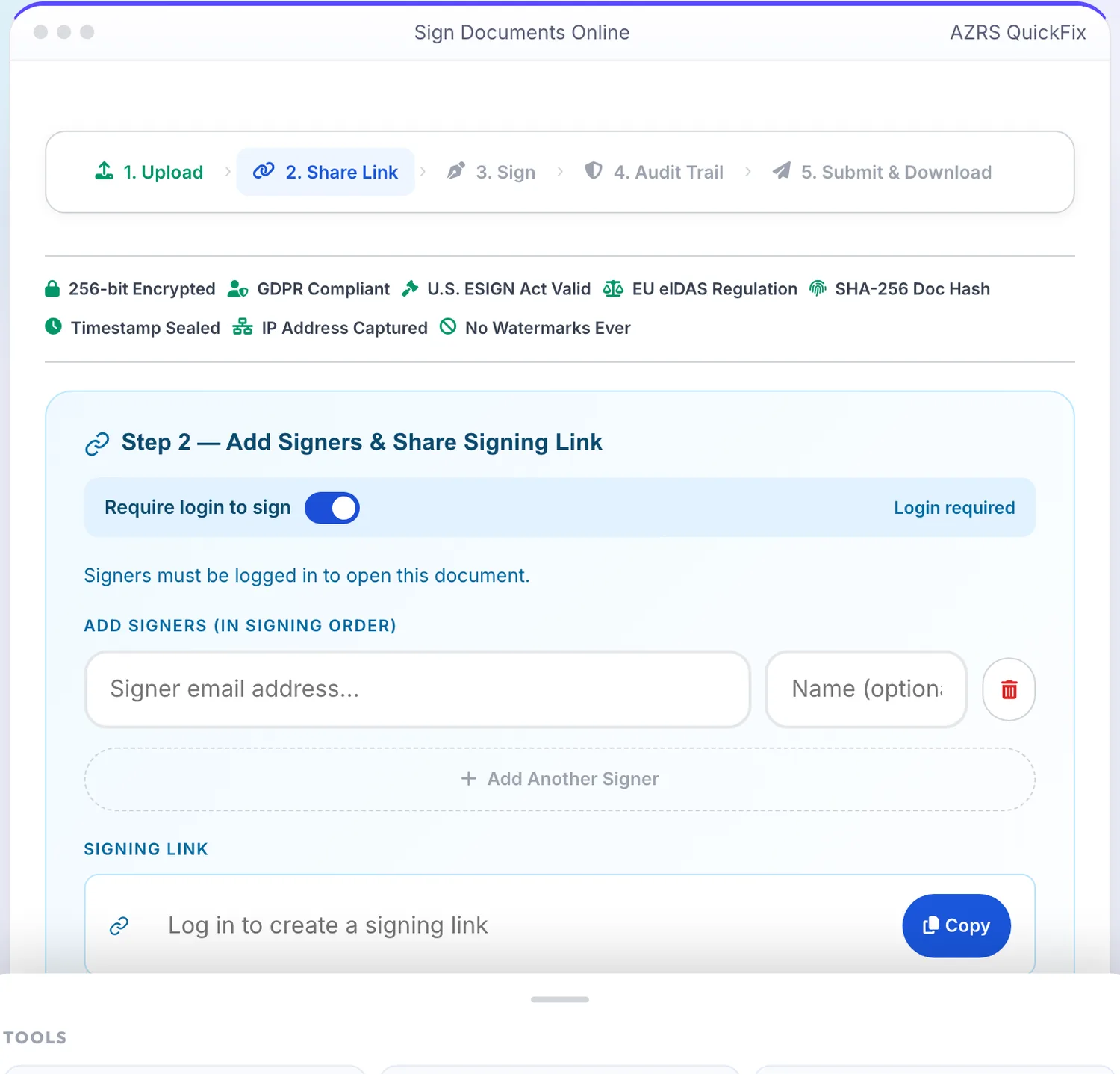
A real example, step by step
Real data entered into the eSignDoc, one screenshot per step. Nothing is mocked up.
- 1
Open the tool
The eSignDoc opens ready to use, nothing to install or sign up for.
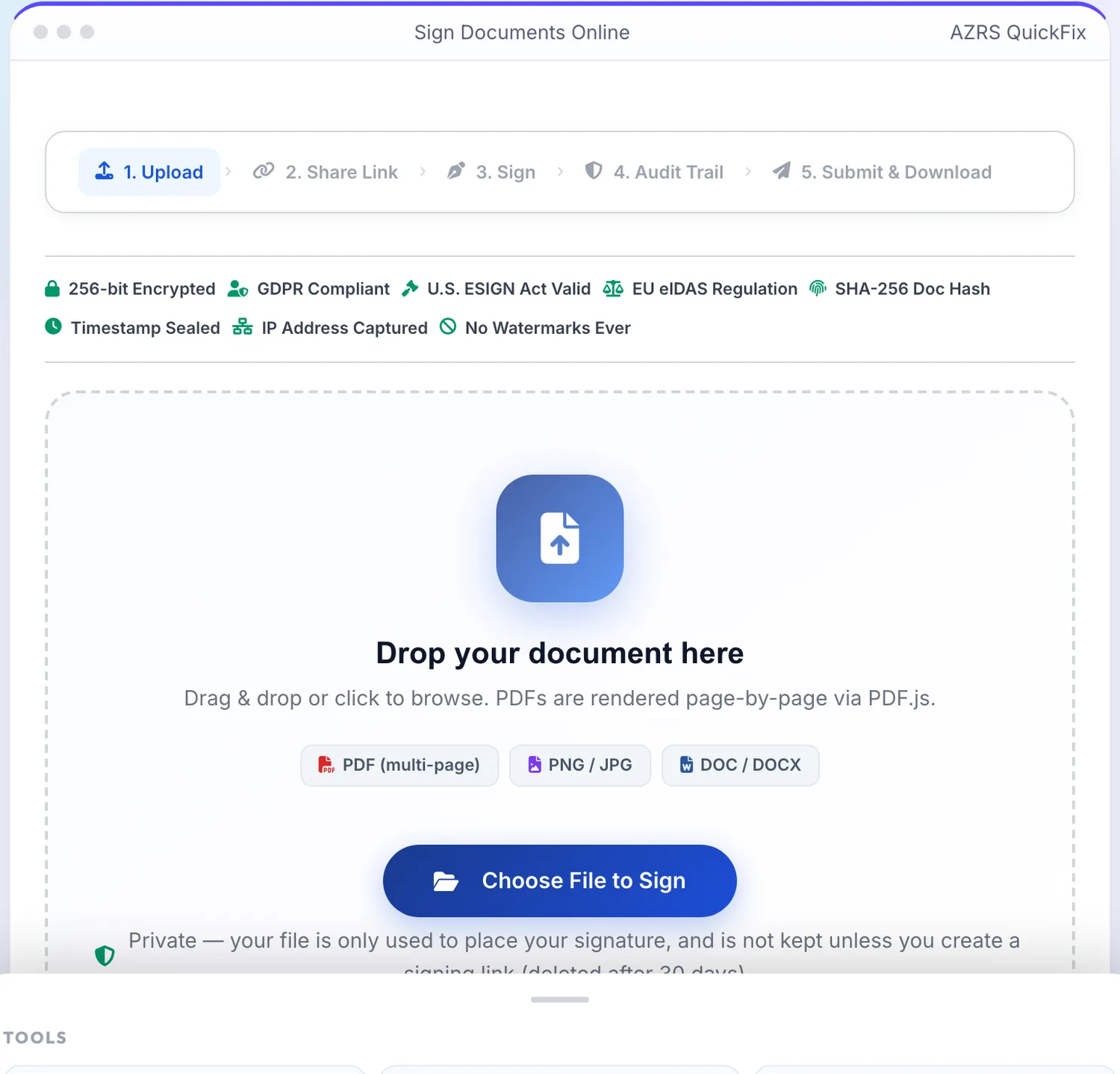
- 2
Add your file
Choose a file, here sample.pdf, and the eSignDoc reads it straight in your browser tab.
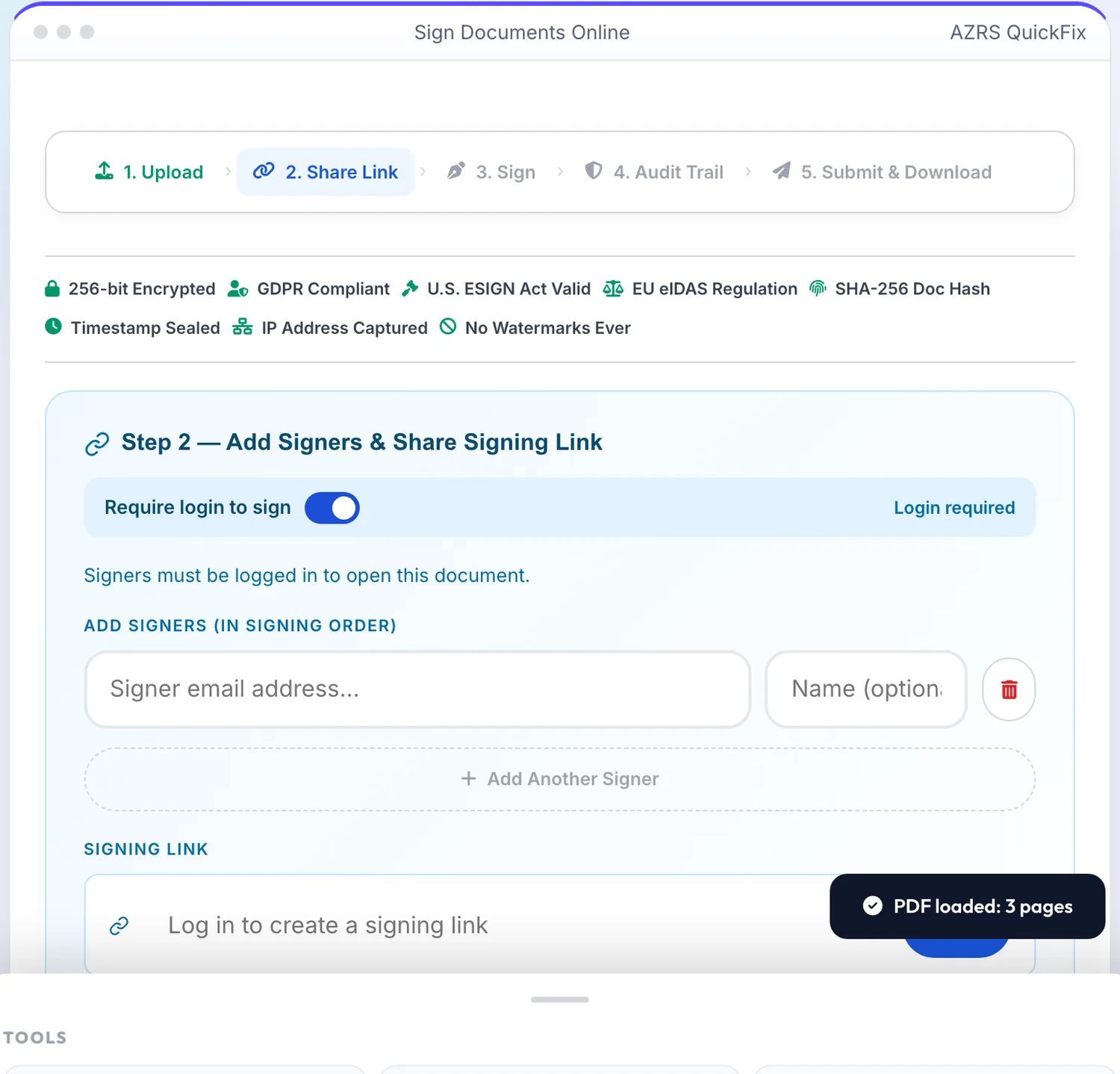
- 3
See the result
The result appears on the same page.
What is the eSignDoc?
eSignDoc runs a complete DocuSign-style signing workflow in five stages: upload your document, share a signing link, the signer(s) sign it, an audit trail is recorded, and finally you submit and download the completed, signed file. It accepts PDF, image and Word document uploads as the source file to be signed.
The share step lets you control whether signers must be logged in to open the document, generates a shareable signing link with an expiry, and tracks signer progress. A sender dashboard shows the document's status (waiting, signed, etc.) so you always know where a document stands in the process.
3 steps to your result
Open the tool and follow along. Nothing to install.
What you get
Upload, share, sign, audit trail and submit/download are laid out as clear sequential steps.
Generate a link with an optional login requirement and a visible expiry time for each signer.
Add multiple signers and track each one's signing progress from a signer list.
See document status at a glance and keep an audit trail of the signing activity.
AZRS tools are free to open and use.
It opens in your browser, so there is nothing to download.
Used for
Pick one to see how it fits.
Freelancers & small businesses
Get contracts and agreements signed by clients without printing, scanning or third-party paid tools.
Try it freeHR teams
Send offer letters or onboarding forms for digital signature and track completion.
Try it freeLandlords & agents
Get lease or rental agreements signed remotely with a clear audit trail.
Try it freeHow it compares
A plain look at this tool next to the usual alternative.
| This file tool | Desktop software | |
|---|---|---|
| Install | Nothing to install | Usually an app or program to install |
| Account | No signup | Depends on the product |
| Cost | Free to use | Free or paid, depends on the product |
Questions people ask
Is eSignDoc free?
Yes, the signing workflow is free to use with no signup barrier for signers if login isn't required.
What file types can I upload for signing?
PDF, PNG/JPG images, and Word documents (DOC/DOCX).
Do signers need an account?
Only if you turn on the 'Login required' toggle when sharing; otherwise they can open the link and sign directly.
Is there an audit trail?
Yes, the workflow includes an audit trail step tracking the signing activity for the document.
Can multiple people sign the same document?
Yes, add multiple signers and track each one's progress in the signer list.
More free tools
Related to the eSignDoc.
Try the eSignDoc now
eSignDoc runs a complete DocuSign-style signing workflow in five stages: upload your. Free to use.
Try it free