
The free File Compressor
Shrink images and files so they upload faster, email easily and take less space. Choose automatic compression for the best balance, or set the quality yourself and see how much space you
- Free to use
- No signup
- Nothing to install
- Works in any modern browser
 Your input
 The action
A real example, step by step
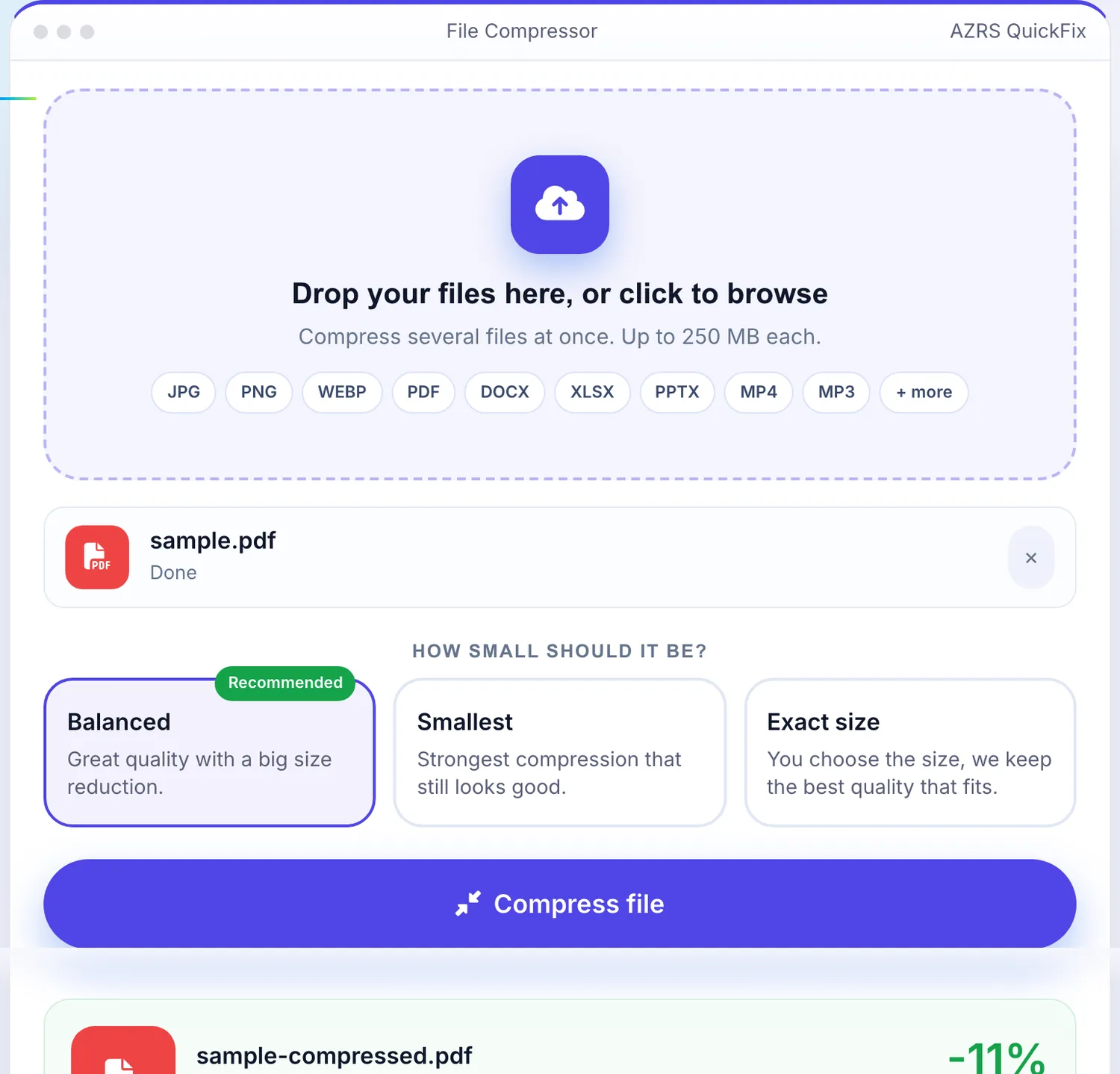
Real data entered into the File Compressor, one screenshot per step. Nothing is mocked up.
- 1
Open the tool
The File Compressor opens ready to use, nothing to install or sign up for.
- 2
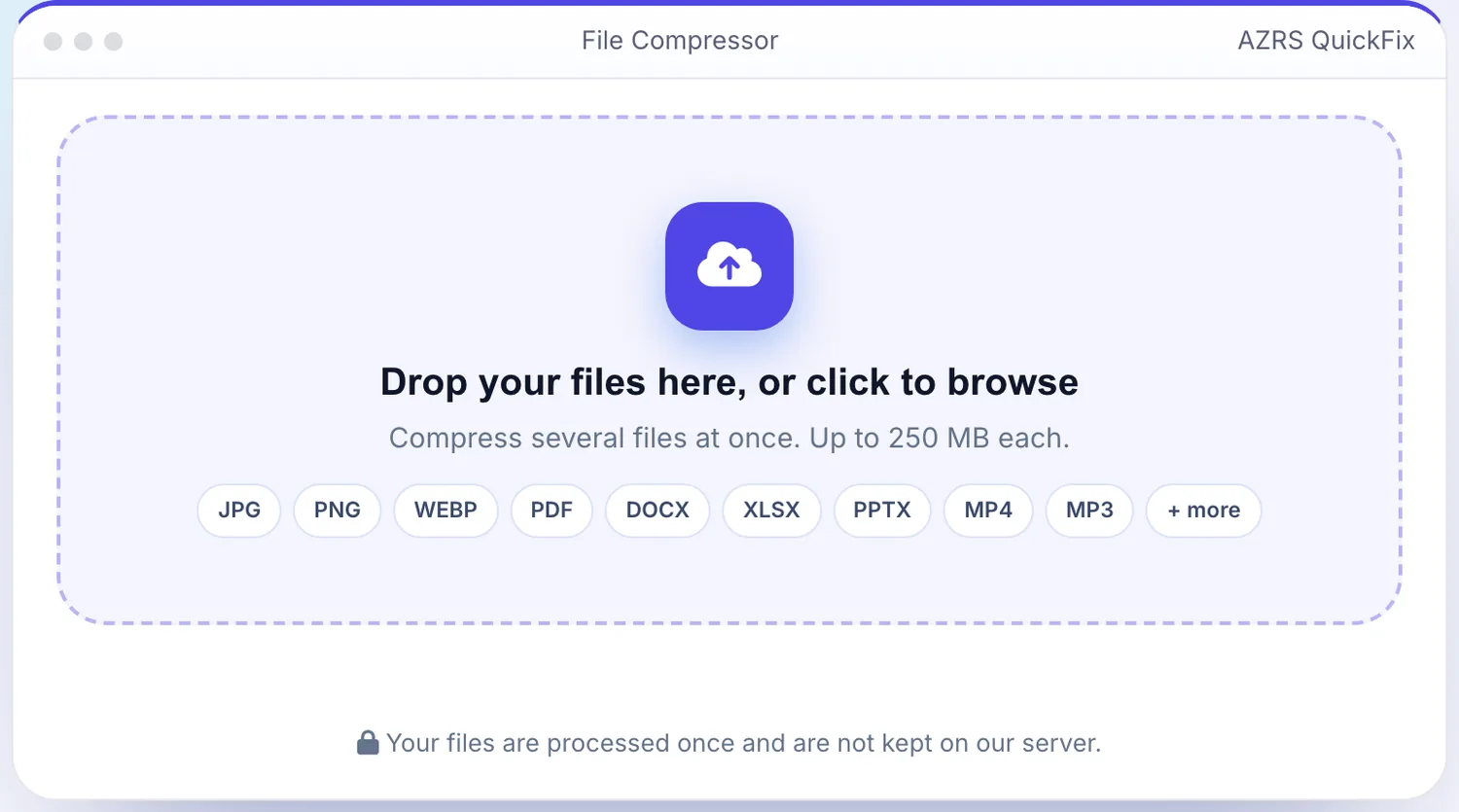
Add your file
Choose a file, here sample.pdf, and the File Compressor reads it straight in your browser tab.
- 3
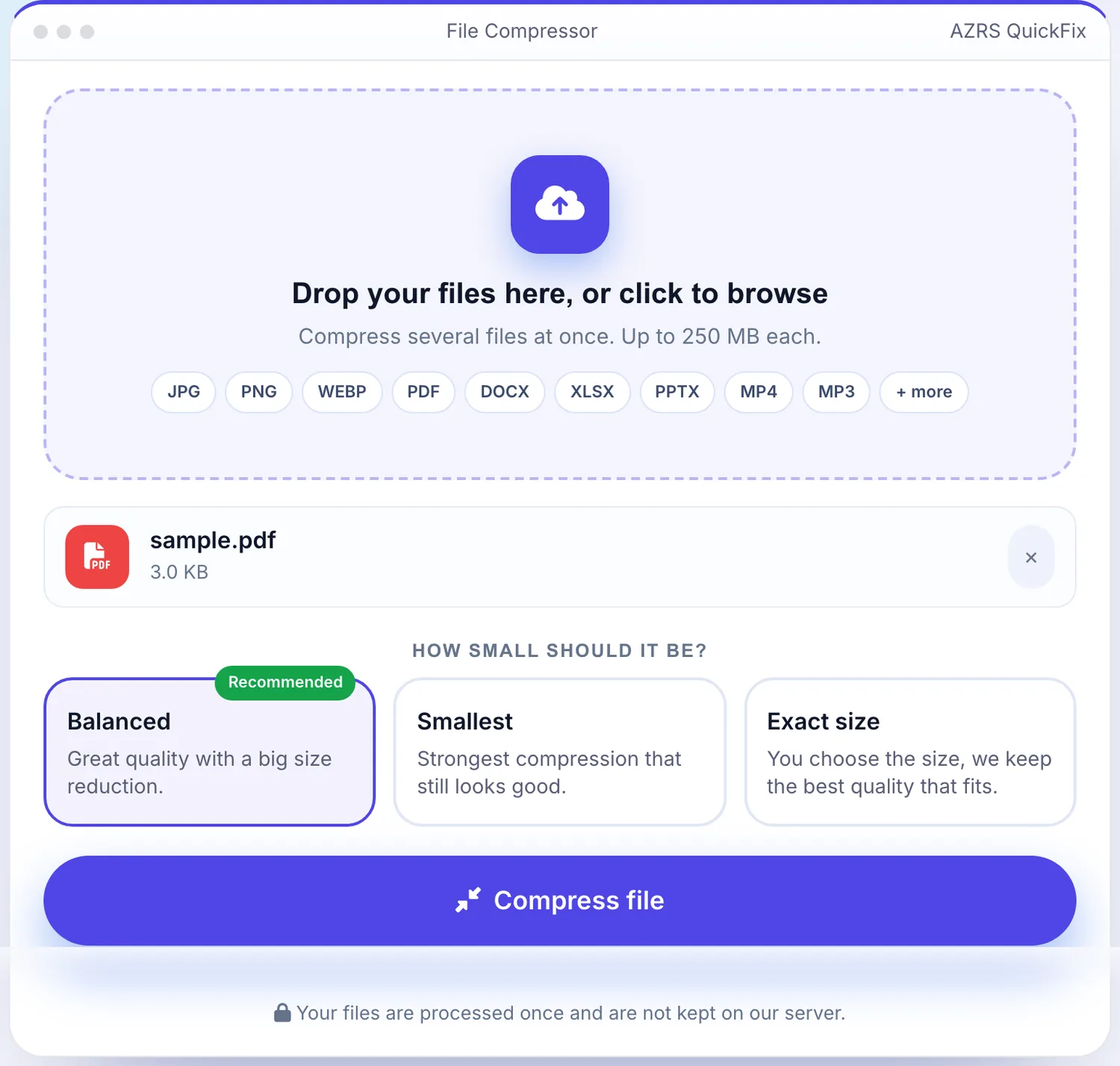
Press Compress file
The File Compressor shows the result straight away, below the same form.
What is the File Compressor?
Shrink images and files so they upload faster, email easily and take less space. Choose automatic compression for the best balance, or set the quality yourself and see how much space you save before you download.
Smaller files load faster on websites, fit within email and form upload limits, and free up storage on your phone and computer.
3 steps to your result
Open the tool and follow along. Nothing to install.
What you get
Let the tool pick the best setting or control the quality yourself.
Compare original and compressed size instantly.
Works with common image and document formats.
No signup and files are discarded after processing.
AZRS tools are free to open and use.
It opens in your browser, so there is nothing to download.
How it compares
A plain look at this tool next to the usual alternative.
| This file tool | Desktop software | |
|---|---|---|
| Install | Nothing to install | Usually an app or program to install |
| Account | No signup | Depends on the product |
| Cost | Free to use | Free or paid, depends on the product |
Questions people ask
How much can a file be compressed?
It depends on the file. Photos often shrink by 50 to 90 percent with little visible difference.
Will quality be lost?
High quality settings are nearly invisible. Lower settings save more space but reduce detail.
Is the file compressor free?
Yes, it is free with no signup.
Are my files kept?
No. Files are processed and then discarded.
How do I use the File Compressor?
1. Upload your file. 2. Choose auto or manual quality. 3. Click compress. 4. Download the smaller file.
More free tools
Related to the File Compressor.
Try the File Compressor now
Shrink images and files so they upload faster, email easily and take less space. Free to use.
Try it free