
Open the AI Project Maker
Turn a plain-English app idea into a starter project. Free to open on AZRS AI.
- Free to use
- No signup
- Nothing to install
- Works in any modern browser
Illustration. Open the tool for the real thing.
See it in action
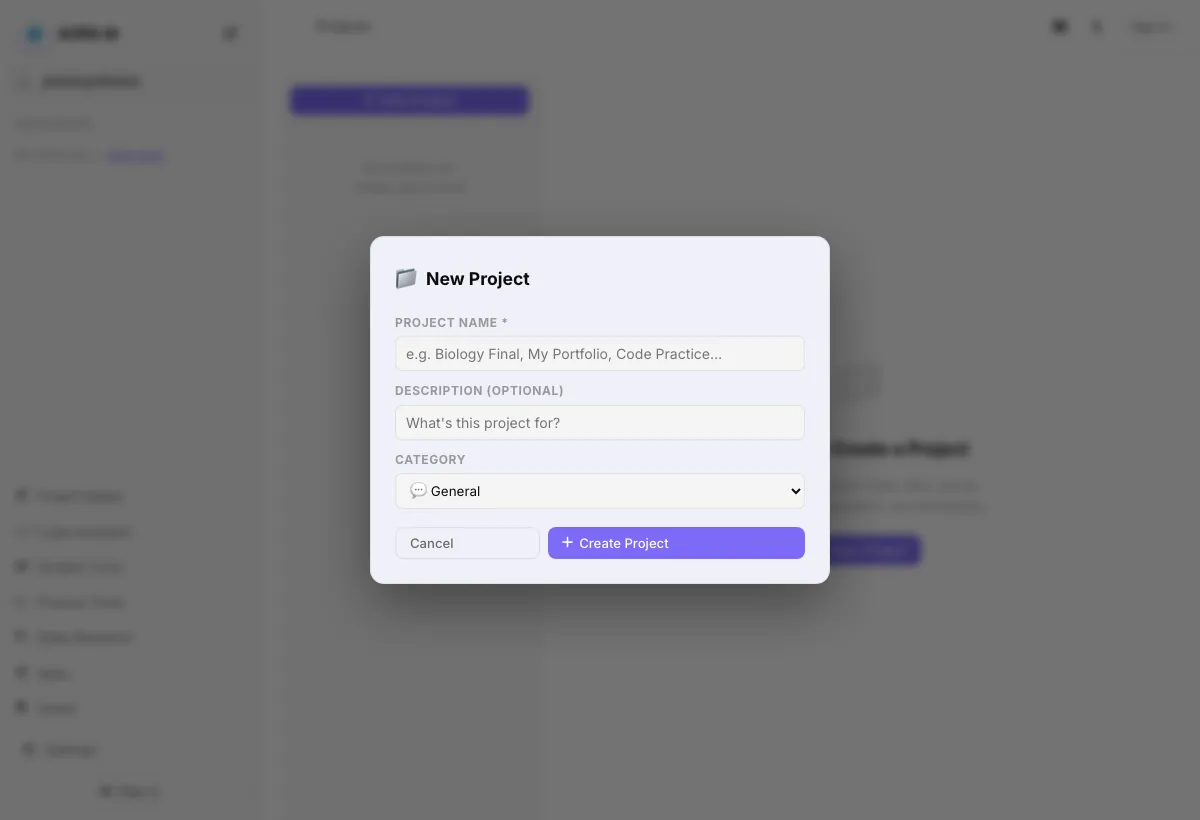
Sample input: Search chats… = photosynthesis; File = sample.png. Pressed New Project.
What is the AI Project Maker?
Turn a plain-English app idea into a starter project. Part of AZRS AI.
AI answers can contain mistakes, so check important facts.
3 steps to your result
Open the tool and follow along. Nothing to install.
What you get
You describe the idea and list features; the AI drafts the starter project.
Pick project type, tech stack, level and database.
Each project keeps its own chats and instructions.
AZRS tools are free to open and use.
It opens in your browser, so there is nothing to download.
How it compares
A plain look at this tool next to the usual alternative.
| This ai tool | Desktop software | |
|---|---|---|
| Install | Nothing to install | Usually an app or program to install |
| Account | No signup | Depends on the product |
| Cost | Free to use | Free or paid, depends on the product |
Questions people ask
Can the AI be wrong?
Yes. AI answers can contain mistakes. Check important facts, numbers and citations against a trusted source.
Do I need an account?
The page states that no login is required.
How do I use the AI Project Maker?
1. Create a New Project and describe what you want in the Description box. 2. Choose a project type, tech stack, level and database, and list key features one per line. 3. Generate the starter project and open it.
More free tools
Related to the AI Project Maker.
Try the AI Project Maker now
Turn a plain-English app idea into a starter project. Free to use.
Try it free