
Open the AZRS AI Chat
Chat with an AI assistant for questions, writing and ideas. Free to open on AZRS AI.
- Free to use
- No signup
- Nothing to install
- Works in any modern browser
A real example, step by step
Real data entered into the AZRS AI Chat, one screenshot per step. Nothing is mocked up.
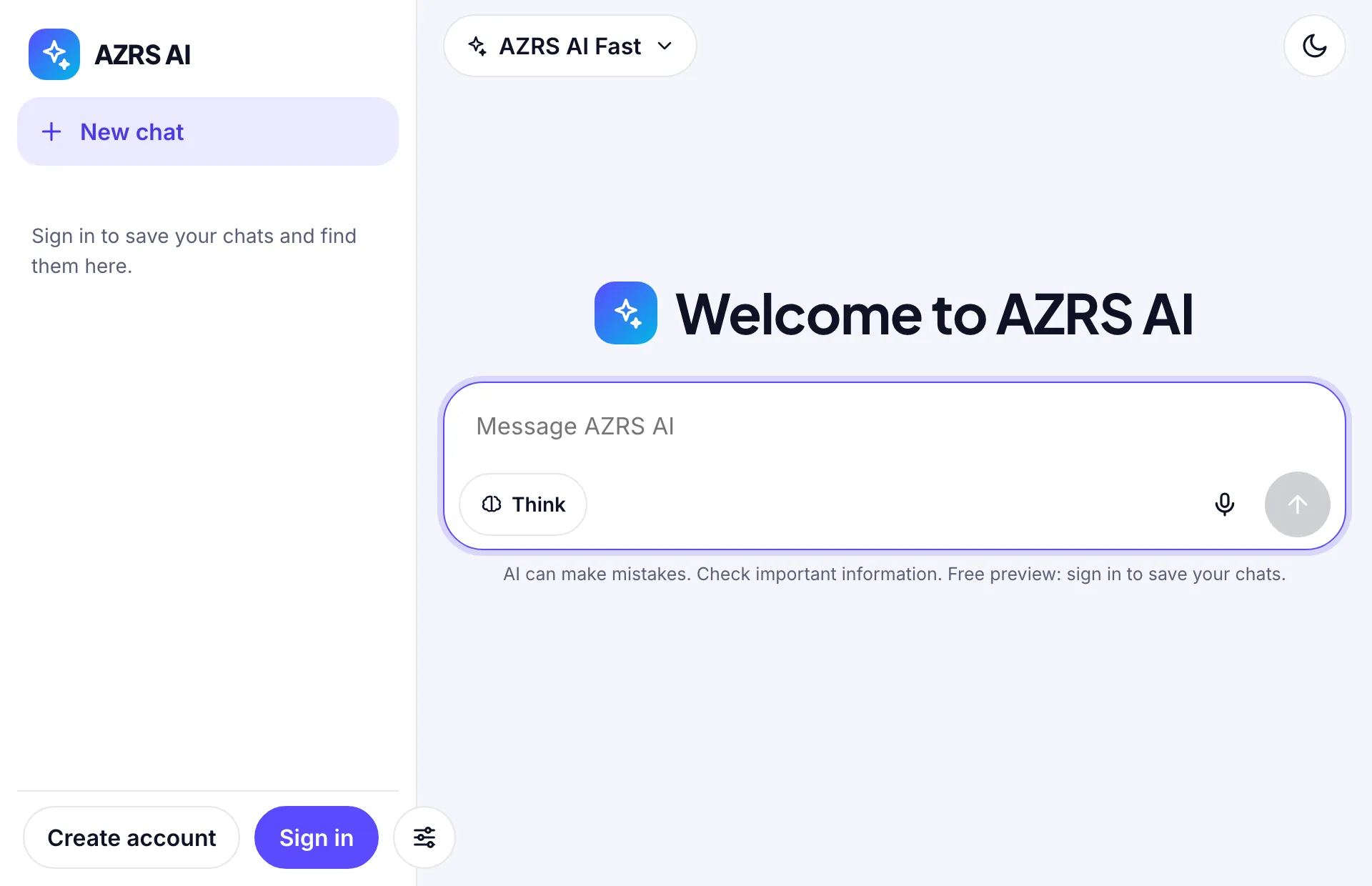
Open AZRS AI
AZRS AI opens on a blank chat with a message box. The sidebar lists your chats once you sign in.
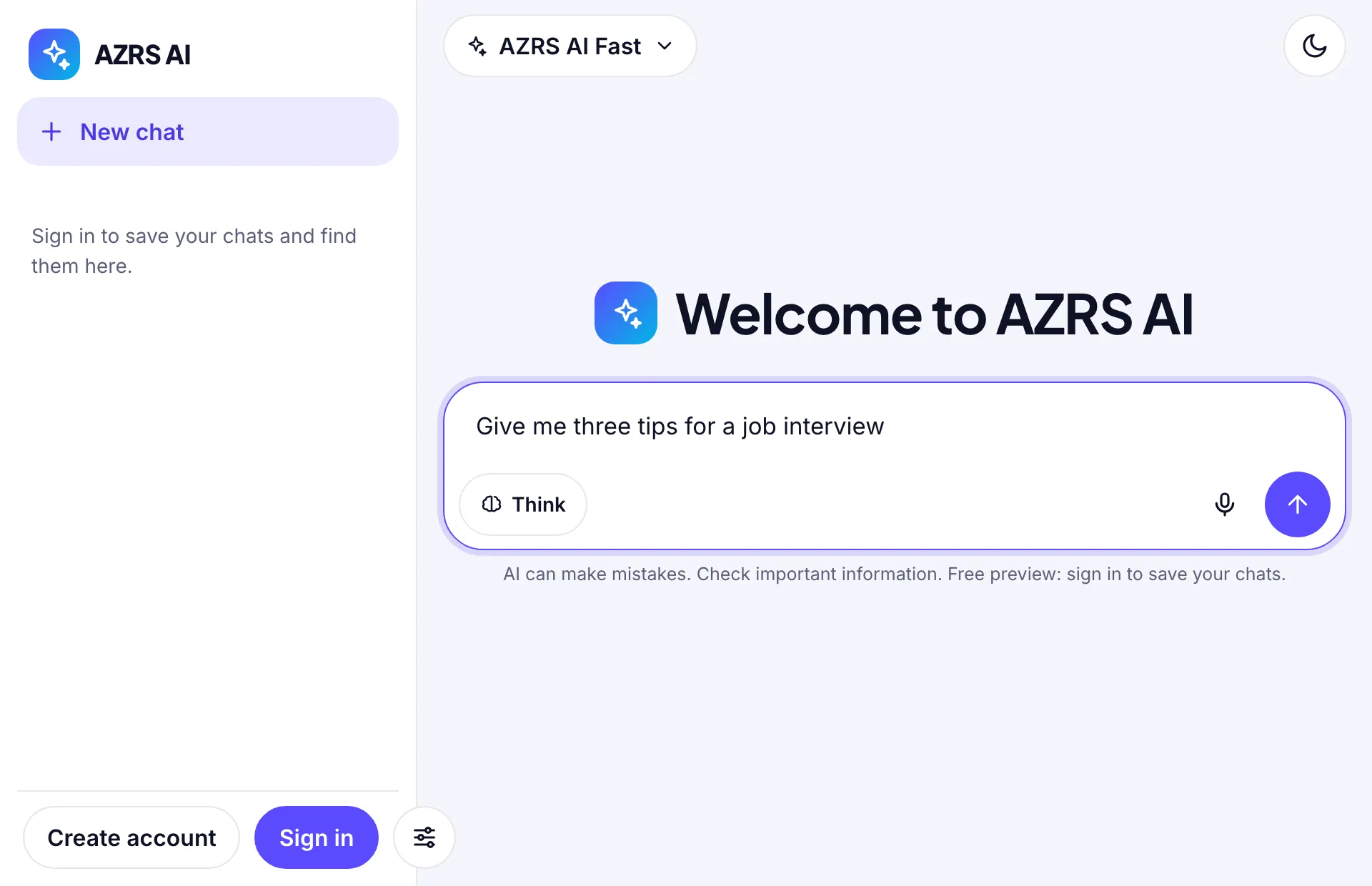
Type your question
Real question used here: Give me three tips for a job interview.
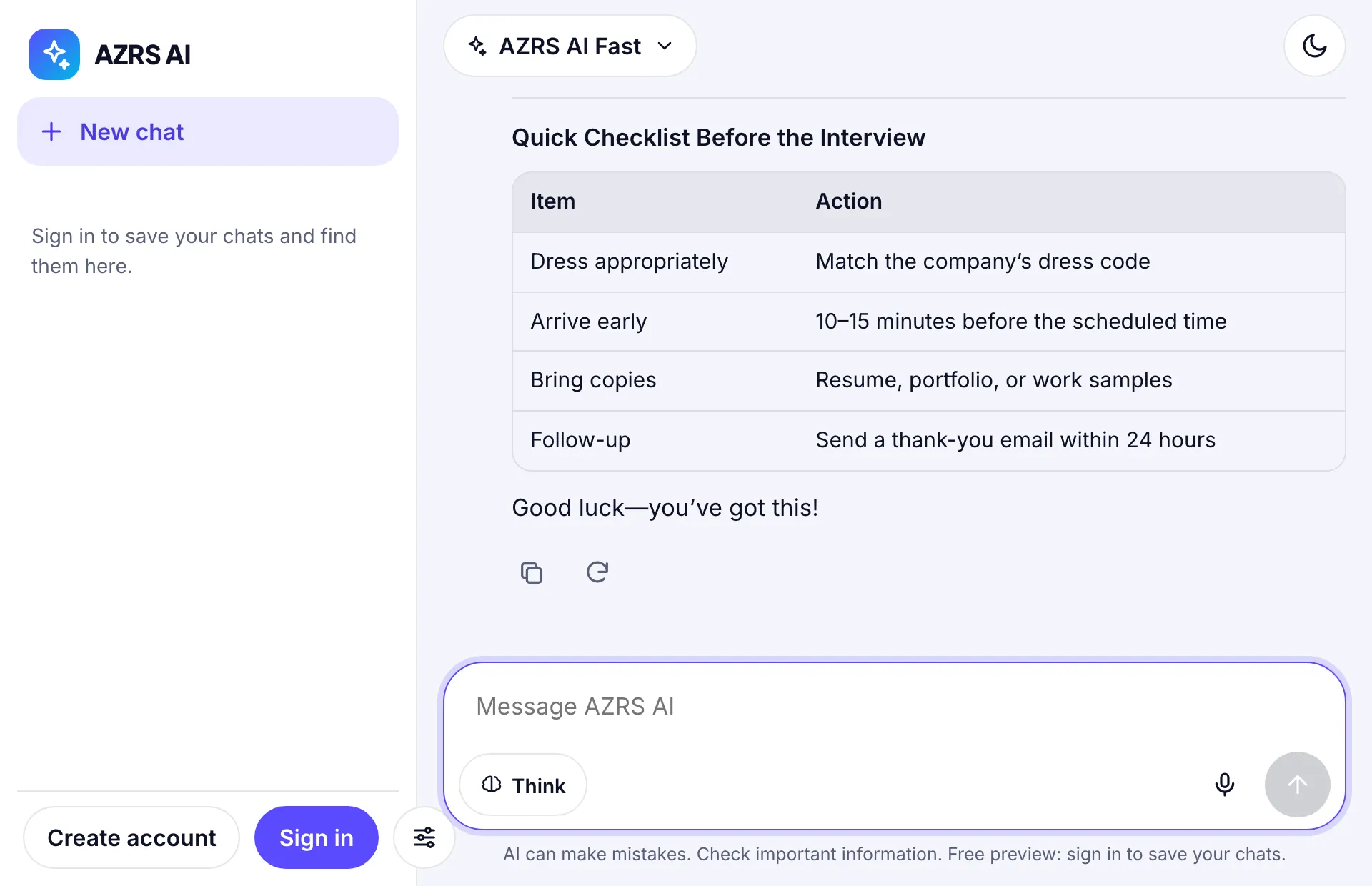
Read the answer
The answer streams into the same chat, with copy and retry buttons under it.
What is the AZRS AI Chat?
Chat with an AI assistant for questions, writing and ideas. Part of AZRS AI.
AI answers can contain mistakes, so check important facts.
3 steps to your result
Open the tool and follow along. Nothing to install.
What you get
The page has New chat, Search and Share controls.
A model selector sits at the top of the chat.
The page is free to open.
AZRS tools are free to open and use.
It opens in your browser, so there is nothing to download.
How it compares
A plain look at this tool next to the usual alternative.
| This ai tool | Desktop software | |
|---|---|---|
| Install | Nothing to install | Usually an app or program to install |
| Account | No signup | Depends on the product |
| Cost | Free to use | Free or paid, depends on the product |
Questions people ask
Can the AI be wrong?
Yes. AI answers can contain mistakes. Check important facts, numbers and citations against a trusted source.
Do I need an account?
The page states that no login is required.
How do I use the AZRS AI Chat?
1. Open the chat and type a question or request. 2. Read the reply and keep the conversation going. 3. Start a new chat, search past chats or share one when you want.
More free tools
Related to the AZRS AI Chat.
Try the AZRS AI Chat now
Chat with an AI assistant for questions, writing and ideas. Free to use.
Try it free