
Use the Where Am I? IP & Location Checker
See your public IP address, approximate geographic location (city, region, country), internet service provider, autonomous system number, timezone, and browser/device details the moment the
- Free to use
- No signup
- Nothing to install
- Works in any modern browser
Loading the page from a home broadband connection typically shows: city-level location, your ISP's name, a privacy score near 100 (no VPN/proxy/hosting flags), and ping results in the 10-40 ms range to a nearby server.Open the Where Am I? IP & Location Checker
Illustration. Open the tool for the real thing.
See it in action
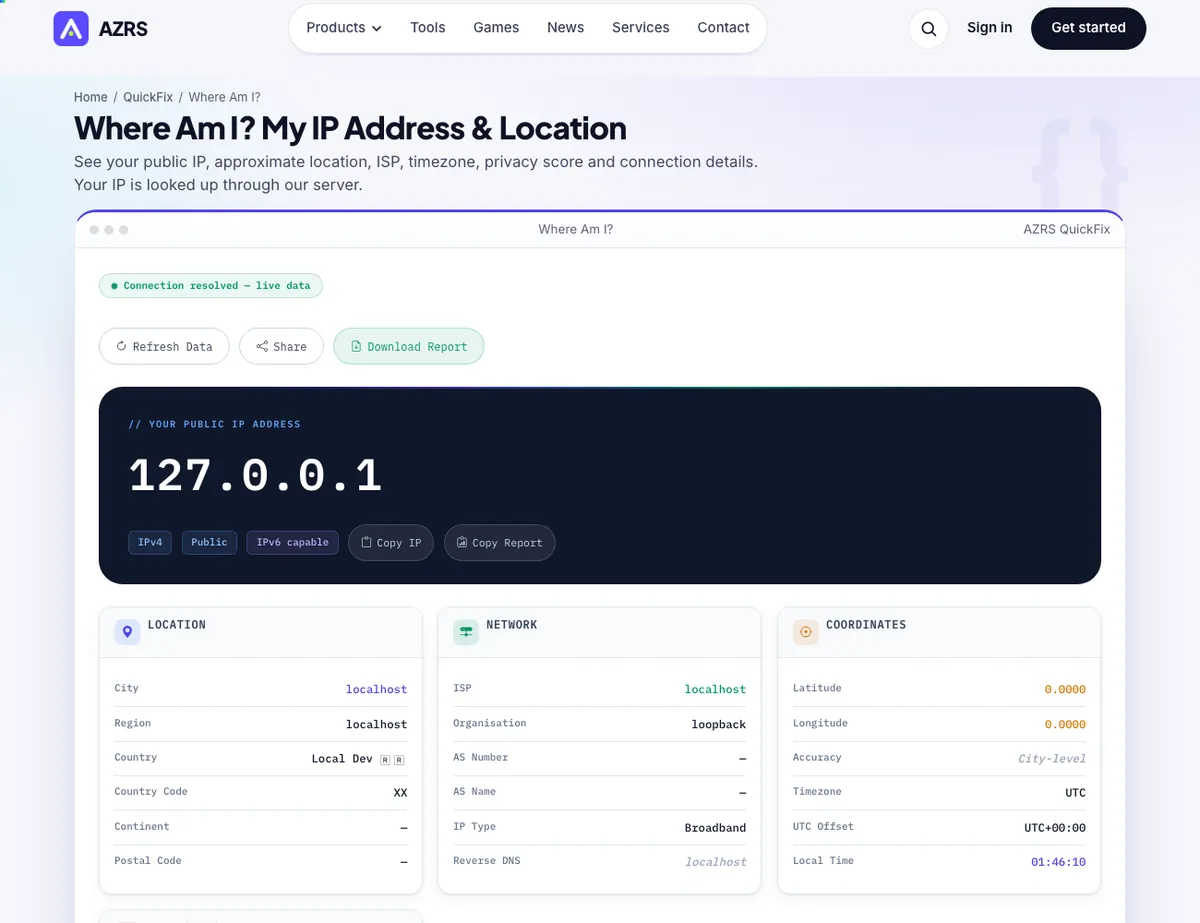
The Where Am I? IP & Location Checker with sample data entered and the result showing.
What is the Where Am I? IP & Location Checker?
See your public IP address, approximate geographic location (city, region, country), internet service provider, autonomous system number, timezone, and browser/device details the moment the page loads — your IP is captured server-side, then a geolocation lookup fills in the rest, all in under a second.
It also calculates a privacy score (0-100) from VPN, proxy, hosting and Tor detection flags, runs a lightweight ping/latency test using timed round-trip requests to gauge connection responsiveness, and offers a GPS button for your precise physical location when IP-based geolocation isn't accurate enough.
3 steps to your result
Open the tool and follow along. Nothing to install.
What you get
Public IP, ISP name, ASN and geolocation resolved automatically on page load.
A 0-100 score derived from VPN, proxy, hosting and Tor detection flags — an at-a-glance anonymity rating.
Eight timed round-trip requests measure minimum, maximum, average latency and jitter.
Navigator API details gathered 100% locally, with no upload of that data.
AZRS tools are free to open and use.
It opens in your browser, so there is nothing to download.
Used for
Pick one to see how it fits.
Remote workers & travelers
Confirm which country or region their connection appears to be in, especially when using a VPN.
Try it freePrivacy-conscious users
Check whether their VPN or proxy is actually being detected as one before relying on it.
Try it freeNetwork troubleshooters
Use the ping/latency test and ASN lookup as a first diagnostic step for connection issues.
Try it freeHow it compares
A plain look at this tool next to the usual alternative.
| This utility | Desktop software | |
|---|---|---|
| Install | Nothing to install | Usually an app or program to install |
| Account | No signup | Depends on the product |
| Cost | Free to use | Free or paid, depends on the product |
Questions people ask
What does "Where Am I?" show?
Your public IP, approximate location, ISP, ASN, timezone, privacy score, connection speed, and browser/device details — all in real time with no signup.
Is my exact address visible?
No, IP geolocation is city-level at best; your street address is never exposed, and coordinates shown are an approximate city or ISP-exchange center.
Why does my location look wrong?
If you use a VPN, corporate proxy, or satellite ISP, the reported location reflects where your traffic exits, not your actual location — use the GPS button for that.
Do you store my IP or location?
Only anonymous metadata (country code, ISP, timezone) is logged for analytics; no personal data or raw IP is permanently stored.
What is the Privacy Score?
A 0-100 heuristic rating how identifiable your connection looks — VPN, hosting and Tor detection each lower the score; it's not a legal or security guarantee.
More free tools
Related to the Where Am I? IP & Location Checker.
Try the Where Am I? IP & Location Checker now
See your public IP address, approximate geographic location (city, region, country). Free to use.
Try it free