
Your Text to Speech
Convert written text into clear, natural-sounding audio in seconds. Paste or type your text, choose a voice from the available language and voice options, adjust the speaking speed, and
- Free to use
- No signup
- Nothing to install
- Works in any modern browser
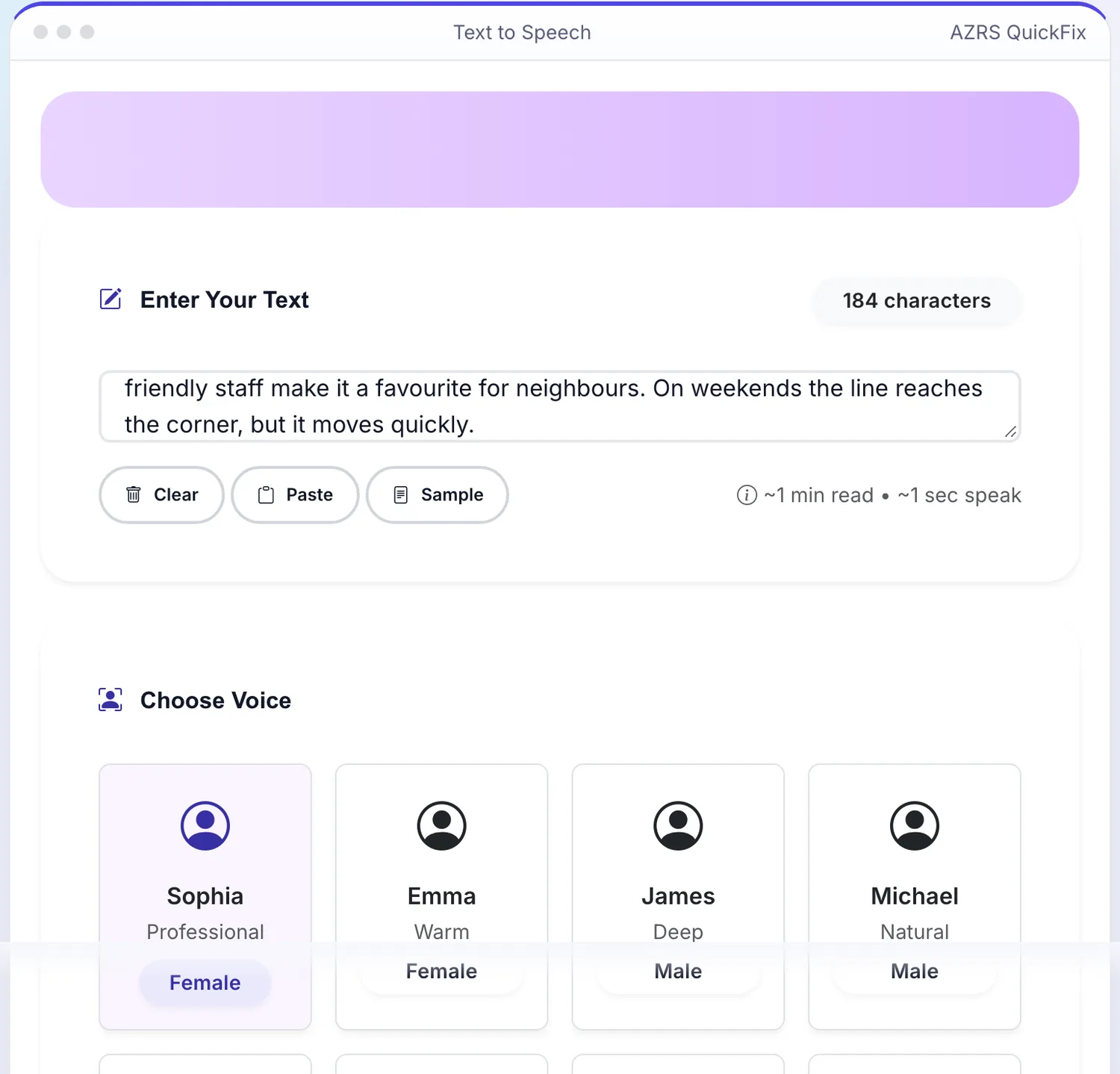
 Your input
A real example, step by step
Real data entered into the Text to Speech, one screenshot per step. Nothing is mocked up.
Open the tool
The Text to Speech opens ready to use, nothing to install or sign up for.
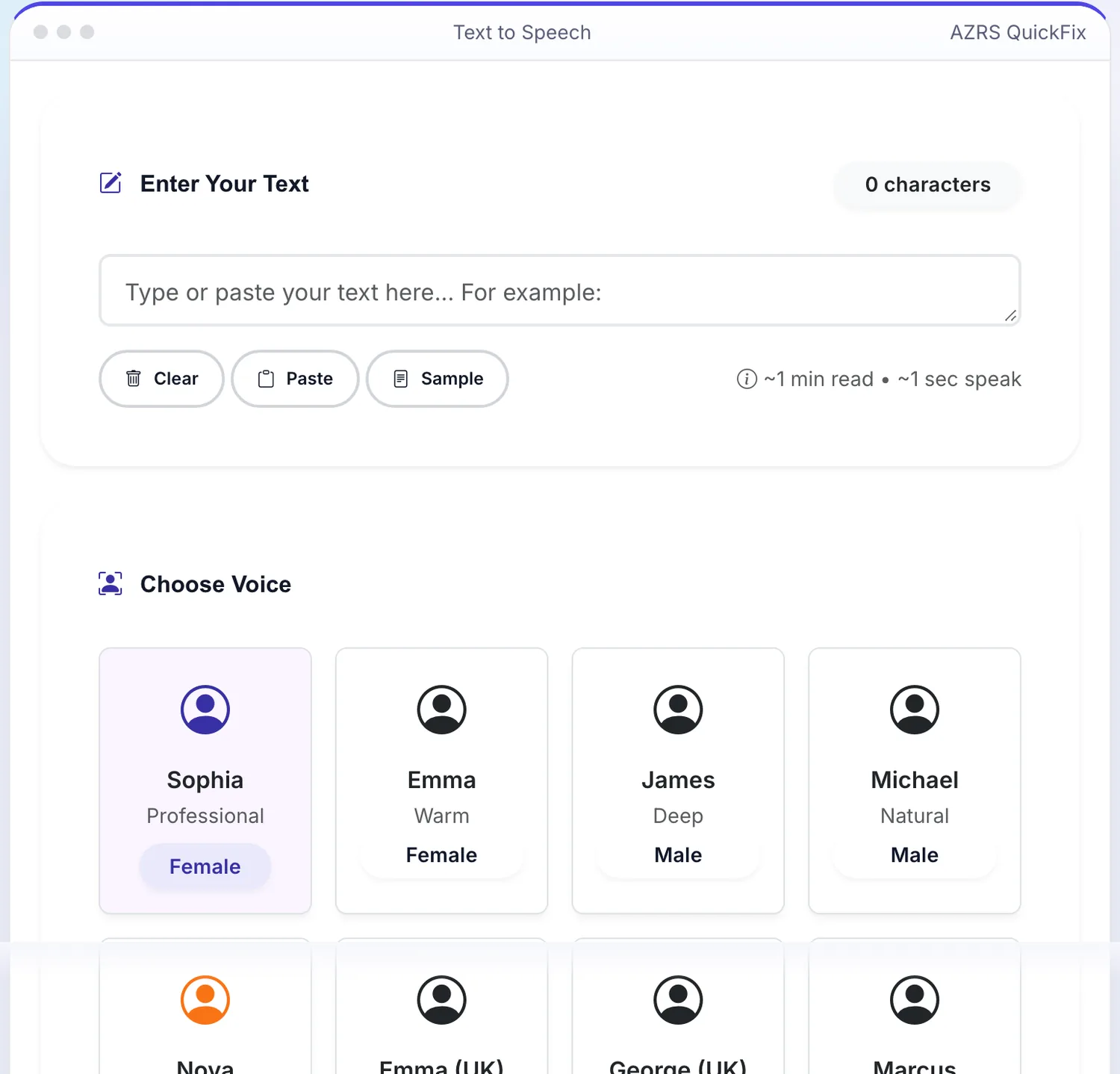
Enter your data
Real input used here: Type or paste your text here... For example: Hello everyone The bakery on Main Street opens at se....
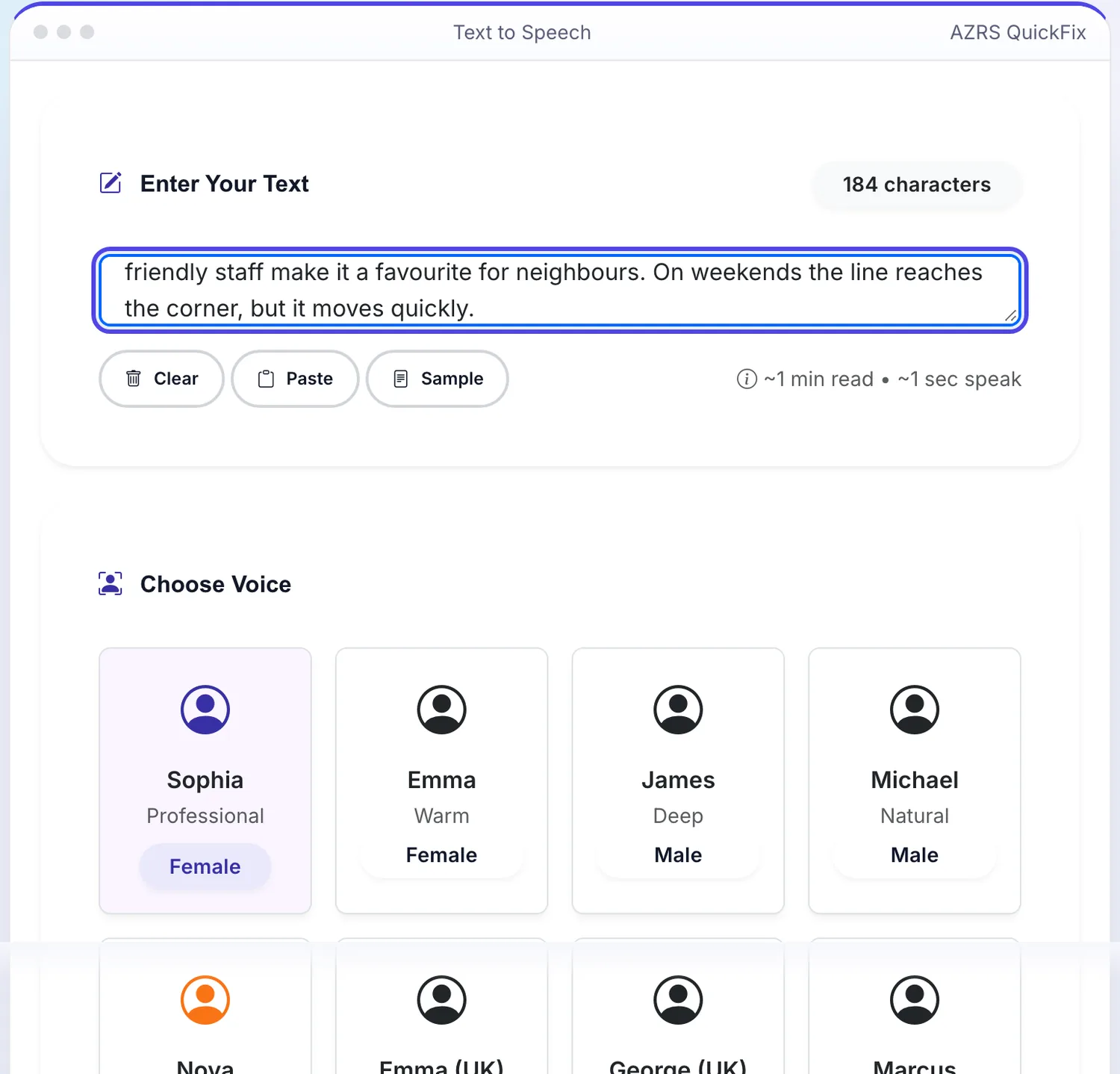
Press Generate Speech
The Text to Speech shows the result straight away, below the same form.
What is the Text to Speech?
Convert written text into clear, natural-sounding audio in seconds. Paste or type your text, choose a voice from the available language and voice options, adjust the speaking speed, and press play to preview it instantly — or download the generated audio to use elsewhere.
It's built for anyone who needs spoken audio without a microphone or recording setup: content creators making voiceovers, students who prefer to listen to notes, and anyone who benefits from having text read aloud rather than read on screen.
3 steps to your result
Open the tool and follow along. Nothing to install.
What you get
Choose from a range of AI voices across multiple languages rather than a single robotic default.
Slow the narration down for learning or speed it up for a quicker listen.
Press play to hear the result immediately, or download the audio file to use in a video or presentation.
Runs entirely in the browser — no software, plugin, or account needed.
AZRS tools are free to open and use.
It opens in your browser, so there is nothing to download.
Used for
Pick one to see how it fits.
Content creators
Generate voiceovers for videos, reels and podcasts without recording their own voice.
Try it freeStudents & readers
Listen to lecture notes, articles or long documents instead of reading them on screen.
Try it freeAccessibility use cases
Help anyone who finds reading on screen difficult by converting text to audio.
Try it freeHow it compares
A plain look at this tool next to the usual alternative.
| This text tool | Desktop software | |
|---|---|---|
| Install | Nothing to install | Usually an app or program to install |
| Account | No signup | Depends on the product |
| Cost | Free to use | Free or paid, depends on the product |
Questions people ask
Is this text-to-speech tool free?
Yes — completely free with no sign-up required.
Can I download the audio?
Yes, you can download the generated speech and use it in videos, presentations or anywhere you like.
Do the voices sound natural?
Yes — the tool uses AI voices designed to sound clear and human rather than robotic.
What languages are supported?
Multiple languages and voices are available for generating natural speech across a range of text.
Can I control the speaking speed?
Yes, use the speed control to slow narration down or speed it up before generating or after previewing.
More free tools
Related to the Text to Speech.
Try the Text to Speech now
Convert written text into clear, natural-sounding audio in seconds. Free to use.
Try it free