
Meet the STL Scale, Rotate, Mirror & Unit Fix Tool
Scale, rotate, mirror and move an STL (or OBJ/3MF/STEP) in your browser. One-click unit fixes for inches ↔ mm, cm and metres; resize to exact dimensions.
- Free to use
- No signup
- Nothing to install
- Runs in your browser
A 2 × 1 × 0.5 unit STL that was designed in inches: click Inches → mm and it becomes 50.8 × 25.4 × 12.7 mm. A bracket printed lying on its side can be laid on its largest flat face with one click.Open the STL Scale, Rotate, Mirror & Unit Fix Tool
Illustration. Open the tool for the real thing.
See it in action
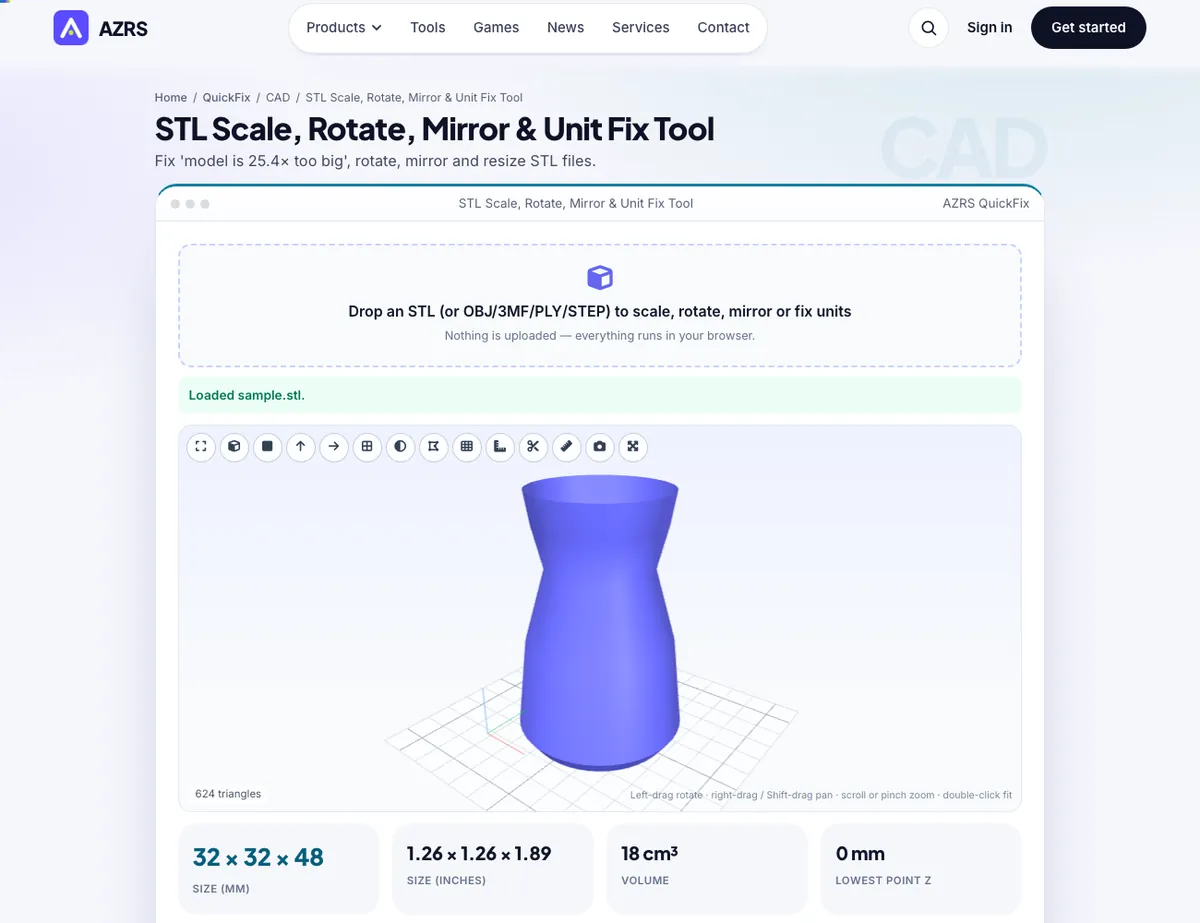
The STL Scale, Rotate, Mirror & Unit Fix Tool with sample data entered and the result showing.
What is the STL Scale, Rotate, Mirror & Unit Fix Tool?
STL files carry no units, so a model designed in inches arrives in a slicer as a 1-unit speck — or a metres-based model as a building. This tool fixes it in one click: pick Inches → mm (×25.4), cm → mm, metres → mm or the reverse, or type an exact size in millimetres for any axis with the aspect ratio locked or free. The live readout shows the model in both millimetres and inches so you can sanity-check against what you expect.
Beyond scale you can rotate about X, Y or Z in any angle, flip it upside-down, mirror it (printing the left-hand version of a part), centre it on the bed and drop it to Z = 0, or ask the tool to lay its largest flat face on the bed automatically. Every step can be undone, and a history line shows what you have applied. Winding order is corrected automatically when you mirror, so the result is still a valid solid.
3 steps to your result
Open the tool and follow along. Nothing to install.
What you get
Inches ↔ mm, cm, metres, ×1000 and ×2.54 mistakes.
Type the X/Y/Z size you need, with proportions locked or unlocked.
Any angle, quick 90° buttons, valid winding after mirror.
Auto-find the largest flat face and place the model on the bed.
AZRS tools are free to open and use.
It opens in your browser, so there is nothing to download.
Used for
Pick one to see how it fits.
How it compares
A plain look at this tool next to the usual alternative.
| This 3d tool | Desktop software | |
|---|---|---|
| Install | Nothing to install | Usually an app or program to install |
| Account | No signup | Depends on the product |
| Cost | Free to use | Free or paid, depends on the product |
| Where it runs | In your browser tab | On your computer |
Questions people ask
Why is my STL 25.4 times too big or small?
STL has no units. The model was authored in inches (or millimetres) and the slicer assumed the other.
Does mirroring break the mesh?
No — the tool reverses triangle winding so normals still point outward.
Can I undo?
Yes, every operation is undoable and you can reset to the original.
Is my file uploaded?
No, everything runs locally in the browser.
How do I use the STL Scale, Rotate, Mirror & Unit Fix Tool?
1. Drop in your model and read its size. 2. Click the unit fix that matches (e.g. Inches → mm). 3. Rotate, mirror or position as needed. 4. Download as STL, 3MF or OBJ.
More free tools
Related to the STL Scale, Rotate, Mirror & Unit Fix Tool.
Try the STL Scale, Rotate, Mirror & Unit Fix Tool now
Fix 'model is 25.4× too big', rotate, mirror and resize STL files. Free to use.
Try it free