
Use the Photo Background Blur
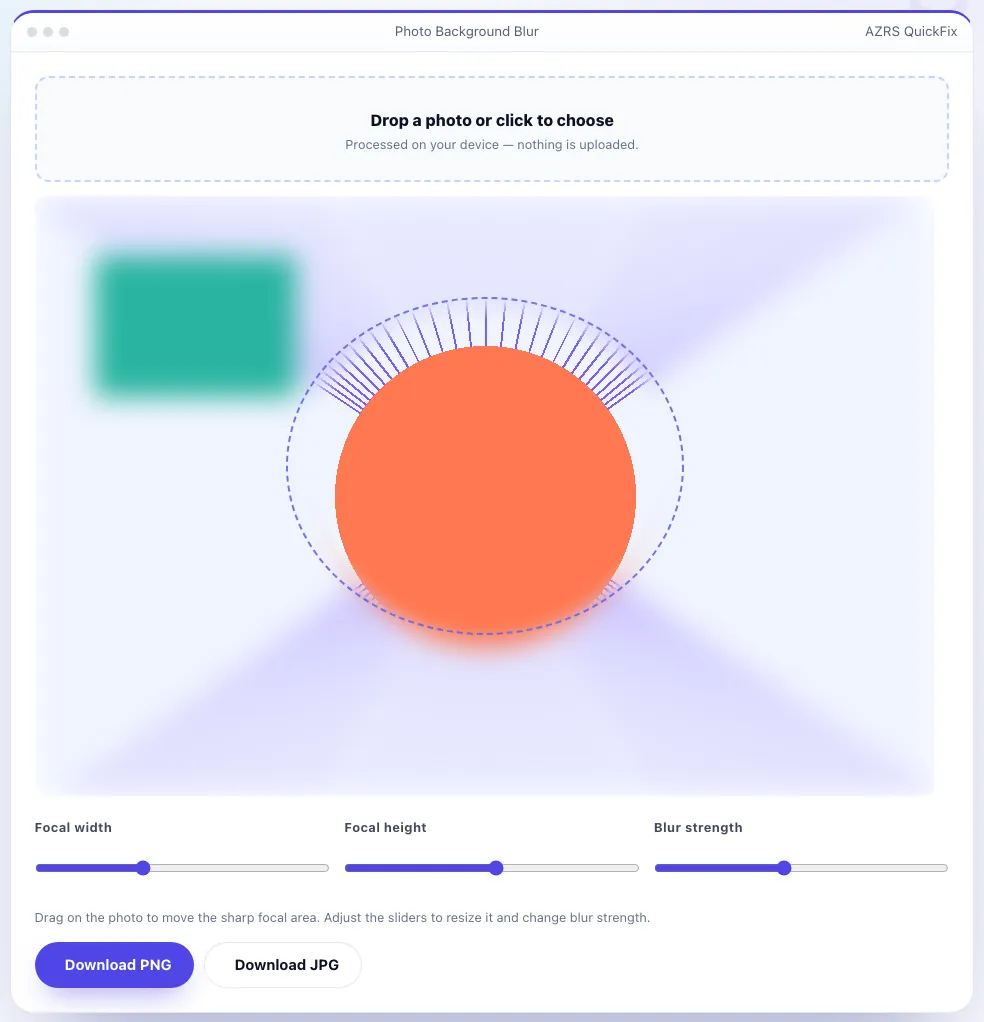
Blur the background of a photo while keeping your subject sharp. Drag to position the sharp focal area, adjust blur strength, and download the result.
- Free to use
- No signup
- Nothing to install
- Runs in your browser
Illustration. Open the tool for the real thing.
See it in action
Sample input: File = sample.png
What is the Photo Background Blur?
Give any photo a portrait-mode look by keeping one area sharp and progressively blurring everything around it, the same visual effect a phone's portrait mode or a wide-aperture camera lens produces. Upload a photo, drag and resize an oval focal area over your subject, and the rest of the image is blurred using a real multi-pass box blur with a soft-edged transition so the effect looks natural rather than having a hard cutout ring.
Being honest about what this does: it is a real, adjustable optical-style blur applied outside a region you choose — not AI subject detection that automatically finds a person or object. For most portrait and product photos, manually positioning the sharp oval takes only a few seconds and gives you full, predictable control over exactly what stays in focus.
3 steps to your result
Open the tool and follow along. Nothing to install.
What you get
Uses an actual multi-pass box blur with a soft feathered edge, not a single flat blur pass.
Drag and resize the sharp oval precisely instead of trusting automatic subject detection to guess correctly.
From a subtle depth-of-field hint to a strong bokeh-style background.
The photo is processed on canvas in your browser and never uploaded.
AZRS tools are free to open and use.
It opens in your browser, so there is nothing to download.
Used for
Pick one to see how it fits.
Anyone taking product or portrait photos
Make a plain phone photo look more professional without a wide-aperture lens.
Try it freeSellers and freelancers
Clean up listing or profile photos taken in imperfect settings.
Try it freeHow it compares
A plain look at this tool next to the usual alternative.
| This utility | Desktop software | |
|---|---|---|
| Install | Nothing to install | Usually an app or program to install |
| Account | No signup | Depends on the product |
| Cost | Free to use | Free or paid, depends on the product |
| Where it runs | In your browser tab | On your computer |
Questions people ask
Does this use AI to detect the subject automatically?
No — you position the sharp focal oval yourself, which gives precise, predictable control instead of relying on automatic detection that can guess wrong.
Is this the same as a real camera's depth of field?
It's a visual approximation applied after the fact using a real multi-pass blur, not an optical effect captured by a lens, but it produces a similar portrait-style look.
Is my photo uploaded to a server?
No, everything is processed locally using the HTML canvas API.
What file formats can I download?
PNG (lossless, larger file) or JPG (smaller, adjustable quality).
Can I blur a sharp circle instead of an oval?
The focal area can be resized to be roughly circular or stretched into an oval or wide ellipse depending on your subject's shape.
More free tools
Related to the Photo Background Blur.
Try the Photo Background Blur now
Keep a subject sharp and blur everything around it for a portrait-mode look, right in. Free to use.
Try it free