
Your Image Cropper
Free online image cropper. Drag to crop with free or fixed aspect ratios (square, 4:3, 16:9, 9:16), rotate, flip, set exact pixel size, and download PNG.
- Free to use
- No signup
- Nothing to install
- Runs in your browser
Illustration. Open the tool for the real thing.
See it in action
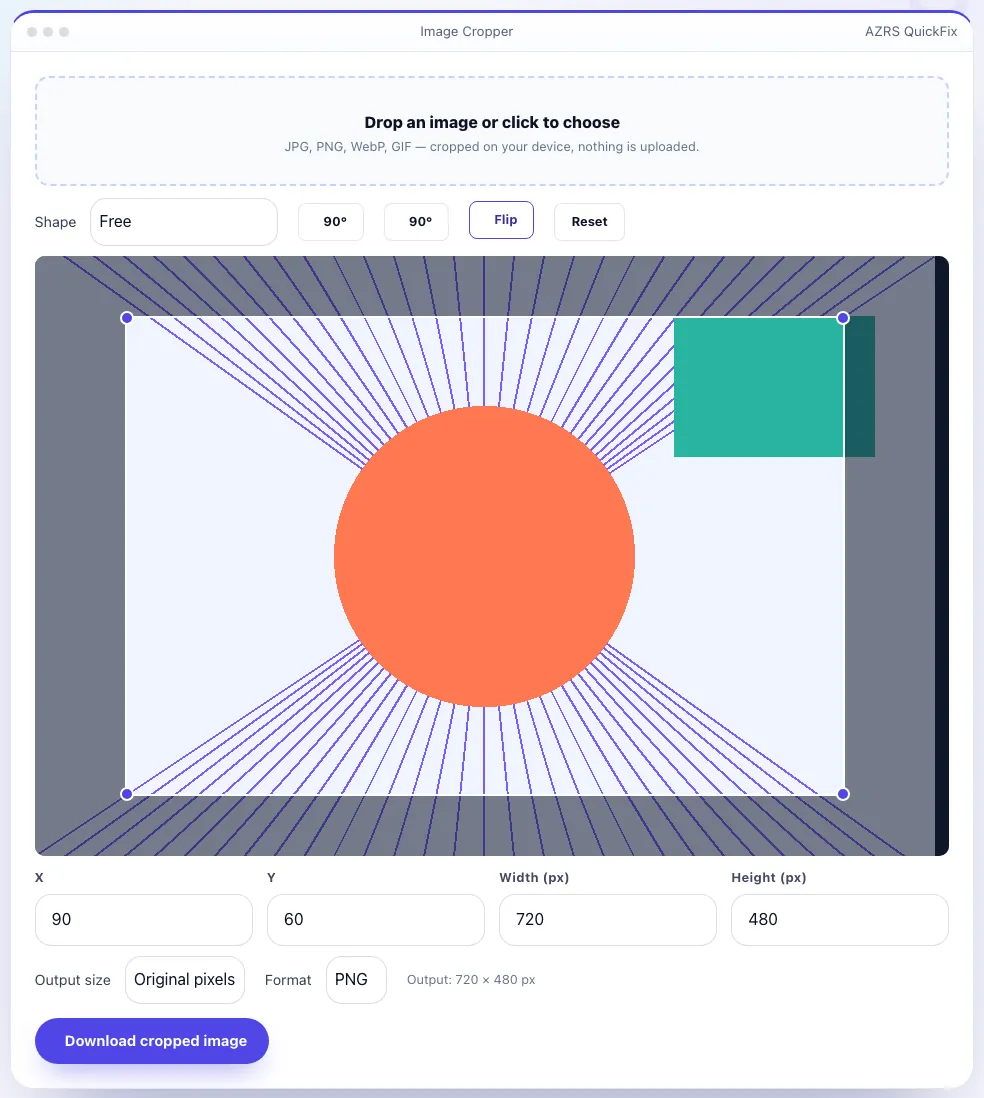
The Image Cropper with sample data entered and the result showing.
What is the Image Cropper?
Crop a photo by dragging a box over the part you want to keep, resizing it with the corner handles and moving it into place. Choose a free crop or lock the shape to a preset — square 1:1 for profile pictures, 4:3, 3:2, 16:9 for video thumbnails, 9:16 for stories, or a Facebook cover — and see the exact output size in pixels.
You can also type precise X, Y, width and height values, rotate in 90° steps, flip the image, scale the output to 50% or 200%, and download as PNG, JPG or WebP. The photo is cropped in your browser using the original pixels, so quality is preserved and nothing is uploaded.
3 steps to your result
Open the tool and follow along. Nothing to install.
What you get
Square, 4:3, 3:2, 16:9, 9:16 and Facebook cover.
Type X, Y, width and height for precise crops.
90° steps and horizontal flip.
PNG, JPG or WebP at original or scaled size.
AZRS tools are free to open and use.
It opens in your browser, so there is nothing to download.
Used for
Pick one to see how it fits.
How it compares
A plain look at this tool next to the usual alternative.
| This utility | Desktop software | |
|---|---|---|
| Install | Nothing to install | Usually an app or program to install |
| Account | No signup | Depends on the product |
| Cost | Free to use | Free or paid, depends on the product |
| Where it runs | In your browser tab | On your computer |
Questions people ask
Does cropping reduce quality?
No. It uses the original pixels. Quality only changes if you choose JPG or WebP compression.
Is my image uploaded?
No. Cropping is done in your browser.
How do I crop to a square?
Choose Square 1:1 and drag the box; the shape stays locked.
Can I crop to exact pixels?
Yes, type X, Y, width and height in the boxes.
What formats can I open and save?
Open JPG, PNG, WebP or GIF. Save as PNG, JPG or WebP.
More free tools
Related to the Image Cropper.
Try the Image Cropper now
Crop, rotate and flip photos with aspect-ratio presets — download as PNG, JPG or WebP. Free to use.
Try it free