
Meet the Password Generator
Generate strong, random passwords and passphrases instantly. Choose length, symbols and numbers, check strength and copy in one click.
- Free to use
- No signup
- Nothing to install
- Runs in your browser
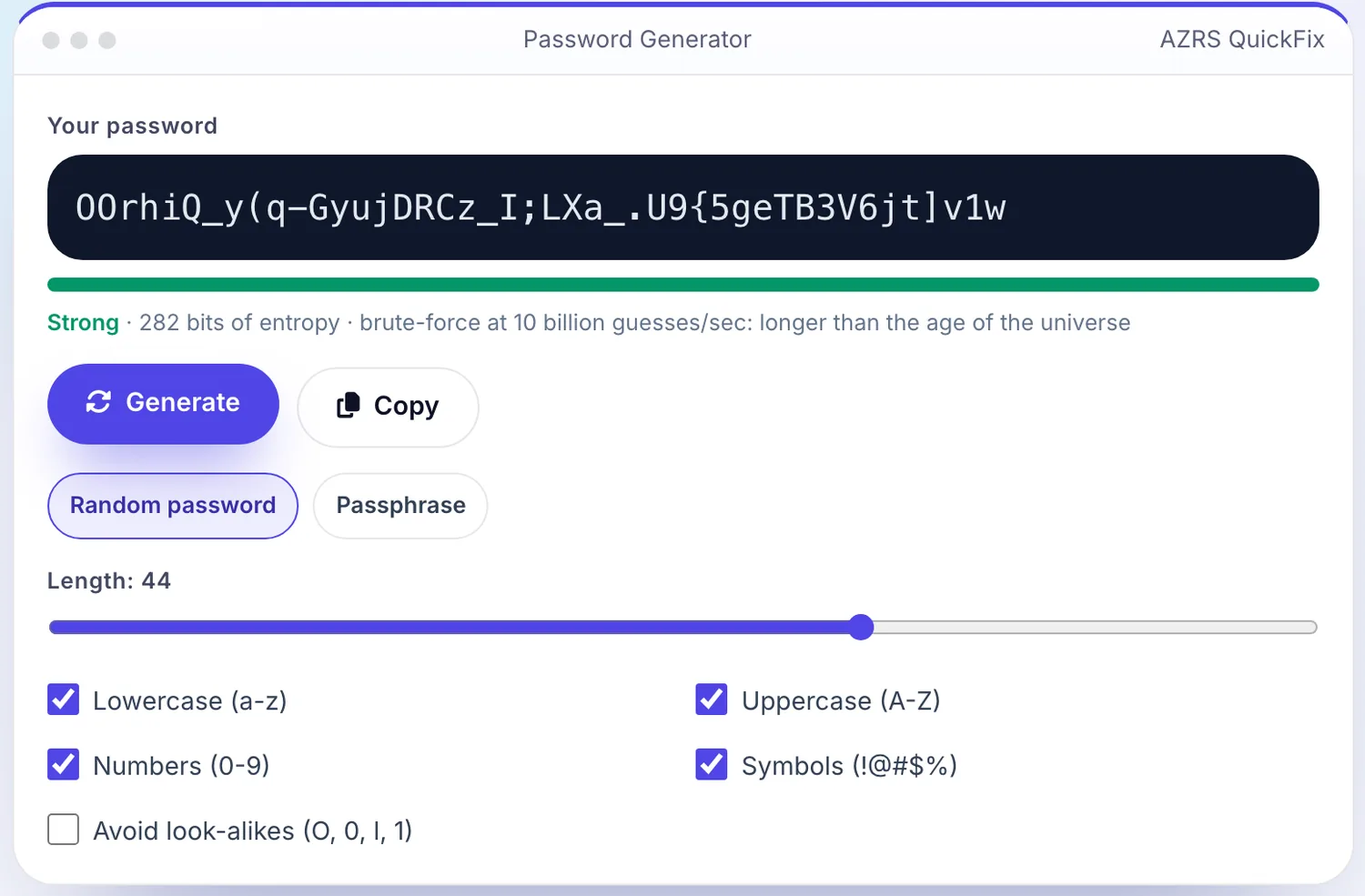
 Your input
 The action
A real example, step by step
Real data entered into the Password Generator, one screenshot per step. Nothing is mocked up.
Open the tool
The Password Generator opens ready to use, nothing to install or sign up for.
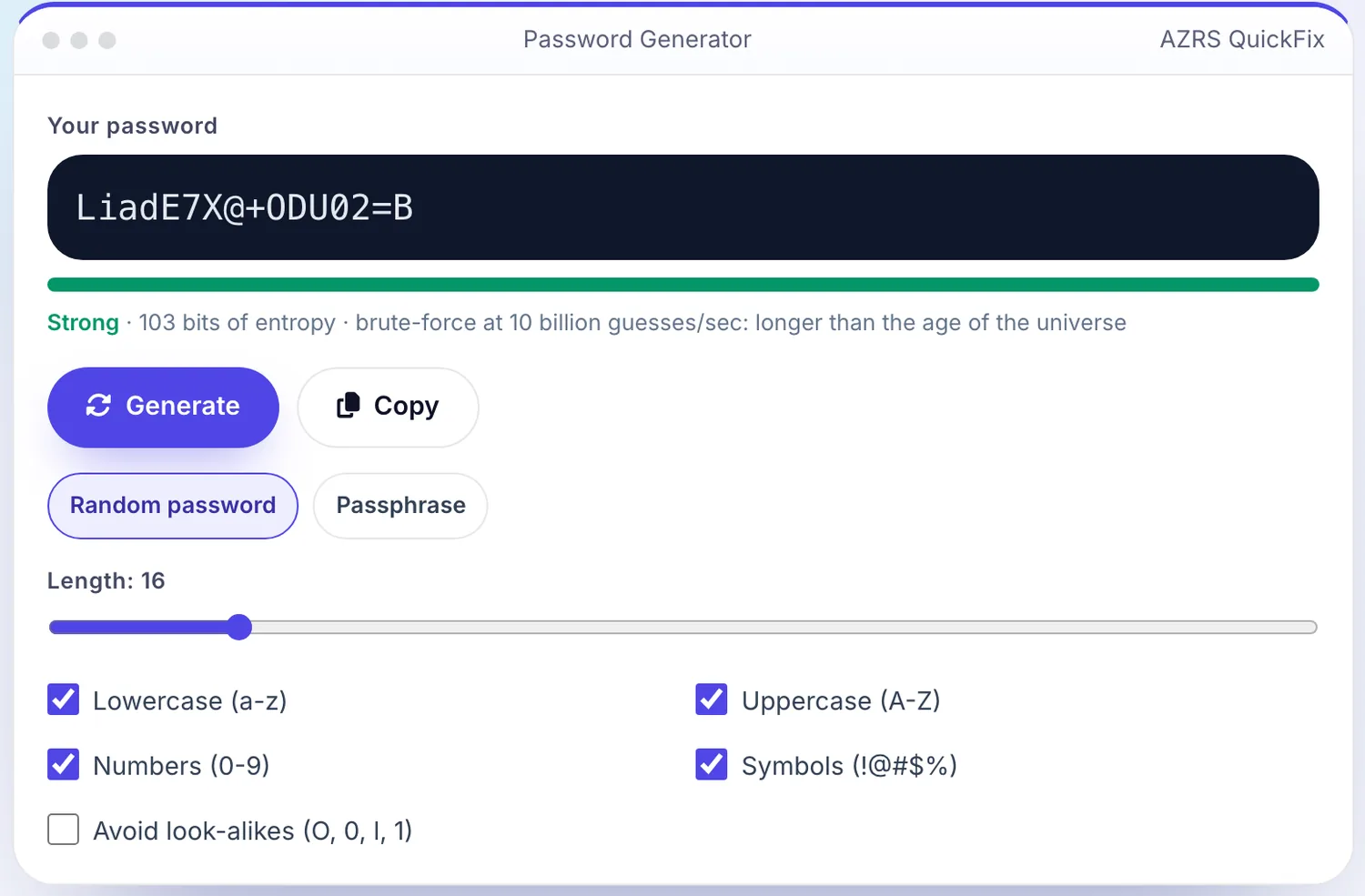
Enter your data
Real input used here: Length: 16 44.4.
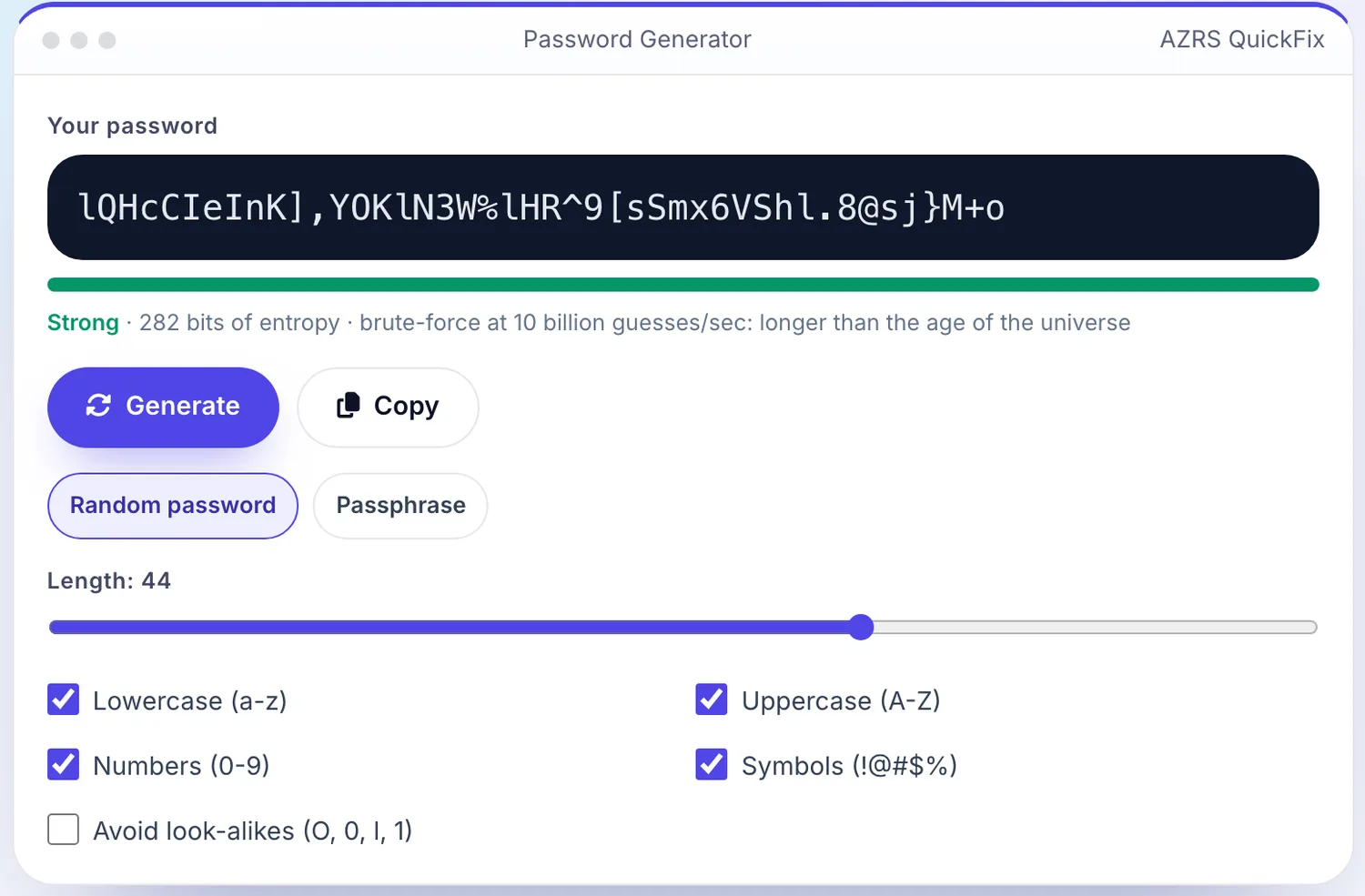
Press Generate
The Password Generator shows the result straight away, below the same form.
What is the Password Generator?
A strong password is long, random and unique to each account. This generator creates passwords in your browser using your device's cryptographic random number generator, so the result is never sent to a server or saved anywhere.
Pick a length from 8 to 64 characters, choose which character types to include and copy the result. A built-in strength meter shows how hard the password would be to guess, and passphrase mode builds memorable multi-word passwords.
3 steps to your result
Open the tool and follow along. Nothing to install.
What you get
Uses the browser's secure random generator, not Math.random.
Passwords are created on your device and never leave it.
Memorable words joined together, easy to type and very strong.
See estimated entropy and how long a guess attack would take.
AZRS tools are free to open and use.
It opens in your browser, so there is nothing to download.
Used for
Pick one to see how it fits.
Everyone with online accounts
Create a unique password for banking, email and social media.
Try it freeHow it compares
A plain look at this tool next to the usual alternative.
| This utility | Desktop software | |
|---|---|---|
| Install | Nothing to install | Usually an app or program to install |
| Account | No signup | Depends on the product |
| Cost | Free to use | Free or paid, depends on the product |
| Where it runs | In your browser tab | On your computer |
Questions people ask
How long should my password be?
At least 14 to 16 characters. Longer is better, and length matters more than complexity.
Is this password generator safe?
Yes. Passwords are generated locally with the Web Crypto API and are never transmitted or stored.
Should I reuse passwords?
No. Use a unique password for every account and keep them in a password manager.
What is a passphrase?
A password made of several random words. It is long, easy to remember and hard to crack.
Does this tool store my passwords?
No. They are generated in your browser and never leave your device.
More free tools
Related to the Password Generator.