
Your Left-Right Balance & Symmetry Test
Most people are stronger or more mobile on one side. This test uses your camera to measure it.
- Free to use
- No signup
- Nothing to install
- Runs in your browser
Illustration. Open the tool for the real thing.
See it in action
3D coach demo of the move (rendered mid-motion). Open the tool to count your own reps with your camera or a video.
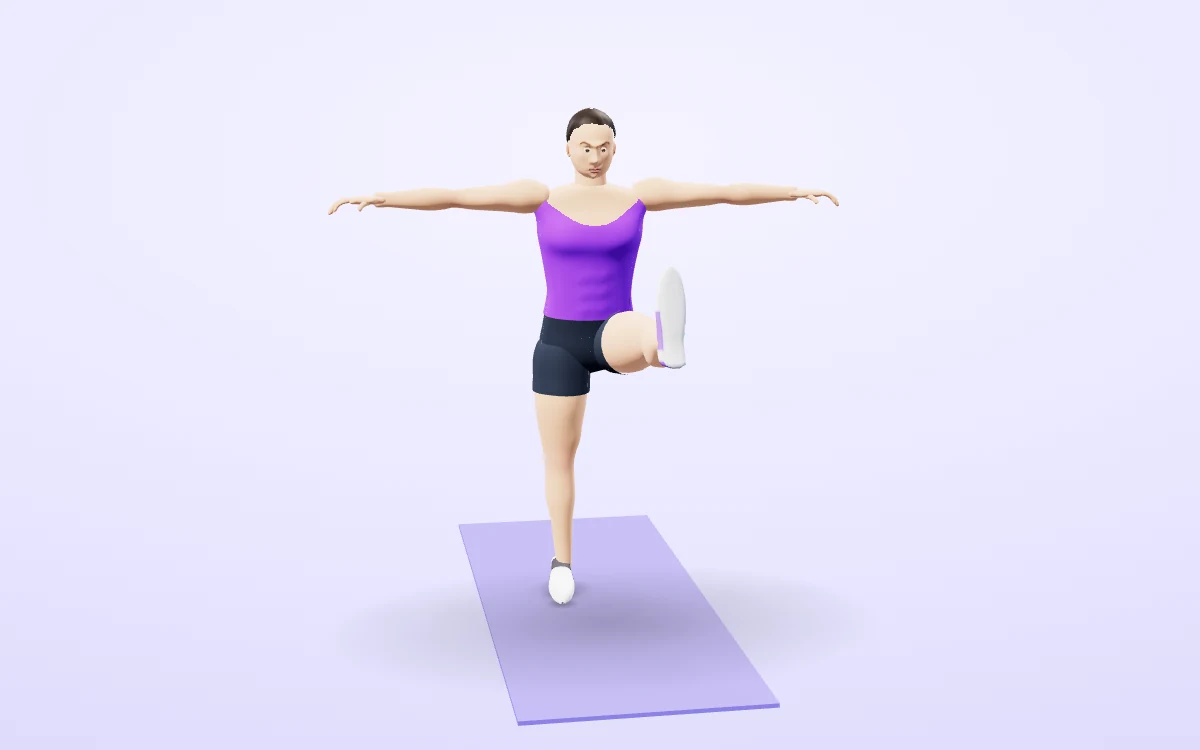
Watch it in 3DSee the exact form before you start. Drag to look from any angle.
Demo only. Move at a pace that feels safe and stop if anything hurts.
What is the Left-Right Balance & Symmetry Test?
Most people are stronger or more mobile on one side. This test uses your camera to measure it. Choose single-leg balance (hold time and sway for each leg), squat symmetry (left and right knee angles and sideways hip shift), overhead reach (how high each arm goes) or push-up symmetry (left and right elbow bend).
You get a clear left-vs-right result with the percentage difference, a plain-English verdict and exercises to correct the weaker side. Small differences are normal; larger ones are worth working on.
3 steps to your result
Open the tool and follow along. Nothing to install.
What you get
Balance, squat, reach and push-up.
With percentage difference.
Balanced, mild or notable.
Linked to the library.
3D joint angles.
No upload.
Used for
Pick one to see how it fits.
How it compares
A plain look at this tool next to the usual alternative.
| This fitness tool | Desktop software | |
|---|---|---|
| Install | Nothing to install | Usually an app or program to install |
| Account | No signup | Depends on the product |
| Cost | Free to use | Free or paid, depends on the product |
| Where it runs | In your browser tab | On your computer |
Questions people ask
Is a 10% difference bad?
No. Many people differ by 5 to 10%. Larger gaps are worth training and, if painful, checking with a professional.
Does it work from any camera angle?
Yes. Compare your left and right side: balance, squat, shoulders, push-ups, and the angle you film from does not change the reading. Press Start camera test. A voice guides you.
Is my video uploaded?
No. The analysis in Left-Right Balance & Symmetry Test (Camera) happens in your browser, so no recording or upload is needed unless you choose to save a replay on your own device. Press Start camera test. A voice guides you.
Is it free and private?
No charge and no signup. Pick a test and read the short instructions. Press Start camera test. A voice guides you. It all runs in the browser, with saved items kept on your device. Includes 4 tests; Left vs right numbers.
How do I use the Left-Right Balance & Symmetry Test?
1. Pick a test and read the short instructions. 2. Press Start camera test. A voice guides you. 3. Perform the movement. 4. Read your left-right result and the suggested fixes.
More free tools
Related to the Left-Right Balance & Symmetry Test.
Try the Left-Right Balance & Symmetry Test now
Compare your left and right side: balance, squat, shoulders, push-ups. Free to use.
Try it free