
Meet the Image to Base64 Converter
Convert images (PNG, JPG, GIF, WebP, SVG) to Base64 data URIs for HTML and CSS, or decode Base64 back to an image. Runs in your browser, nothing is uploaded.
- Free to use
- No signup
- Nothing to install
- Runs in your browser
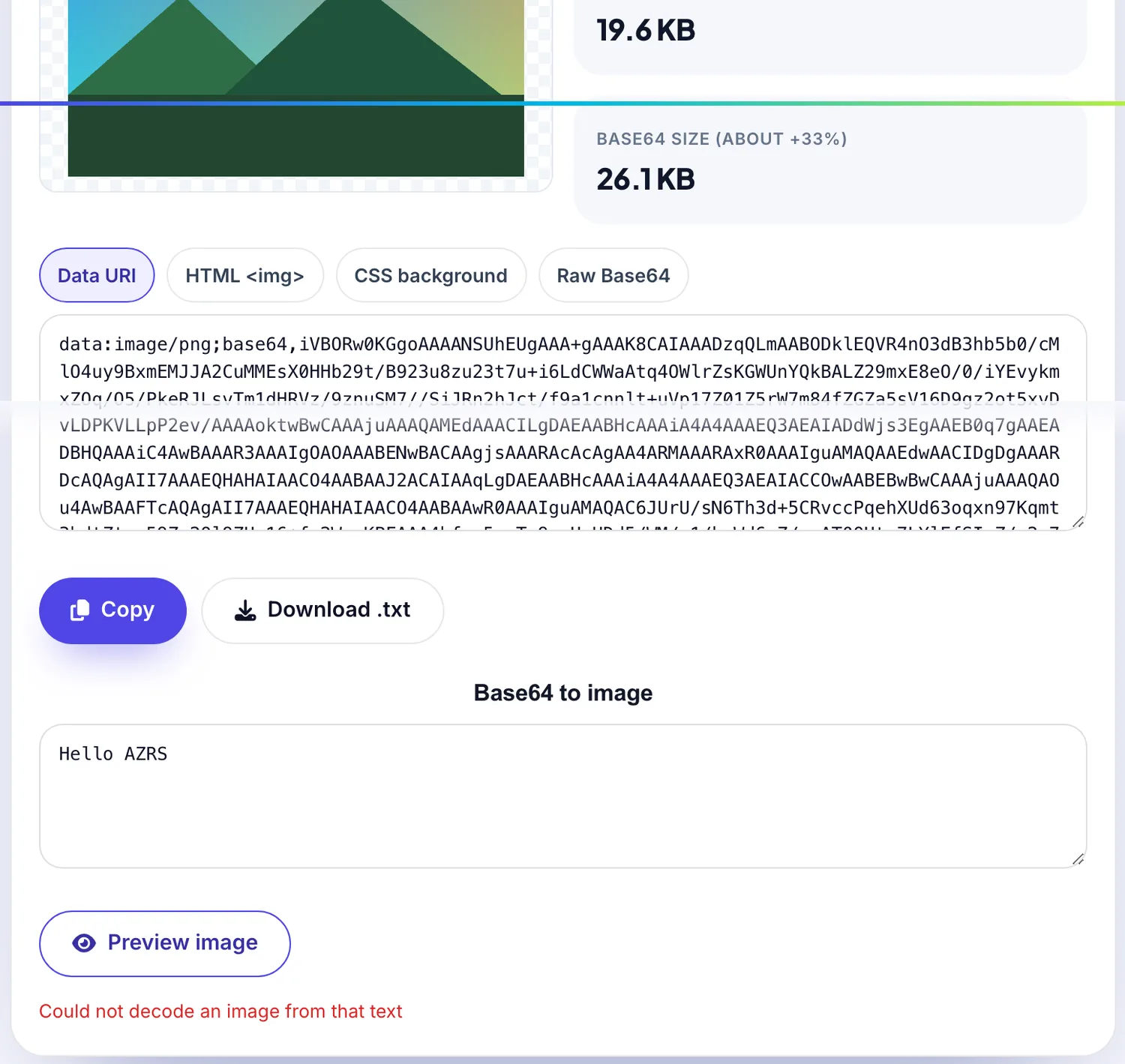
 Your input
 The action
A real example, step by step
Real data entered into the Image to Base64 Converter, one screenshot per step. Nothing is mocked up.
- 1
Open the tool
The Image to Base64 Converter opens ready to use, nothing to install or sign up for.
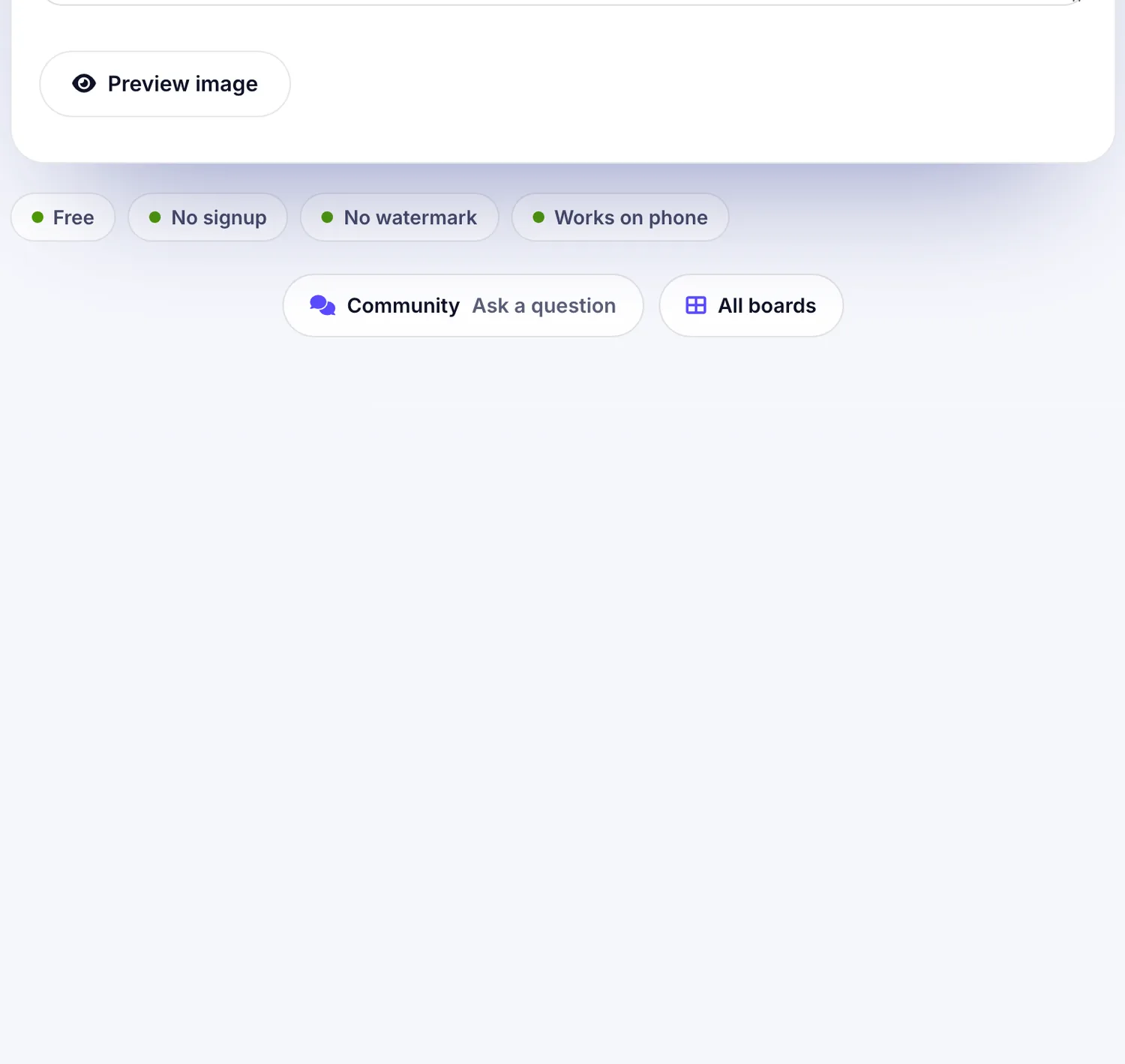
- 2
Add your file
Choose a file, here sample.png, and the Image to Base64 Converter reads it straight in your browser tab.
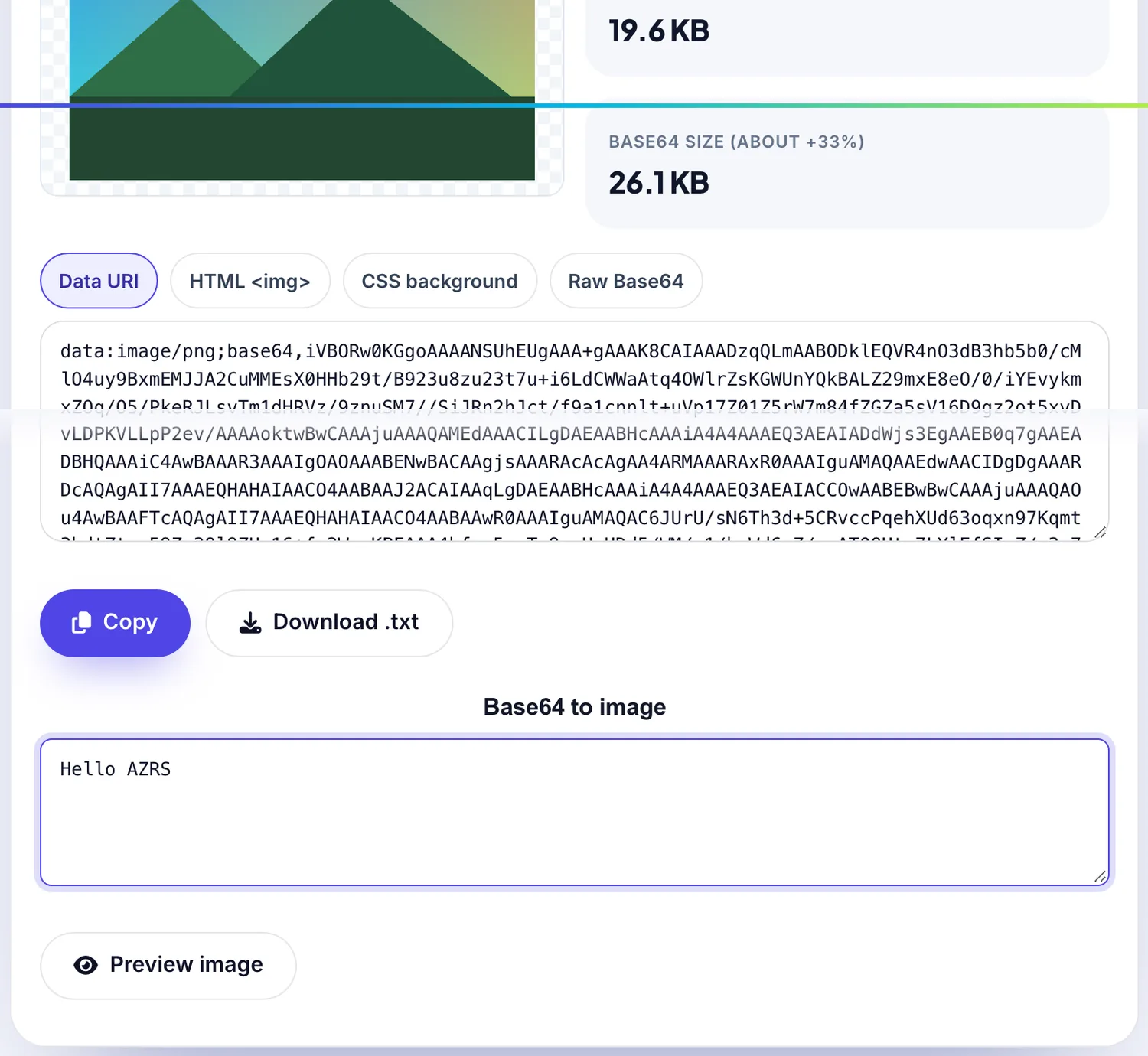
- 3
Press Preview image
The Image to Base64 Converter shows the result straight away, below the same form.
What is the Image to Base64 Converter?
Embedding a small image directly in HTML or CSS as a Base64 data URI saves a network request and works offline. Drop an image to get the data URI, an HTML img tag, a CSS background rule or the raw Base64 string.
You can also paste Base64 to preview and download the image. The conversion happens entirely in your browser, so your files are never uploaded.
3 steps to your result
Open the tool and follow along. Nothing to install.
What you get
Data URI, HTML img and CSS.
Turn Base64 back into an image.
Files never leave your device.
PNG, JPG, GIF, WebP and SVG.
AZRS tools are free to open and use.
It opens in your browser, so there is nothing to download.
Used for
Pick one to see how it fits.
How it compares
A plain look at this tool next to the usual alternative.
| This utility | Desktop software | |
|---|---|---|
| Install | Nothing to install | Usually an app or program to install |
| Account | No signup | Depends on the product |
| Cost | Free to use | Free or paid, depends on the product |
| Where it runs | In your browser tab | On your computer |
Questions people ask
When should I use Base64 images?
For small icons and logos. Large images become bigger when Base64 encoded.
How much bigger is Base64?
About 33 percent larger than the original file.
Is my image uploaded?
No. The file is read locally by your browser.
Can I decode Base64 to an image?
Yes. Paste the Base64 string and download the image.
Is my image uploaded?
No. The conversion happens entirely in your browser.
More free tools
Related to the Image to Base64 Converter.