
Use the Biceps Curl Counter
Pick up your dumbbells and let the camera count your curls. It measures your elbow angle in 3D and counts a rep each time you curl all the way up and lower.
- Free to use
- No signup
- Nothing to install
- Runs in your browser
See it in action
3D coach demo of the move (rendered mid-motion). Open the tool to count your own reps with your camera or a video.
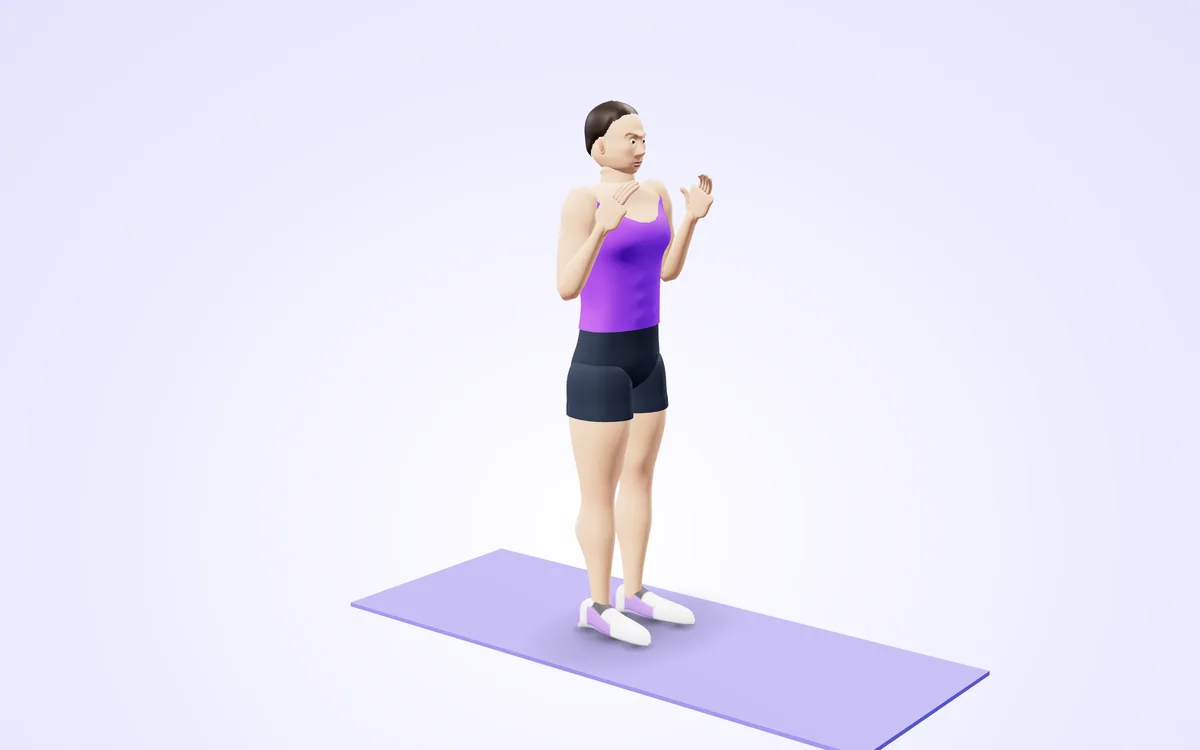
Watch it in 3DSee the exact form before you start. Drag to look from any angle.
Demo only. Move at a pace that feels safe and stop if anything hurts.
What is the Biceps Curl Counter?
Pick up your dumbbells and let the camera count your curls. It measures your elbow angle in 3D and counts a rep each time you curl all the way up and lower back to straight arms, with either arm or both together.
Half curls are not counted, and the coach tells you to curl higher. Set a goal, hear each count, and check your form score and rep speed afterwards.
3 steps to your result
Open the tool and follow along. Nothing to install.
What you get
Half reps are ignored.
Alternating curls work.
3D elbow angle.
Kokoro counts and cues.
See your tempo.
Video stays in your browser.
Used for
Pick one to see how it fits.
How it compares
A plain look at this tool next to the usual alternative.
| This fitness tool | Desktop software | |
|---|---|---|
| Install | Nothing to install | Usually an app or program to install |
| Account | No signup | Depends on the product |
| Cost | Free to use | Free or paid, depends on the product |
| Where it runs | In your browser tab | On your computer |
Questions people ask
Does it count both arms?
Yes. Either arm or both. A rep needs the arm to fully straighten between curls.
Does it work from any camera angle?
Yes, the joint angles are measured in 3D. Stand 2 to 3 metres from the camera so both arms are visible from shoulder to hand. Any angle works. It looks for the "Arms straight" position, then the "Curled" position.
Is my video uploaded?
No. Counts every biceps curl with your camera and tells you to curl higher, with the pose detection running in your browser. Nothing is recorded, uploaded or stored unless you choose to save a replay on your own device. Stand 2 to 3 metres from the camera so both arms are visible from shoulder to hand. Any angle works.
Is it free and private?
Yes: free, no signup, processed in your browser. Counts every biceps curl with your camera and tells you to curl higher. Your own device keeps whatever is saved. How it works: Stand 2 to 3 metres from the camera so both arms are visible. Curl with arms straight at the bottom and a tight squeeze at the top.
How do I use the Biceps Curl Counter?
1. Stand 2 to 3 metres from the camera so both arms are visible. 2. Press Start camera and wait for the countdown. 3. Curl with arms straight at the bottom and a tight squeeze at the top. 4. Press Finish & save for your summary.
More free tools
Related to the Biceps Curl Counter.
Try the Biceps Curl Counter now
Counts every biceps curl with your camera and tells you to curl higher. Free to use.
Try it free