
Use the YouTube Thumbnail Downloader
Free YouTube thumbnail downloader. Paste any YouTube URL or video ID and instantly preview and download the thumbnail in every available resolution.
- Free to use
- No signup
- Nothing to install
- Works in any modern browser
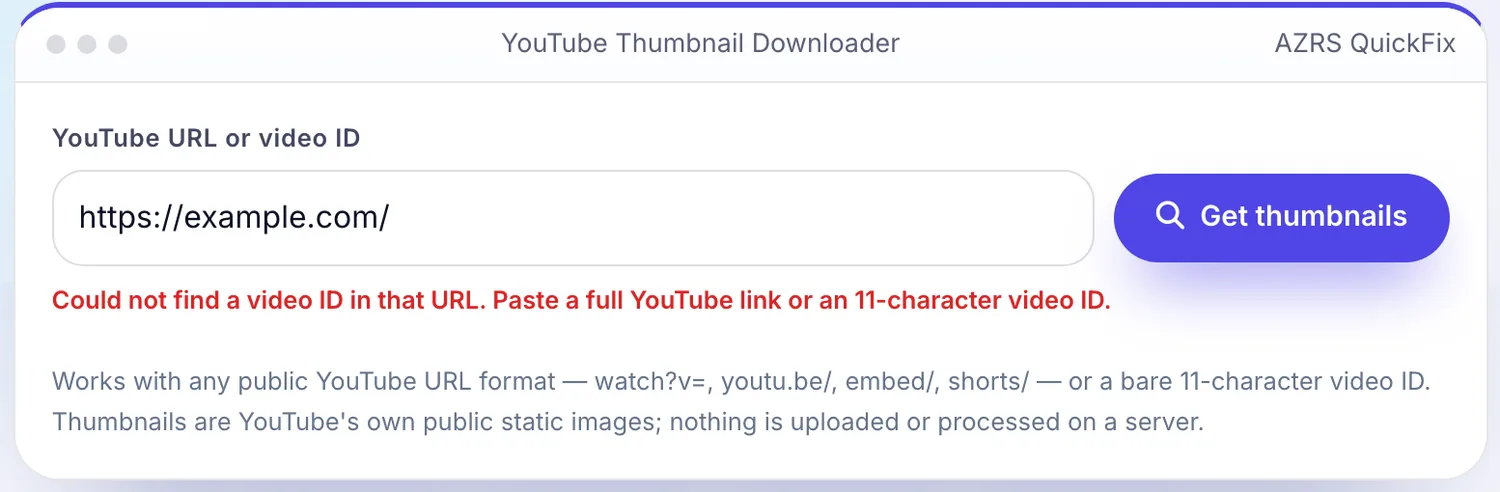
 Your input
 The action
A real example, step by step
Real data entered into the YouTube Thumbnail Downloader, one screenshot per step. Nothing is mocked up.
Open the tool
The YouTube Thumbnail Downloader opens ready to use, nothing to install or sign up for.
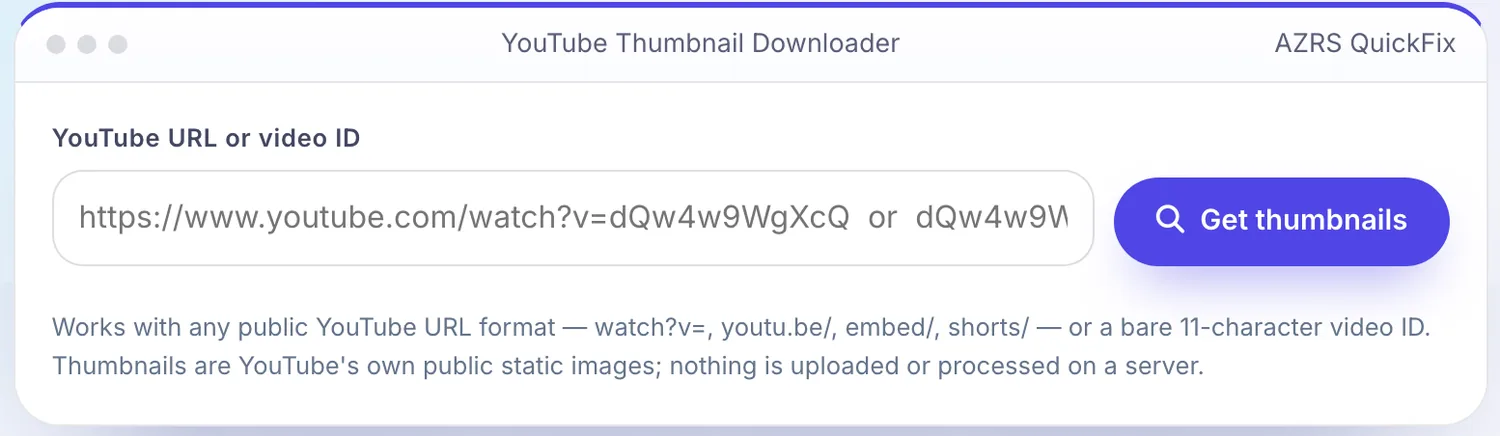
Enter your data
Real input used here: YouTube URL or video ID https://example.com/.
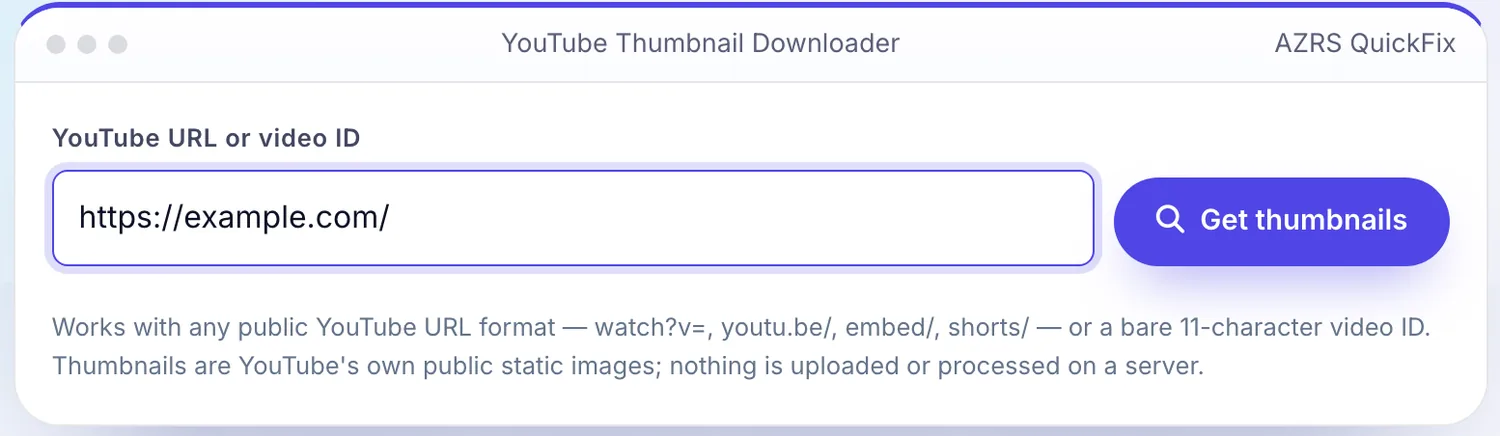
Press Get thumbnails
The YouTube Thumbnail Downloader shows the result straight away, below the same form.
What is the YouTube Thumbnail Downloader?
Every YouTube video automatically gets a set of publicly hosted thumbnail images at several fixed resolutions, from a tiny 120×90 preview up to a full 1280×720 “maxres” image when the uploader provided one. This tool builds those exact image addresses from any YouTube link or video ID, tries to load each one, and shows you every size that actually exists for that video — no YouTube account, API key or download software required.
Paste a full watch link, a shortened youtu.be link, an embed or Shorts URL, or just the 11-character video ID, and click Get thumbnails. Because these images are public files hosted directly by YouTube, the tool simply constructs the standard URL pattern for each resolution and lets your browser check whether it loads — if a video has no maxres thumbnail (common on older or lower-resolution uploads), that size is automatically skipped and only the sizes that exist are shown, each with an Open and a Download button.
3 steps to your result
Open the tool and follow along. Nothing to install.
What you get
watch?v=, youtu.be/, /embed/, /shorts/ or a bare video ID.
From maxresdefault (1280×720) down to the smallest preview frames.
Sizes that do not exist for a video are simply left out — no broken images.
Save any resolution straight to your device, or open it in a new tab.
AZRS tools are free to open and use.
It opens in your browser, so there is nothing to download.
Used for
Pick one to see how it fits.
YouTubers and video editors
Grab a clean copy of a thumbnail for a compilation, reaction video or article.
Try it freeDesigners
Use a thumbnail as a quick reference or starting point for redesigning it.
Try it freeHow it compares
A plain look at this tool next to the usual alternative.
| This utility | Desktop software | |
|---|---|---|
| Install | Nothing to install | Usually an app or program to install |
| Account | No signup | Depends on the product |
| Cost | Free to use | Free or paid, depends on the product |
Questions people ask
Do I need a YouTube API key?
No. Thumbnail images are public static files hosted by YouTube at a predictable URL for every video, so no API key or authentication is needed.
Why is maxresdefault.jpg missing for some videos?
That resolution only exists if the uploader provided a custom high-resolution thumbnail. Many videos, especially older or lower-resolution ones, only have up to hqdefault.
Is this tool uploading anything to a server?
No. It only constructs known public image URLs and lets your browser load and download them directly from YouTube's servers.
Can I get the thumbnail from a Shorts video?
Yes — Shorts URLs (/shorts/VIDEO_ID) are recognised the same way as regular watch links.
What do the numbered thumbnails (0.jpg, 1.jpg, 2.jpg, 3.jpg) show?
They are frames automatically captured from the video at different points, separate from the custom thumbnail the uploader may have set.
More free tools
Related to the YouTube Thumbnail Downloader.
Try the YouTube Thumbnail Downloader now
Get every available resolution of a YouTube video's thumbnail, instantly. Free to use.
Try it free