
Open the Touch Screen Test
Free touch screen test. See every finger, count multi-touch points and touch all 48 screen areas to find dead zones or ghost touches on phones.
- Free to use
- No signup
- Nothing to install
- Runs in your browser
10 touch points at once · 48/48 squares → a healthy screen.\nBottom-right corner never turns green → dead zone (screen or protector fault).Open the Touch Screen Test
Illustration. Open the tool for the real thing.
See it in action
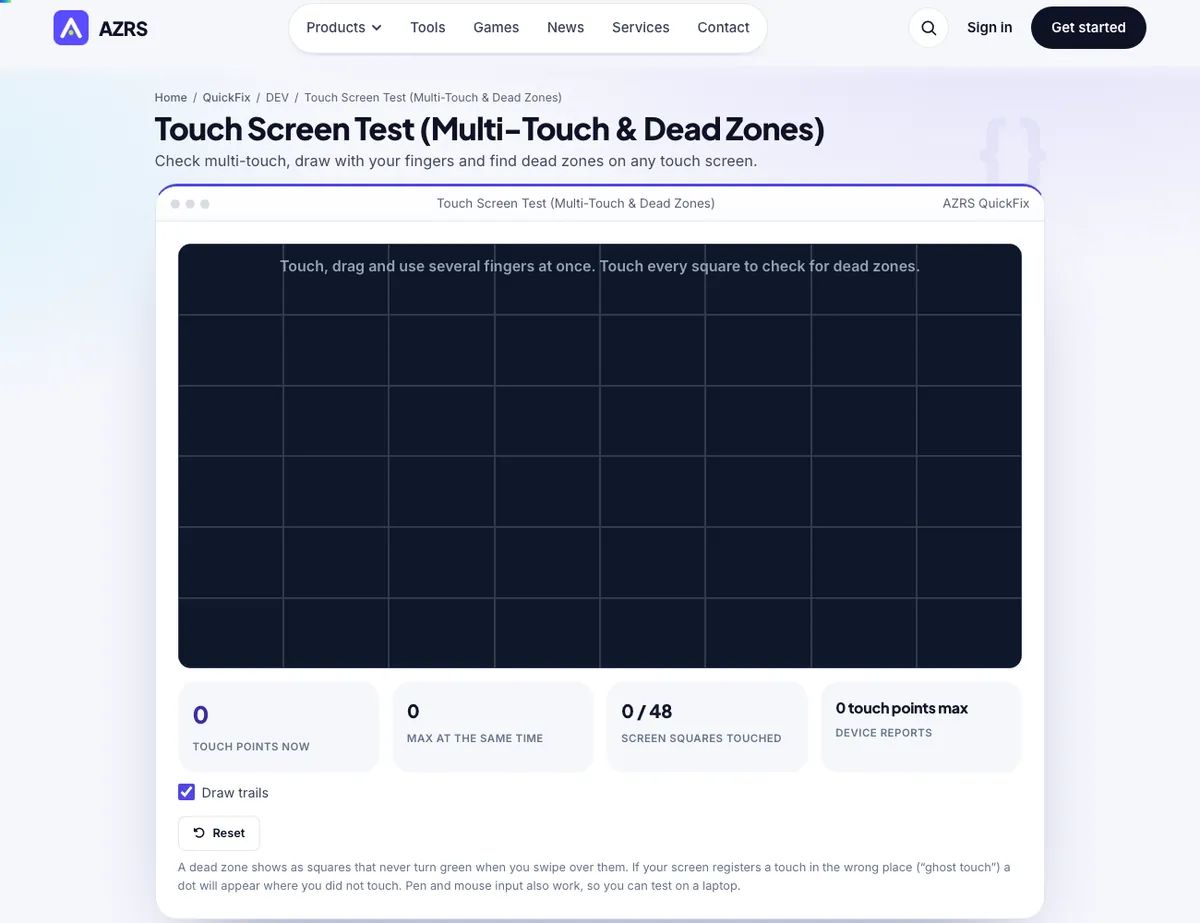
The Touch Screen Test with sample data entered and the result showing.
What is the Touch Screen Test?
A touch screen that ignores parts of the display, or registers touches that never happened, is hard to diagnose by feel. This test gives you a black canvas: every finger you put down draws a coloured dot and trail, with a live count of touch points and the highest number of simultaneous touches your screen managed.
The screen is also split into 48 squares that turn green the first time they are touched. Swipe across the whole display and any square that stays dark marks a dead zone. Ghost touches show as dots you did not make. It works with fingers, styluses and even a mouse, so you can test on phones, tablets, touch laptops, kiosks and drawing displays.
3 steps to your result
Open the tool and follow along. Nothing to install.
What you get
Live and maximum simultaneous touch points.
48 squares turn green as each area responds.
Each finger gets its own colour for tracking problems.
Phones, tablets, touch laptops and kiosks.
AZRS tools are free to open and use.
It opens in your browser, so there is nothing to download.
Used for
Pick one to see how it fits.
How it compares
A plain look at this tool next to the usual alternative.
| This utility | Desktop software | |
|---|---|---|
| Install | Nothing to install | Usually an app or program to install |
| Account | No signup | Depends on the product |
| Cost | Free to use | Free or paid, depends on the product |
| Where it runs | In your browser tab | On your computer |
Questions people ask
How do I test my touch screen?
Swipe your finger over the whole screen until all squares are green and try several fingers at once.
What is a dead zone?
An area of the screen that does not respond to touch.
What is ghost touch?
The screen registers touches that you did not make, often from moisture, damage or a bad charger.
How many touch points should I see?
Most phones support 5 to 10 points; the device's maximum is shown in the stats.
Does it work with a stylus?
Yes, pens and styluses that act as pointers are recorded.
More free tools
Related to the Touch Screen Test.
Try the Touch Screen Test now
Check multi-touch, draw with your fingers and find dead zones on any touch screen. Free to use.
Try it free