
Open the Study Timer
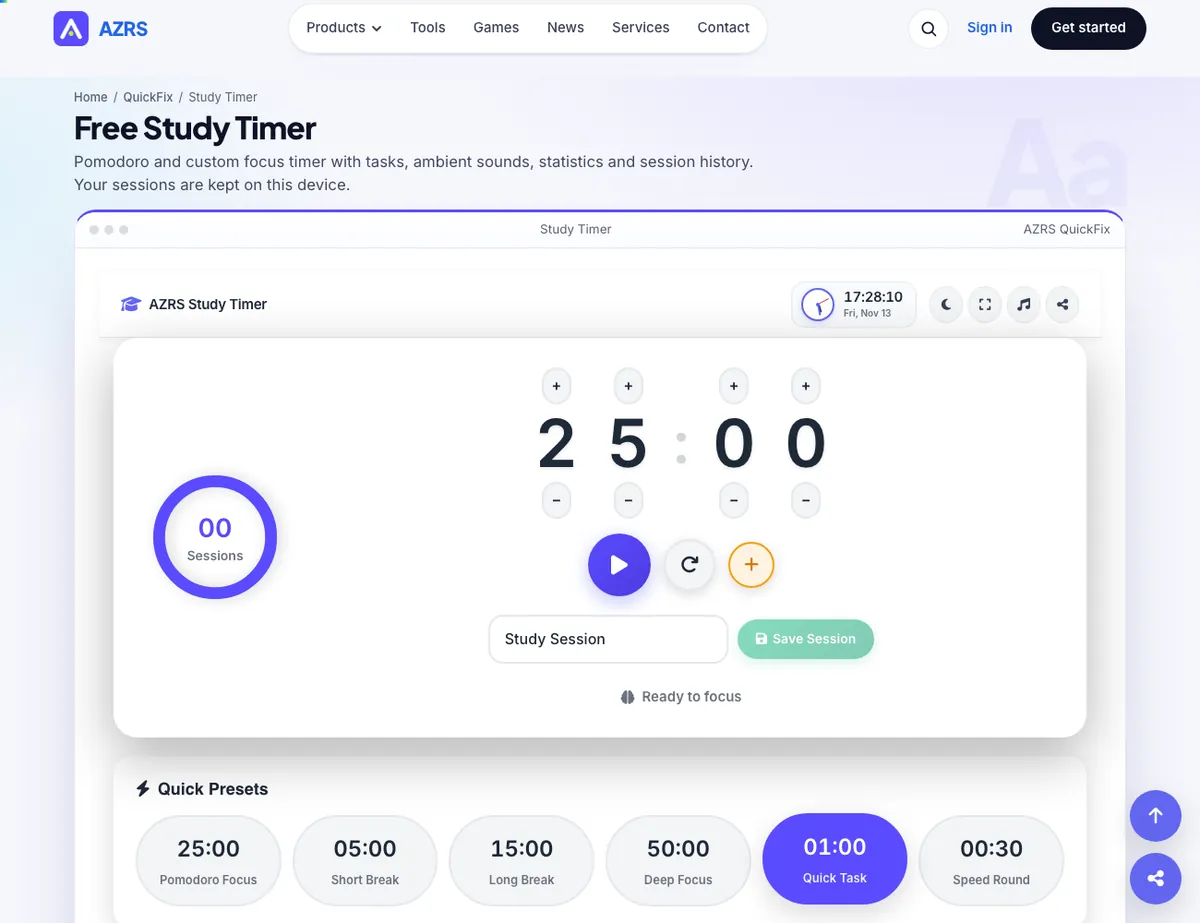
A focus timer built around a large digit-style countdown you can adjust directly (click the up/down controls on each digit) plus a circular progress ring and a completed-session counter, so
- Free to use
- No signup
- Nothing to install
- Works in any modern browser
Set the timer to 25:00 for a focused Pomodoro-style study block, start it, and work until the ring completes and the session counter increments to 1. Take a short break, then start the next 25-minute block.Open the Study Timer
Illustration. Open the tool for the real thing.
See it in action
The Study Timer with sample data entered and the result showing.
What is the Study Timer?
A focus timer built around a large digit-style countdown you can adjust directly (click the up/down controls on each digit) plus a circular progress ring and a completed-session counter, so you can see your streak build across a study day. A live analog clock with moving hour/minute/second hands and a date readout sits alongside it.
A theme toggle switches between light and dark mode for late-night sessions, and quick controls let you add a minute on the fly or start/pause without resetting your progress.
3 steps to your result
Open the tool and follow along. Nothing to install.
What you get
Set your timer length precisely using per-digit up/down controls instead of a single slider.
A circular progress ring shows time remaining in the current session, with a running count of completed sessions.
A moving analog clock face with date readout runs alongside the countdown timer.
Switch the whole interface between light and dark mode for comfortable use at any time of day.
AZRS tools are free to open and use.
It opens in your browser, so there is nothing to download.
Used for
Pick one to see how it fits.
Students
Break study sessions into focused, timed blocks to reduce procrastination and track daily sessions.
Try it freeAnyone building a focus habit
The session counter gives a simple, visible measure of consistency day to day.
Try it freeHow it compares
A plain look at this tool next to the usual alternative.
| This study tool | Desktop software | |
|---|---|---|
| Install | Nothing to install | Usually an app or program to install |
| Account | No signup | Depends on the product |
| Cost | Free to use | Free or paid, depends on the product |
Questions people ask
Is the study timer free?
Yes, completely free with no signup.
Can I set a custom time length?
Yes, use the digit up/down controls to set any minutes/seconds combination you want.
Does it track how many sessions I complete?
Yes, a session counter increments each time a countdown finishes.
Is there a dark mode?
Yes, use the theme toggle to switch between light and dark.
Can I add extra time mid-session?
Yes, use the +1 minute button without resetting your current countdown.
More free tools
Related to the Study Timer.
Try the Study Timer now
A focus timer built around a large digit-style countdown you can adjust directly (click. Free to use.
Try it free