
Try the STL Wall Thickness Checker
Check the wall thickness of an STL, OBJ, 3MF or STEP model against your printing process (FDM, resin, SLS, metal) and see thin areas coloured red.
- Free to use
- No signup
- Nothing to install
- Runs in your browser
A 16 mm bore through a 20 mm diameter tube leaves a 2 mm wall. Checked against an FDM minimum of 0.8 mm the whole surface is green; against a 2.5 mm strong-part minimum the walls turn red.Open the STL Wall Thickness Checker
Illustration. Open the tool for the real thing.
See it in action
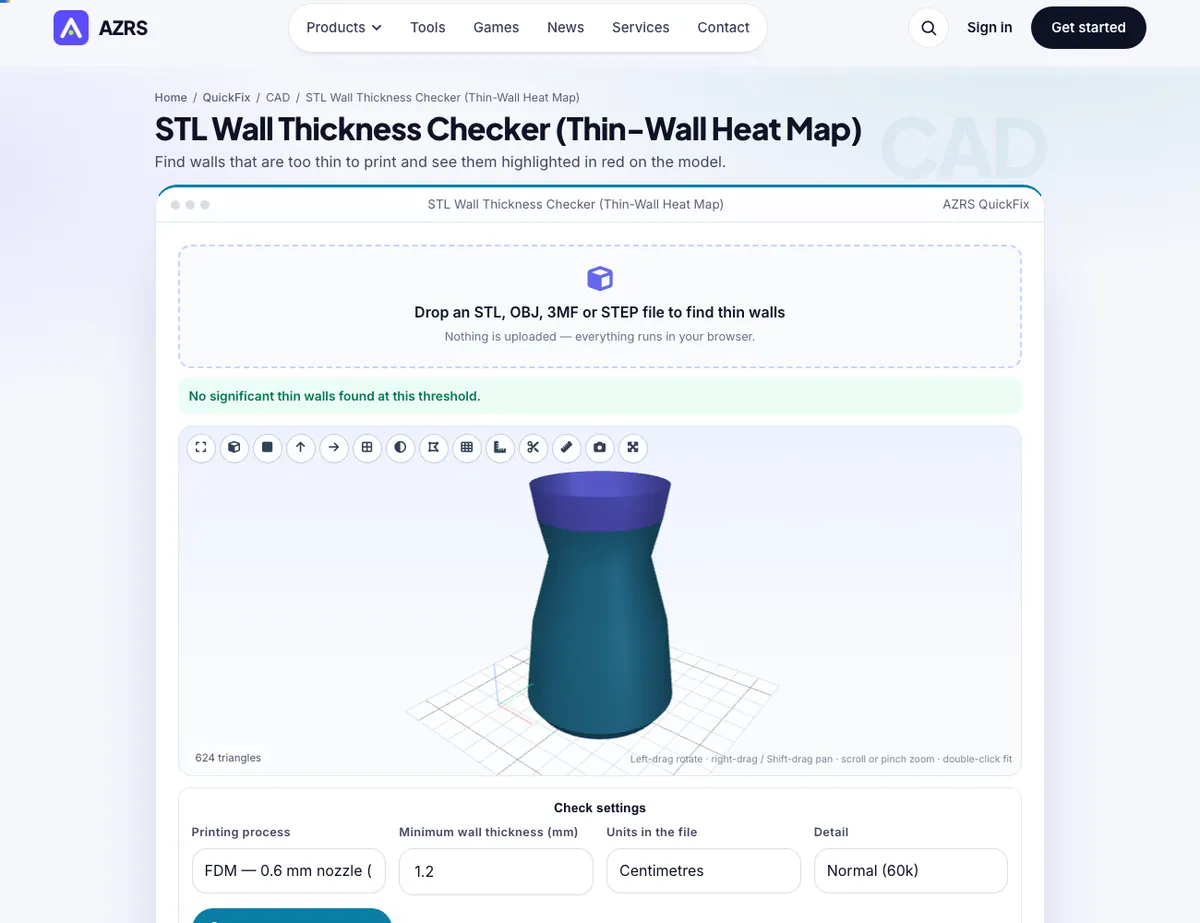
The STL Wall Thickness Checker with sample data entered and the result showing.
What is the STL Wall Thickness Checker?
Thin walls are one of the top reasons prints fail: they vanish in the slicer, break on removal, or print as a single weak line. This checker casts a ray from every surface triangle into the material and measures the distance to the opposite wall, then colours the model: red where the wall is thinner than your limit, orange up to twice the limit and green where it is comfortably thick.
Choose a preset for your process — FDM 0.4 mm nozzle (0.8 mm), 0.6 mm nozzle, resin, SLS, metal or a strong-part setting — or type any minimum. The tool reports the thinnest wall, typical thickness, the percentage of surface below your limit and how long it took, using a bounding-volume hierarchy so even large meshes finish in seconds.
3 steps to your result
Open the tool and follow along. Nothing to install.
What you get
Red, orange and green on the model so you see exactly where to thicken.
FDM, resin, SLS and metal minimums built in.
BVH acceleration with adjustable detail.
Thinnest, median and percentage of thin surface.
AZRS tools are free to open and use.
It opens in your browser, so there is nothing to download.
Used for
Pick one to see how it fits.
How it compares
A plain look at this tool next to the usual alternative.
| This 3d tool | Desktop software | |
|---|---|---|
| Install | Nothing to install | Usually an app or program to install |
| Account | No signup | Depends on the product |
| Cost | Free to use | Free or paid, depends on the product |
| Where it runs | In your browser tab | On your computer |
Questions people ask
Does it replace slicer previews?
It complements them: you see thin areas before slicing.
Why are corners red?
Rays at sharp edges can run along a wall.
How big a file can I check?
A few hundred thousand triangles run comfortably; larger files are sampled.
Are results saved anywhere?
No, nothing leaves your browser.
How do I use the STL Wall Thickness Checker?
1. Drop in your model and set the file units. 2. Choose your printing process or a custom minimum. 3. Press Check wall thickness. 4. Thicken the red regions in your CAD program and re-check.
More free tools
Related to the STL Wall Thickness Checker.
Try the STL Wall Thickness Checker now
Find walls that are too thin to print and see them highlighted in red on the model. Free to use.
Try it free