
Use the Quick Sketch & Whiteboard
Free online whiteboard and sketch tool. Draw with a pen, shapes, text and an eraser on a blank canvas using your mouse, trackpad or touchscreen.
- Free to use
- No signup
- Nothing to install
- Runs in your browser
Quickly sketching a 3-box wireframe with an arrow between two of them to explain a user flow to a teammate, then exporting it as a PNG to paste into a chat message.Open the Quick Sketch & Whiteboard
Illustration. Open the tool for the real thing.
See it in action
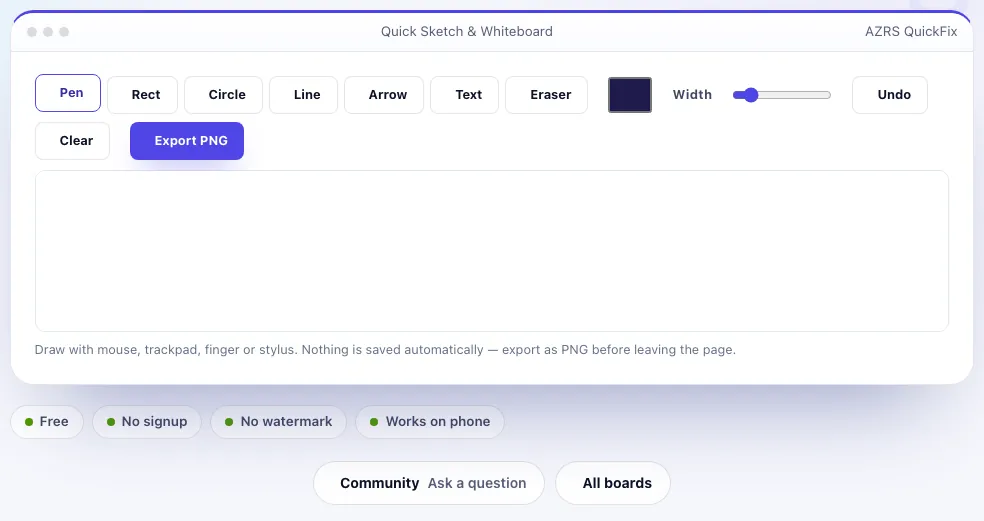
Sample input: ws Color = #1e1b4b; Width = 15.95
What is the Quick Sketch & Whiteboard?
Sometimes the fastest way to explain an idea, sketch a layout, or jot a quick diagram is to just draw it — without opening a heavyweight design app. This tool gives you a blank canvas with a pen, a set of colours and stroke widths, basic shapes (rectangle, circle, line, arrow), a text tool and an eraser, working with your mouse, trackpad or a touchscreen on tablets and phones.
There is no account, no cloud sync and no collaboration layer — it is a fast, local scratchpad. When you're done, export the whole canvas as a PNG image to paste into a document, a chat, or a slide, or clear it and start a new sketch.
3 steps to your result
Open the tool and follow along. Nothing to install.
What you get
Freehand drawing plus rectangle, circle, line, arrow and text tools.
Adjust both on the fly while drawing.
Works with mouse, trackpad, finger or stylus input.
Save your sketch as an image with one click.
AZRS tools are free to open and use.
It opens in your browser, so there is nothing to download.
Used for
Pick one to see how it fits.
Anyone explaining an idea quickly
Sketch a rough diagram instead of describing it in words.
Try it freeStudents and note-takers
Draw a quick diagram or annotate a concept while studying.
Try it freeHow it compares
A plain look at this tool next to the usual alternative.
| This utility | Desktop software | |
|---|---|---|
| Install | Nothing to install | Usually an app or program to install |
| Account | No signup | Depends on the product |
| Cost | Free to use | Free or paid, depends on the product |
| Where it runs | In your browser tab | On your computer |
Questions people ask
Is my sketch saved automatically?
No, nothing is saved between sessions — export as a PNG before closing or refreshing the page if you want to keep it.
Can I use it on my phone or tablet?
Yes, it supports touch input, so you can sketch with a finger or stylus on a touchscreen device.
Can multiple people draw on the same canvas together?
No, this is a single-user local canvas with no real-time collaboration or sharing layer.
What file format does it export to?
PNG, which you can then paste, attach or upload wherever you need the image.
Is there an undo button?
Yes, undo the most recent strokes, or use the eraser tool for more targeted corrections.
More free tools
Related to the Quick Sketch & Whiteboard.
Try the Quick Sketch & Whiteboard now
A simple drawing canvas for quick sketches, diagrams and notes, exportable as an image. Free to use.
Try it free