
Your QR Code & Barcode Scanner
Free online QR code and barcode scanner. Use your camera or upload an image or screenshot to read QR codes, EAN/UPC and other barcodes.
- Free to use
- No signup
- Nothing to install
- Runs in your browser
QR → “Web link https://example.com/menu” with an Open link (example.com) button; EAN-13 barcode → “Product barcode number 5901234123457”.Open the QR Code & Barcode Scanner
Illustration. Open the tool for the real thing.
See it in action
Sample input: File = sample.png. Pressed Scan with camera.
What is the QR Code & Barcode Scanner?
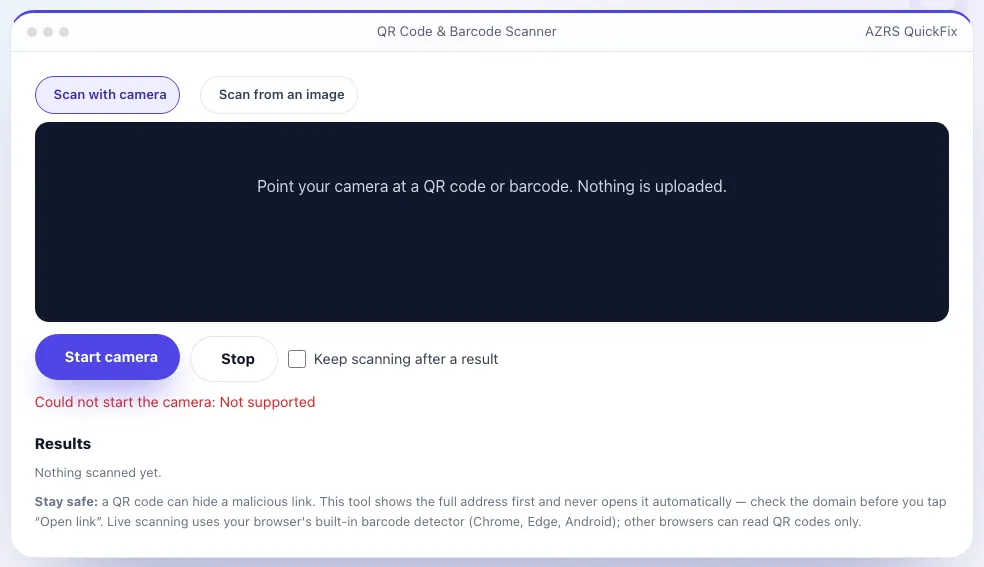
Scan a QR code or barcode without installing an app. Start the camera and hold the code inside the frame, or drop in a photo or screenshot — you can even paste an image from your clipboard. The tool decodes QR codes, EAN and UPC product barcodes, Code 128, Data Matrix and more using your browser's built-in barcode detector, with a QR-only fallback for browsers that lack it.
Every result is labelled by type — web link, Wi-Fi network, contact card, email, phone number, SMS, location, calendar event or product number — and shown in full so you can inspect it before doing anything. Links are never opened automatically, and the Open link button shows the destination domain. Scanning happens entirely on your device; no images or results are uploaded.
3 steps to your result
Open the tool and follow along. Nothing to install.
What you get
Live scanning, file upload, drag-and-drop or paste.
QR, EAN/UPC, Code 128 and more.
Shows the full link and domain; never auto-opens.
Labelled results with one-click copy.
AZRS tools are free to open and use.
It opens in your browser, so there is nothing to download.
Used for
Pick one to see how it fits.
How it compares
A plain look at this tool next to the usual alternative.
| This utility | Desktop software | |
|---|---|---|
| Install | Nothing to install | Usually an app or program to install |
| Account | No signup | Depends on the product |
| Cost | Free to use | Free or paid, depends on the product |
| Where it runs | In your browser tab | On your computer |
Questions people ask
Is it safe to scan any QR code?
Scanning is safe; opening the link is where the risk is. This tool shows the address first and never opens it for you.
Why does it read only QR codes in my browser?
Firefox and Safari lack the built-in barcode detector, so a QR-only fallback is used. Chrome, Edge and Android read many barcode types.
Are my images or camera video uploaded?
No. Everything is processed in your browser.
Can I scan a code from a screenshot?
Yes — use Scan from an image, or paste it with Ctrl/Cmd+V.
What barcode types are supported?
QR, EAN-13/8, UPC-A/E, Code 128/39/93, ITF, Codabar, Data Matrix, PDF417 and Aztec where your browser supports them.
More free tools
Related to the QR Code & Barcode Scanner.
Try the QR Code & Barcode Scanner now
Scan QR codes and barcodes with your camera or from an image — safely. Free to use.
Try it free