
Use the Online Notes
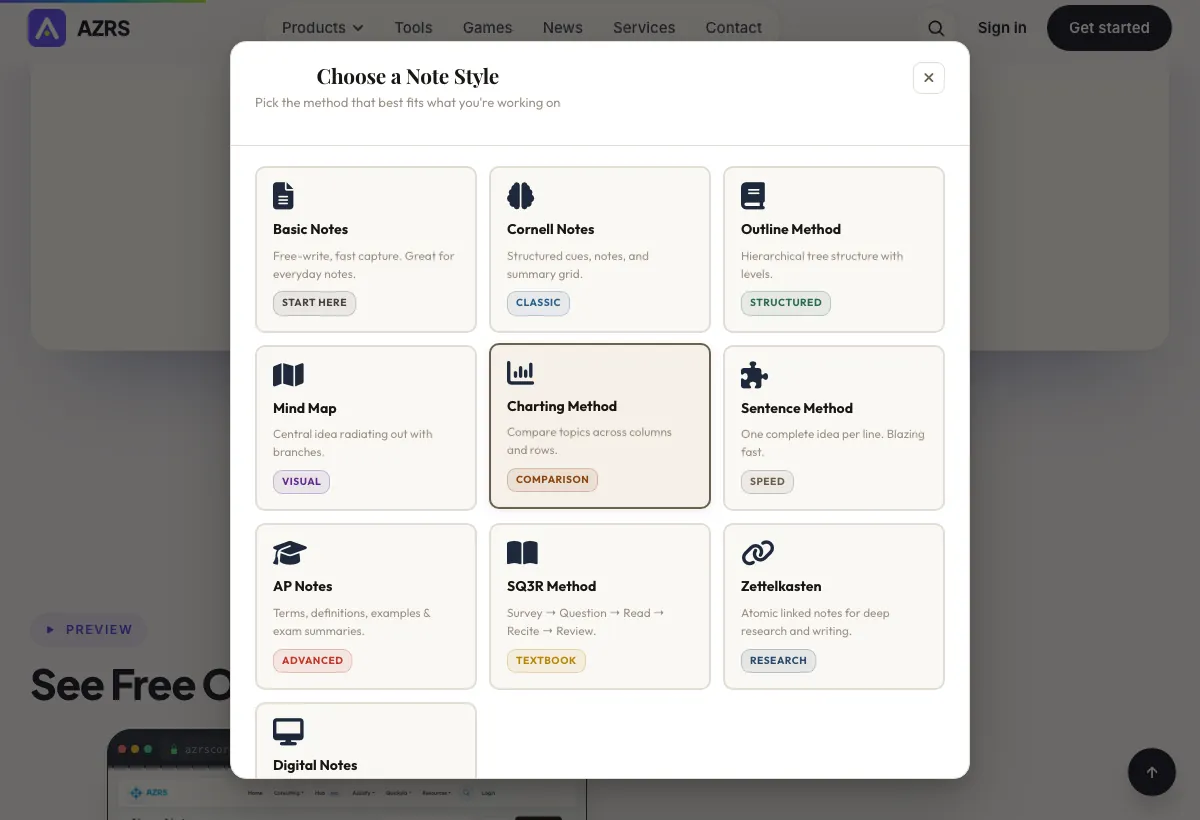
A private notes app for quick capture and organization: create notes with a title, color and type, pin the ones you use most, tag them for filtering, and link related notes to each other
- Free to use
- No signup
- Nothing to install
- Works in any modern browser
Illustration. Open the tool for the real thing.
See it in action
Sample input: Search notes… = photosynthesis; File = sample.json. Pressed + Create First Note.
What is the Online Notes?
A private notes app for quick capture and organization: create notes with a title, color and type, pin the ones you use most, tag them for filtering, and link related notes to each other for a simple Zettelkasten-style knowledge web. Signed-in users get their notes tied to their account; anonymous visitors get a session-based notebook that persists in the same browser.
Every note supports full create, read, update and delete through the app's own API, so changes save as you work rather than requiring a manual export step — open the app, start typing, and your note list updates in real time.
3 steps to your result
Open the tool and follow along. Nothing to install.
What you get
Organize notes visually with pinning, color coding and tags for quick filtering.
Connect related notes to each other for a lightweight, Zettelkasten-style personal knowledge web.
Signed-in users get notes tied to their account; anonymous visitors get a private, session-based notebook.
Notes save through the app's own API as you work — no manual export step needed to keep changes.
AZRS tools are free to open and use.
It opens in your browser, so there is nothing to download.
Used for
Pick one to see how it fits.
Students
Keep organized, tagged notes per subject or topic without installing a separate app.
Try it freeProfessionals
Capture quick meeting notes or task lists that stay pinned and easy to find.
Try it freeAnyone who wants zero-signup note-taking
Use the app anonymously in-browser without creating an account, while still keeping notes across visits in that browser.
Try it freeHow it compares
A plain look at this tool next to the usual alternative.
| This text tool | Desktop software | |
|---|---|---|
| Install | Nothing to install | Usually an app or program to install |
| Account | No signup | Depends on the product |
| Cost | Free to use | Free or paid, depends on the product |
Questions people ask
Is the notes app free?
Yes, completely free to use, with or without an account.
Do I need an account?
No, you can use it anonymously with notes tied to your browser session, or sign in to keep notes tied to your account across devices.
Can I organize notes with colors and tags?
Yes, each note supports a color, a type, tags, and pinning for quick organization.
Can I link notes to each other?
Yes, notes support links to related notes for a simple personal knowledge web.
Are my notes private?
Signed-in notes are tied to your account and visible only to you; anonymous notes are scoped to your browser session.
More free tools
Related to the Online Notes.
Try the Online Notes now
A private notes app for quick capture and organization: create notes with a title, color. Free to use.
Try it free