
Your CSV to SQL INSERT Generator
Upload a CSV and this tool parses every real row and column, automatically detects each column's real data type, and generates genuine.
- Free to use
- No signup
- Nothing to install
- Runs in your browser
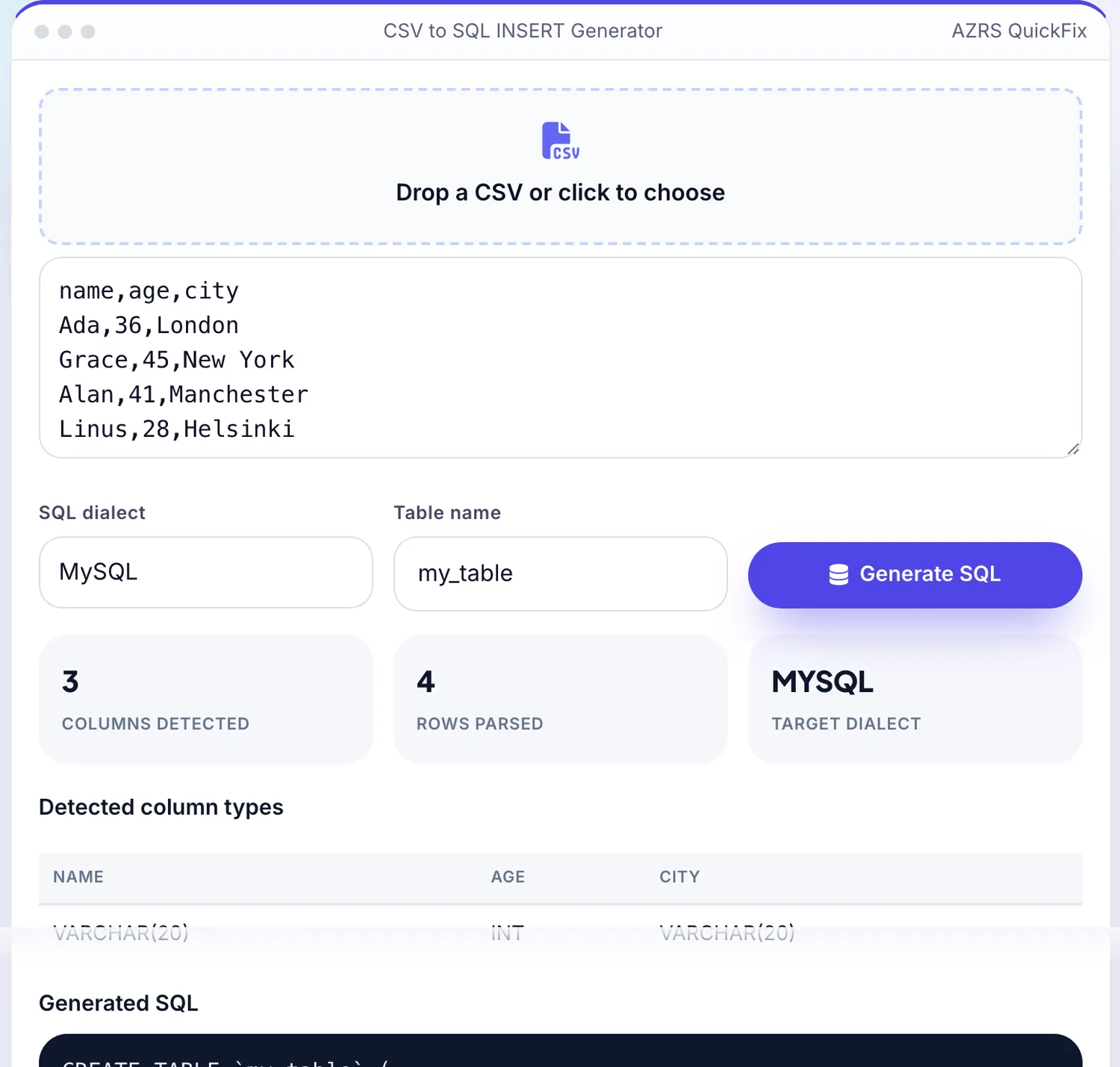
 Your input
A real example, step by step
Real data entered into the CSV to SQL INSERT Generator, one screenshot per step. Nothing is mocked up.
- 1
Open the tool
The CSV to SQL INSERT Generator opens ready to use, nothing to install or sign up for.
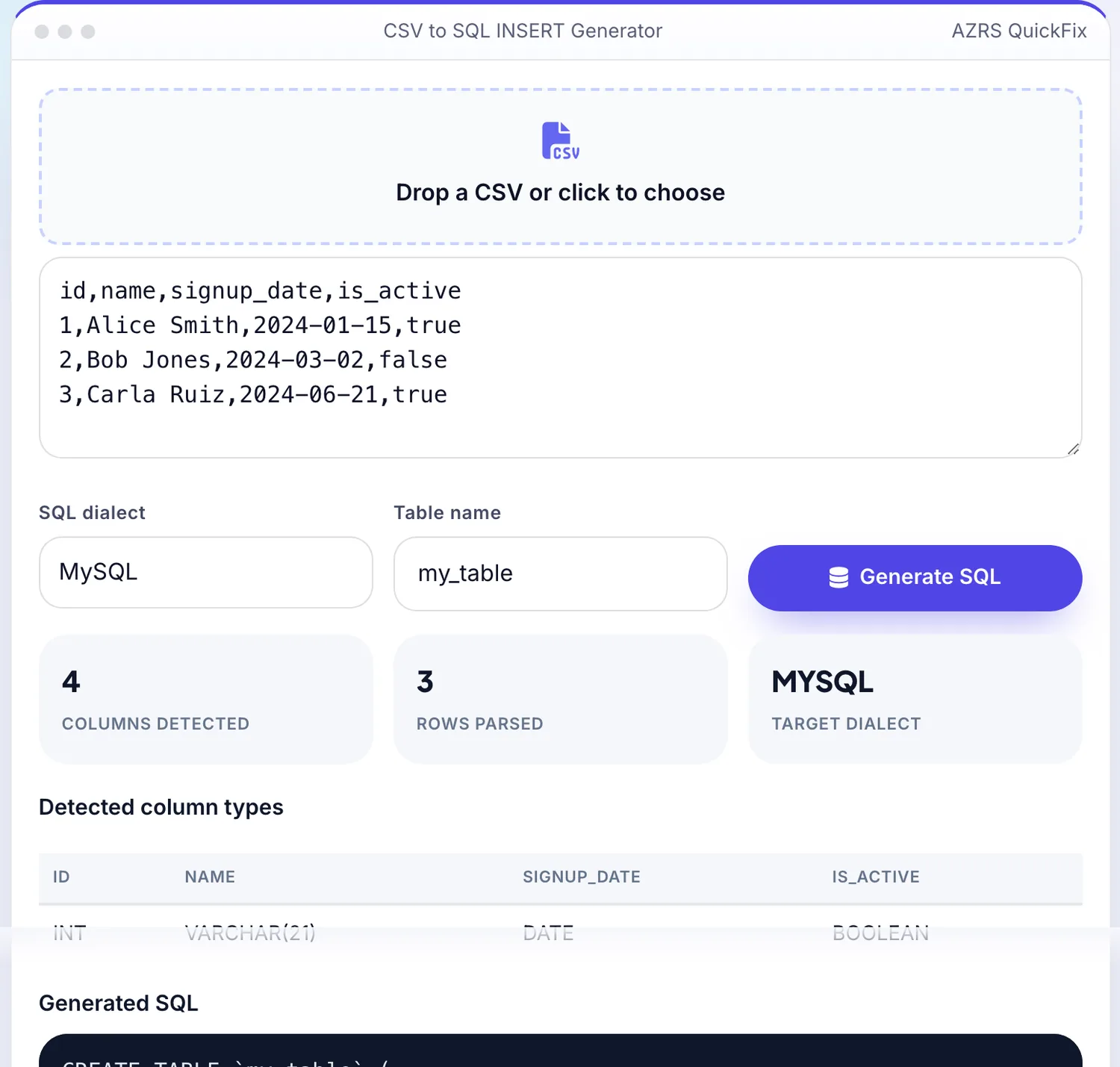
- 2
Add your file
Choose a file, here sample.csv, and the CSV to SQL INSERT Generator reads it straight in your browser tab.
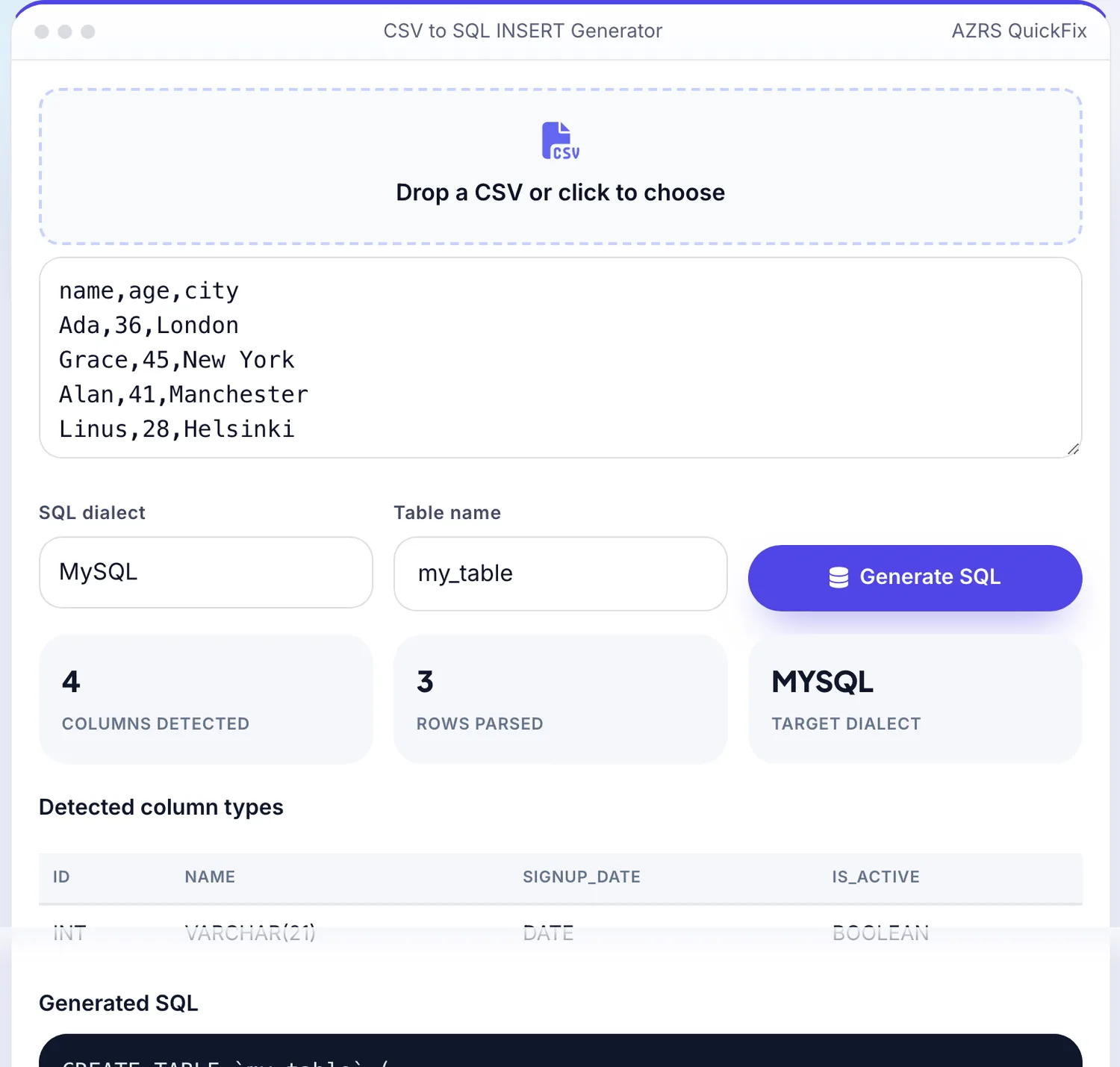
- 3
Press Generate SQL
The CSV to SQL INSERT Generator shows the result straight away, below the same form.
What is the CSV to SQL INSERT Generator?
Turning a spreadsheet export into database-ready SQL by hand means manually typing INSERT statements, escaping quotes and guessing at data types — tedious and error-prone for anything beyond a few rows. This tool parses your real uploaded CSV (correctly handling quoted fields, commas inside quotes, and different line endings), inspects each column's actual real values across every row to detect whether it's really an integer, a decimal, a date, a boolean or text, and generates genuine, properly escaped SQL INSERT statements from the real data.
Choose your target dialect — MySQL, PostgreSQL or SQLite — and the generated CREATE TABLE and INSERT statements use that dialect's real correct quoting and type names, so the output is ready to paste into a real database console and run, not a generic approximation.
3 steps to your result
Open the tool and follow along. Nothing to install.
What you get
Correctly handles quoted fields, embedded commas and different line endings, not a naive comma-split.
Inspects actual column values to detect integer, decimal, date, boolean or text types per column.
Generates MySQL, PostgreSQL or SQLite-correct CREATE TABLE and INSERT syntax.
Single quotes and special characters inside your real data are escaped correctly for valid SQL.
AZRS tools are free to open and use.
It opens in your browser, so there is nothing to download.
Used for
Pick one to see how it fits.
Developers importing spreadsheet data into a real database
Skip manually writing INSERT statements for every row.
Try it freeData analysts moving CSV exports into SQL for querying
Get a working table structure and real data in one step instead of two separate manual tasks.
Try it freeAnyone migrating a small dataset between spreadsheet and database tools
Produce genuine, dialect-correct SQL instead of hand-editing a generic template.
Try it freeHow it compares
A plain look at this tool next to the usual alternative.
| This utility | Desktop software | |
|---|---|---|
| Install | Nothing to install | Usually an app or program to install |
| Account | No signup | Depends on the product |
| Cost | Free to use | Free or paid, depends on the product |
| Where it runs | In your browser tab | On your computer |
Questions people ask
Does it detect column data types automatically?
Yes — it inspects every value in each real column across all rows and picks the most fitting real SQL type (integer, decimal, date, boolean or text) for that dialect, rather than defaulting everything to text.
Which SQL dialects are supported?
MySQL, PostgreSQL and SQLite, each with that dialect's own correct CREATE TABLE type names and quoting conventions.
Does it handle commas inside a quoted CSV field correctly?
Yes — it uses a real CSV parser that correctly handles quoted fields (including embedded commas and escaped quotes), not a naive split on every comma.
Is the generated SQL safe to run directly?
The values are properly escaped for valid SQL syntax, but always review the generated CREATE TABLE structure and test against a non-production database first, since only you know your intended real schema and constraints.
Is my CSV uploaded to a server?
No, parsing and SQL generation both happen entirely in your browser.
More free tools
Related to the CSV to SQL INSERT Generator.
Try the CSV to SQL INSERT Generator now
Convert a real CSV file into real SQL INSERT statements, with automatic column type. Free to use.
Try it free