
Open the CSS Minifier
Paste your CSS or upload a .css file and shrink its size by stripping comments, collapsing unnecessary whitespace, removing empty rule blocks, shortening numeric values (like 0px to 0) and
- Free to use
- No signup
- Nothing to install
- Works in any modern browser
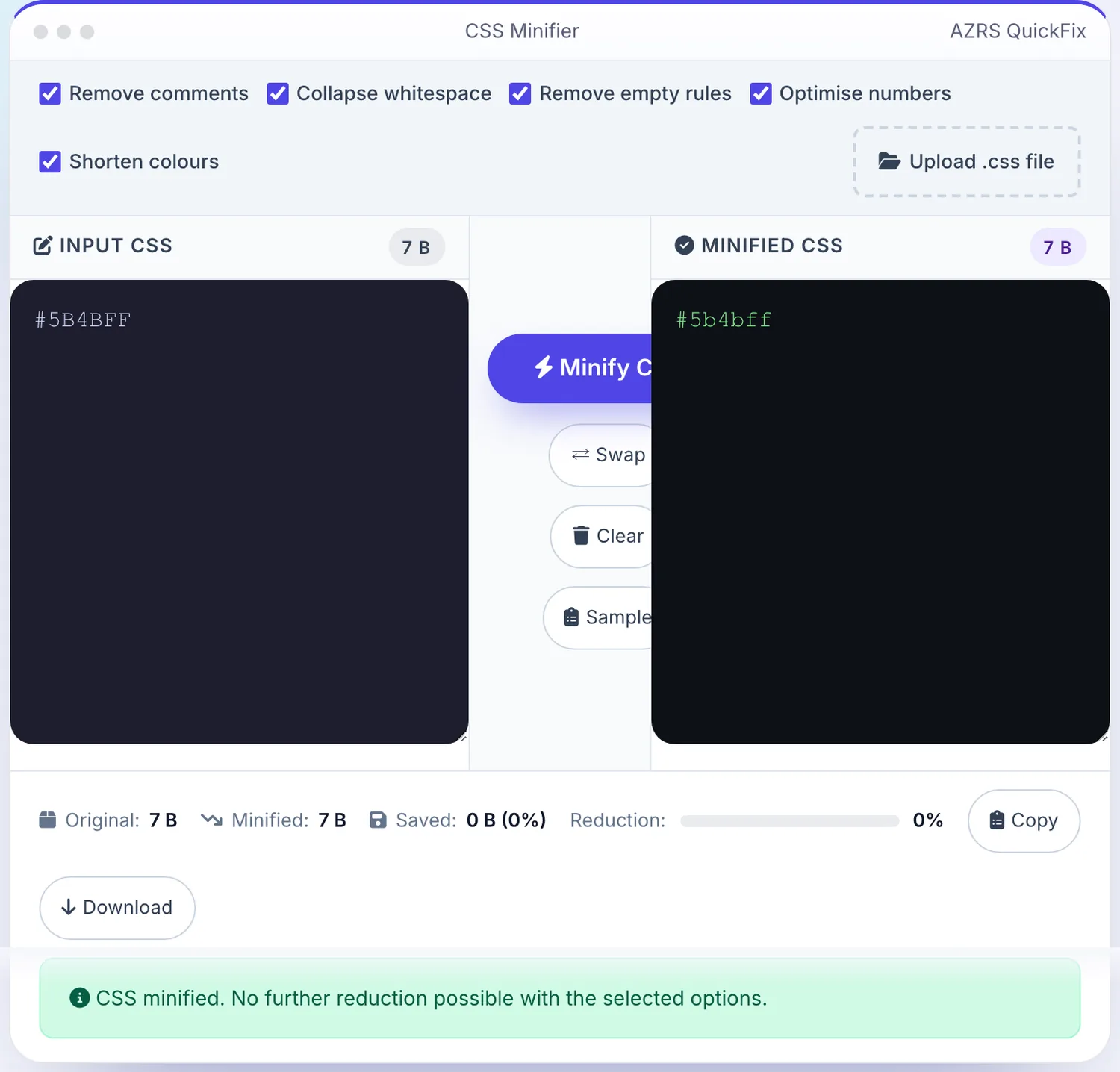
 Your input
A real example, step by step
Real data entered into the CSS Minifier, one screenshot per step. Nothing is mocked up.
- 1
Open the tool
The CSS Minifier opens ready to use, nothing to install or sign up for.
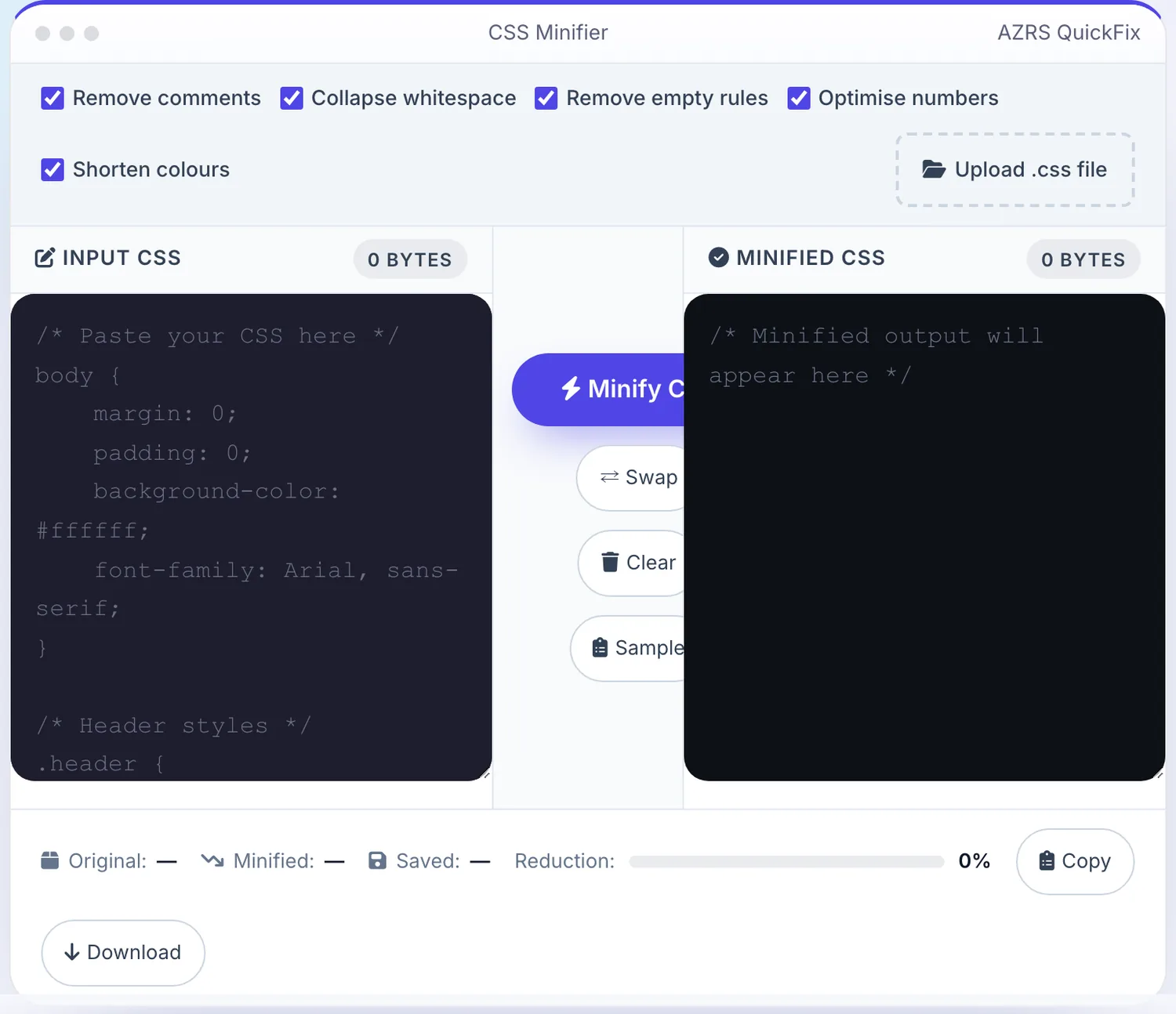
- 2
Add your file
Choose a file, here sample.txt, and the CSS Minifier reads it straight in your browser tab.
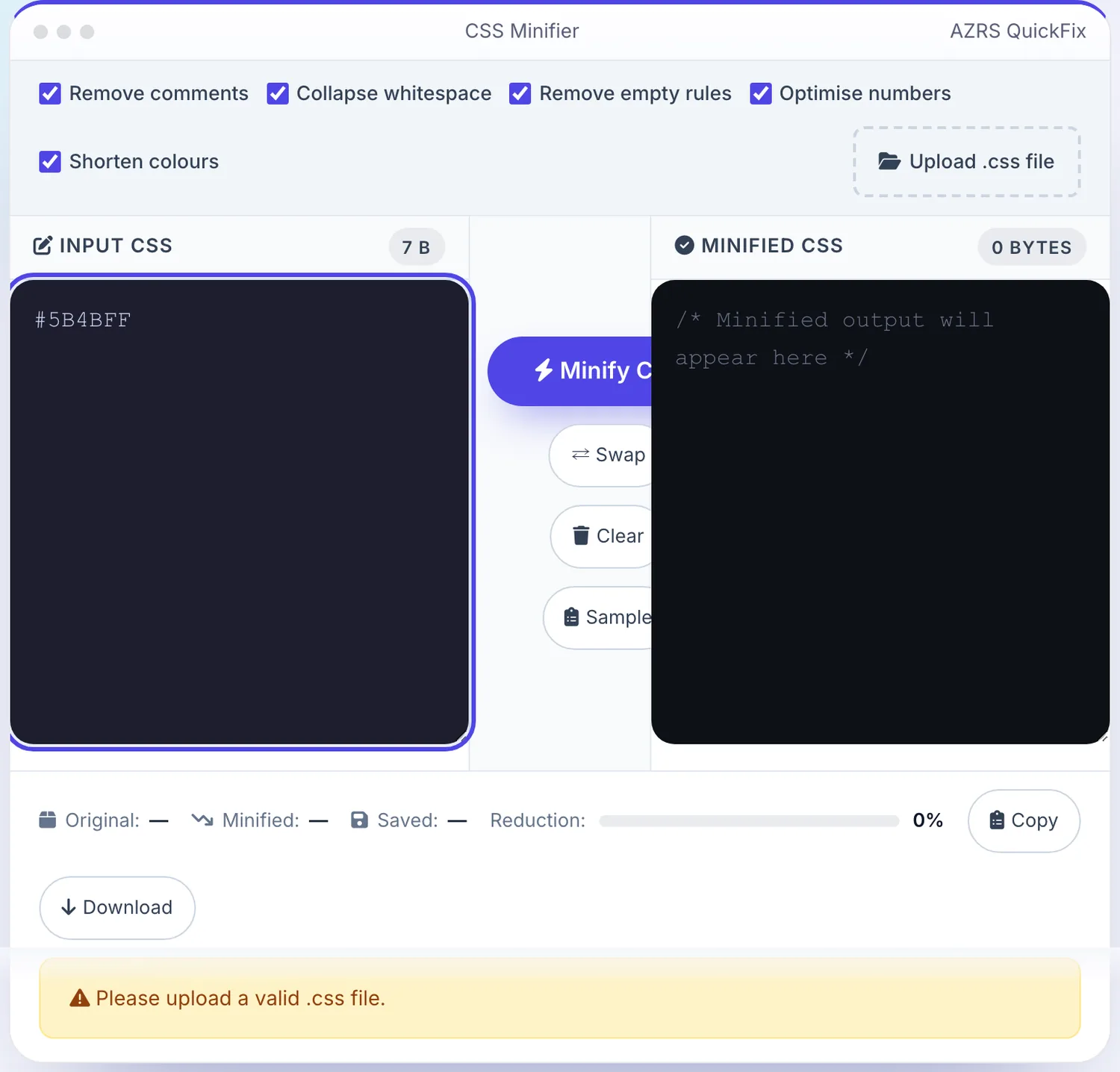
- 3
Press Minify CSS
The CSS Minifier shows the result straight away, below the same form.
What is the CSS Minifier?
Paste your CSS or upload a .css file and shrink its size by stripping comments, collapsing unnecessary whitespace, removing empty rule blocks, shortening numeric values (like 0px to 0) and shortening hex colors (like #ffffff to #fff) — without changing how the stylesheet renders.
Every optimization is a toggle you control, and the result shows an exact before/after byte size with the percentage saved, so you can see precisely how much smaller your production CSS becomes before you ship it.
3 steps to your result
Open the tool and follow along. Nothing to install.
What you get
Toggle comment removal, whitespace collapsing, empty-rule removal, number shortening and color shortening independently.
See original size, minified size and percentage saved for your specific file.
Work directly in the browser or upload a .css file from your computer.
Copy the minified result to clipboard or download it as a ready-to-deploy .css file.
AZRS tools are free to open and use.
It opens in your browser, so there is nothing to download.
Used for
Pick one to see how it fits.
Web developers
Reduce stylesheet size and page weight before deploying to production.
Try it freeFreelancers & agencies
Quickly compress client CSS files without setting up a build pipeline.
Try it freeStudents learning web dev
See exactly what minification changes by comparing readable and minified output side by side.
Try it freeHow it compares
A plain look at this tool next to the usual alternative.
| This utility | Desktop software | |
|---|---|---|
| Install | Nothing to install | Usually an app or program to install |
| Account | No signup | Depends on the product |
| Cost | Free to use | Free or paid, depends on the product |
Questions people ask
What is CSS minification?
Removing unnecessary characters like whitespace, comments and redundant code from a CSS file without changing its functionality, to reduce file size and speed up loading.
Is this CSS minifier free?
Yes, completely free with unlimited usage and no account required.
How much can CSS be minified?
Typical files shrink by 20-80% depending on how much whitespace and commenting the original source contains.
Will minifying break my CSS?
No, the tool only removes whitespace, comments and redundant separators — the resulting CSS is functionally identical.
Can I upload a .css file?
Yes, use the upload option instead of pasting the code directly.
More free tools
Related to the CSS Minifier.
Try the CSS Minifier now
Paste your CSS or upload a .css file and shrink its size by stripping comments. Free to use.
Try it free