
Use the Color-Blind-Safe Palette Generator
Generate a palette of 3 to 12 colors that are verified to stay distinguishable under protanopia, deuteranopia and tritanopia simulation.
- Free to use
- No signup
- Nothing to install
- Runs in your browser
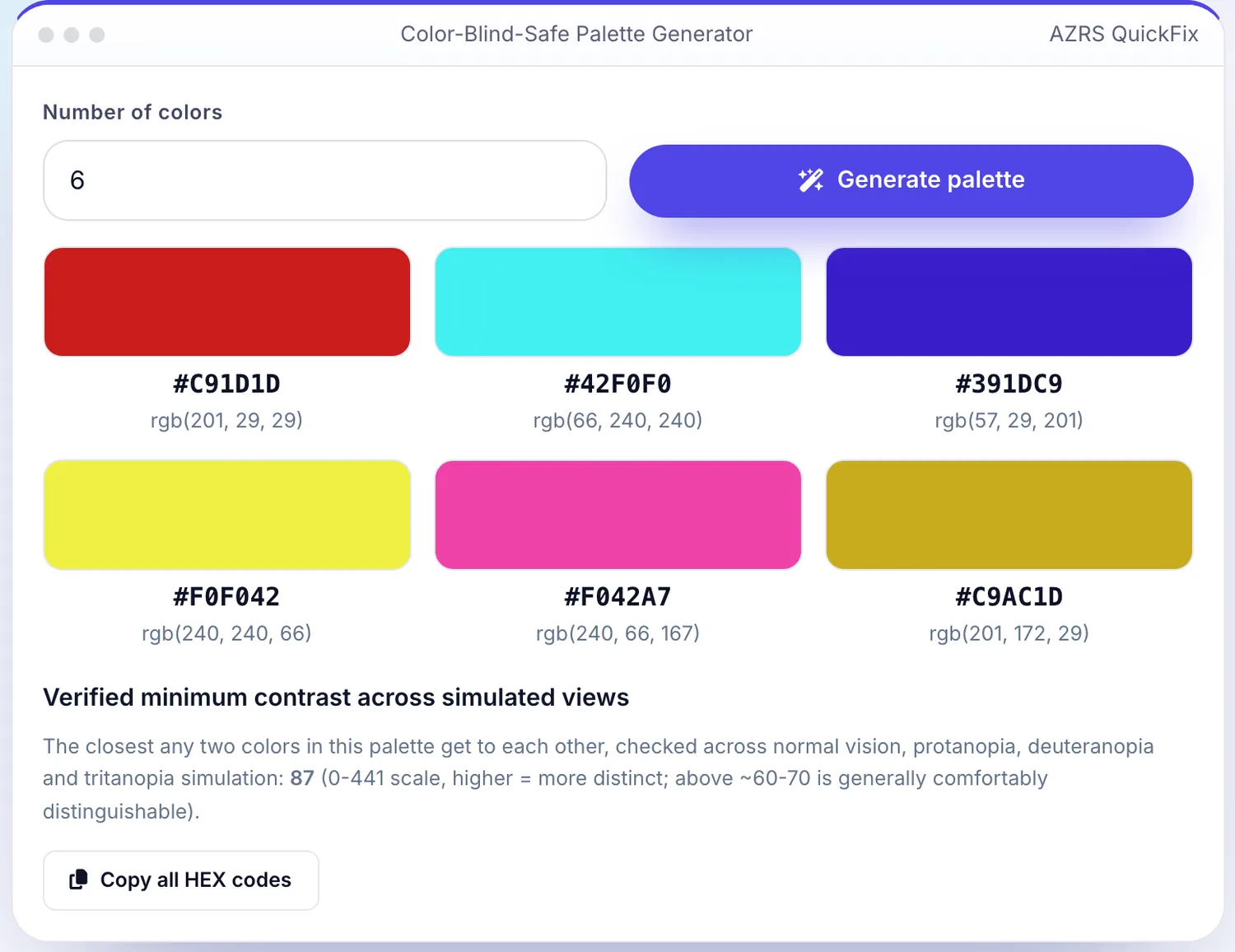
 Your input
 The action
A real example, step by step
Real data entered into the Color-Blind-Safe Palette Generator, one screenshot per step. Nothing is mocked up.
Open the tool
The Color-Blind-Safe Palette Generator opens ready to use, nothing to install or sign up for.
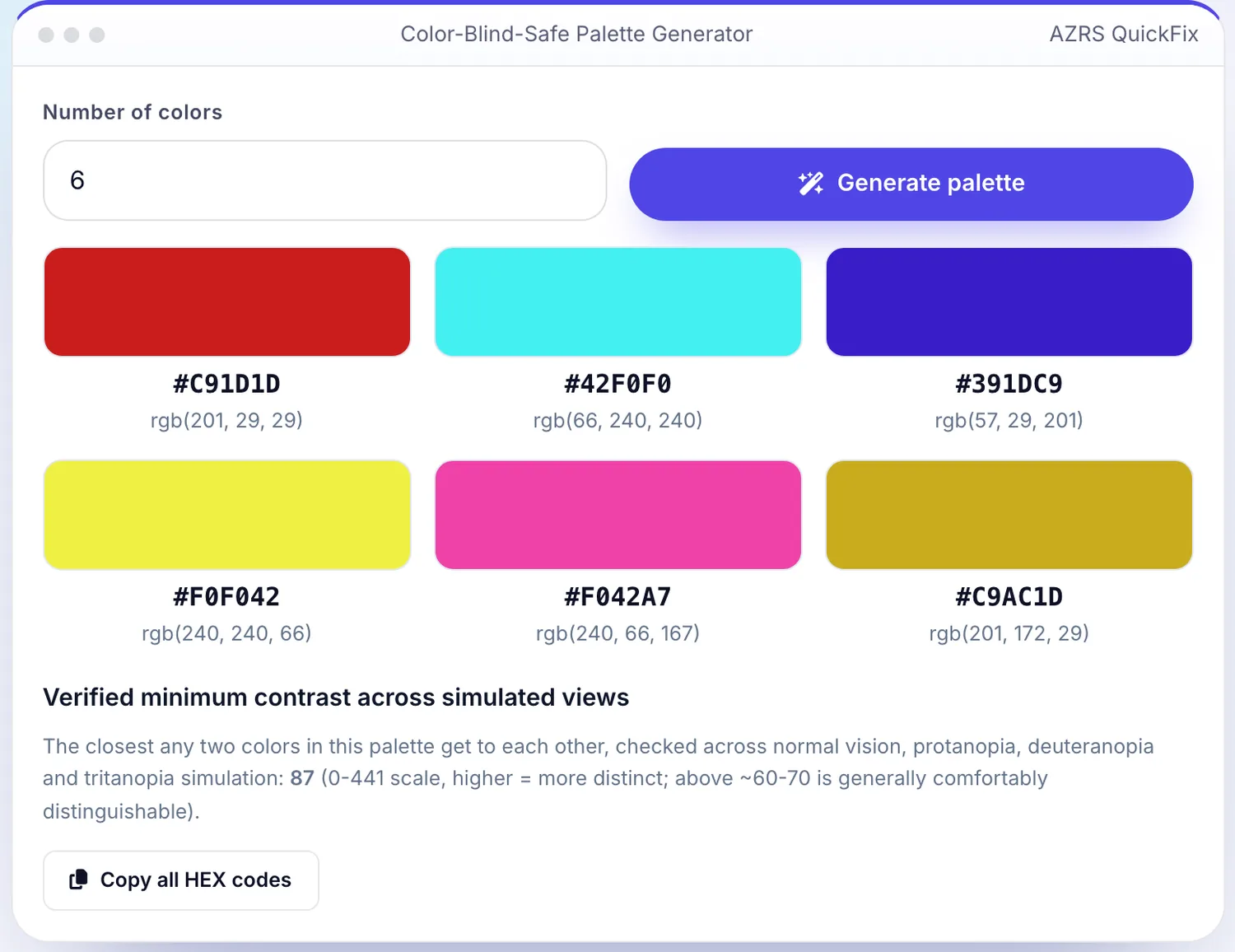
Enter your data
Real input used here: Number of colors 6.
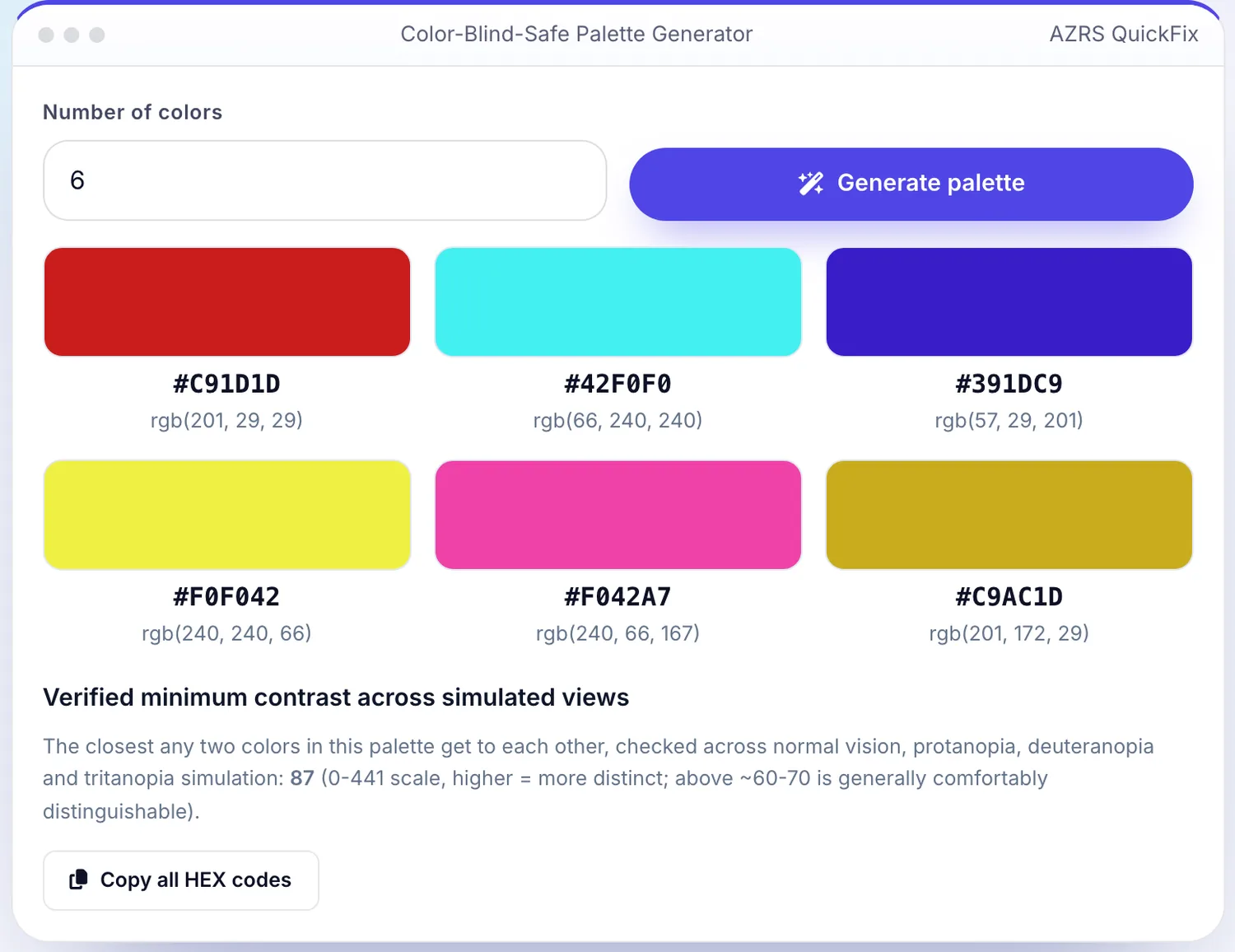
Press Generate palette
The Color-Blind-Safe Palette Generator shows the result straight away, below the same form.
What is the Color-Blind-Safe Palette Generator?
Picking colors that look distinct to you is not the same as picking colors that stay distinct for the roughly 1 in 12 men and 1 in 200 women with a color vision deficiency. This tool generates a palette by sampling many candidate hues, running each candidate through real color-vision-deficiency simulation matrices for protanopia, deuteranopia and tritanopia (the three common types), and keeping only the set whose pairwise color difference stays high across all three simulated views, not just normal vision.
This is the opposite job of a colorblind simulator, which shows you how one image looks to colorblind viewers — this tool instead generates new colors from scratch that are verified in advance to survive that simulation, so you can use them directly in a chart, a map legend or a UI without needing to test them afterward.
3 steps to your result
Open the tool and follow along. Nothing to install.
What you get
Each candidate color is transformed through real protanopia, deuteranopia and tritanopia simulation matrices, not a rule of thumb.
Colors are only kept if they stay perceptually distinct from every other color in the palette under all three simulated conditions.
Generate anywhere from 3 up to 12 distinct colors for charts, categories or map legends.
Every generated color is shown with its HEX and RGB value, ready to paste into your design tool or CSS.
AZRS tools are free to open and use.
It opens in your browser, so there is nothing to download.
Used for
Pick one to see how it fits.
Data visualization designers
Build charts and graphs whose categories stay readable for colorblind viewers, not just typical vision.
Try it freeProduct and UI designers
Choose status colors (success/warning/error, category tags) that remain distinguishable for all users.
Try it freeCartographers and map-legend designers
Pick a legend palette that doesn't collapse into ambiguous colors for a meaningful share of viewers.
Try it freeHow it compares
A plain look at this tool next to the usual alternative.
| This utility | Desktop software | |
|---|---|---|
| Install | Nothing to install | Usually an app or program to install |
| Account | No signup | Depends on the product |
| Cost | Free to use | Free or paid, depends on the product |
| Where it runs | In your browser tab | On your computer |
Questions people ask
How is this different from a colorblind simulator?
A simulator (like this site's Color Blindness Simulator) shows you how an existing image looks to colorblind viewers. This tool does the opposite — it generates brand-new colors from scratch that are already verified to stay distinct under that same simulation, so you don't have to test and redesign afterward.
What color vision types does it check?
Protanopia and deuteranopia (the two red-green types, together affecting the large majority of colorblind people) and tritanopia (the rarer blue-yellow type) — a palette is only returned if it stays distinct across all three.
How many colors can I generate?
Between 3 and 12 — fewer colors can be spaced further apart and stay more reliably distinct; if 12 colors look too close together, try a smaller count.
Is this palette also fine for people with normal color vision?
Yes — colors verified to stay distinct under color-vision-deficiency simulation are, in practice, also clearly distinct for typical vision.
Can I use these colors commercially?
Yes, the generated HEX/RGB values are just numbers — use them freely in any project.
More free tools
Related to the Color-Blind-Safe Palette Generator.
Try the Color-Blind-Safe Palette Generator now
Generate a set of colors that stay visually distinct for protanopia, deuteranopia and. Free to use.
Try it free