
Explore the Circuit Construction Kit: DC & AC Virtual Lab
Build real circuits with batteries, bulbs, resistors, fuses, switches, wires, capacitors, inductors and household objects. Works on phones and computers.
- Free to use
- No signup
- Nothing to install
- Runs in your browser
Illustration. Open the tool for the real thing.
See it in action
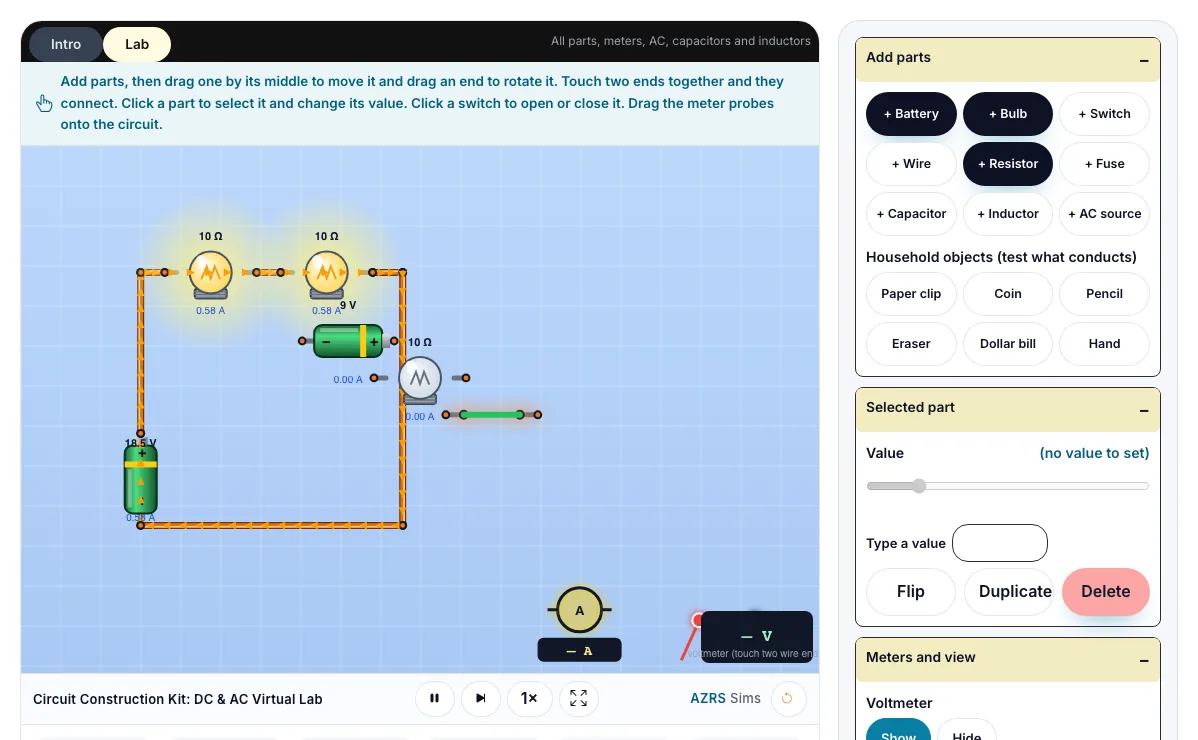
The Circuit Construction Kit: DC & AC Virtual Lab with sample data entered and the result showing.
What is the Circuit Construction Kit: DC & AC Virtual Lab?
Build real circuits with batteries, bulbs, resistors, fuses, switches, wires, capacitors, inductors and household objects, then measure them with a voltmeter and an ammeter. It runs in your browser, so a change to a setting or a drag on an object shows up at once.
Electricians and engineers test circuits in simulators like this before building real hardware. Fuses and breakers keep homes safe, and batteries with internal resistance explain why phones get warm.
3 steps to your result
Open the tool and follow along. Nothing to install.
What you get
Batteries push current around a complete loop.
In a series circuit the same current flows through every part.
In a parallel circuit the voltage is the same across each branch.
Load the Series preset and add a third bulb.
Load the Conductor test preset and try the paper clip, coin, pencil, eraser, dollar bill and hand.
Drag the ammeter ring onto different parts and compare its reading with the current shown in the graph.
Used for
Pick one to see how it fits.
Physics learners
Physics students in middle school, high school and first-year university, teachers who want a quick demonstration for the projector, and anyone revising for exams.
Try it freeTeachers
For teachers: project the Circuit Construction Kit: DC & AC Virtual Lab on the board, let students predict the result, then run it together and test this: Load the Conductor test preset and try the paper clip, coin, pencil, eraser, dollar bill and hand. For students: change one thing at a time and write down what changes.
Try it freeHow it compares
A plain look at this tool next to the usual alternative.
| This simulation | Textbook diagram | |
|---|---|---|
| Interactive | Drag, tap and change settings | Fixed picture |
| Install | Nothing to install | Not needed |
| Cost | Free to use | Depends on the book |
Questions people ask
What is the difference between series and parallel circuits?
In series there is one path and the current is shared; in parallel there are several paths and the voltage is shared.
Why does a bulb get dimmer when you add another bulb in series?
The total resistance goes up, so the current falls.
Which way does the current flow?
By convention current flows from the positive terminal to the negative terminal. The electrons that actually move go the other way. Use the Current switch to see both.
Why does a fuse blow?
A fuse is a thin wire that melts when the current is above its rating, breaking the circuit before wires overheat.
Can I see a circuit diagram?
Yes. Switch Parts look to Schematic to see the standard symbols used in textbooks.
More free tools
Related to the Circuit Construction Kit: DC & AC Virtual Lab.
Try the Circuit Construction Kit: DC & AC Virtual Lab now
Build real circuits with batteries, bulbs, resistors, fuses, switches, wires, capacitors. Free to use.
Try it free